



Repair
Repair Price: $ 444.00
Purchase
CSL Part Number: 68276
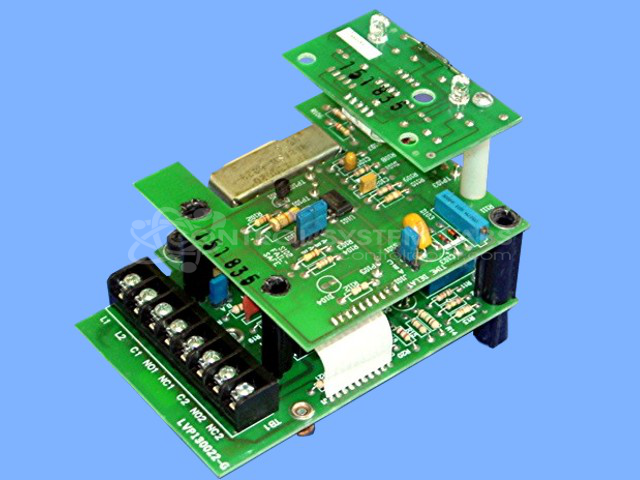
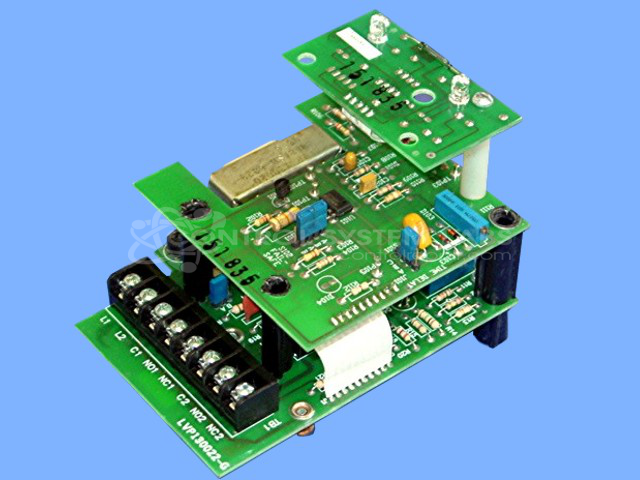
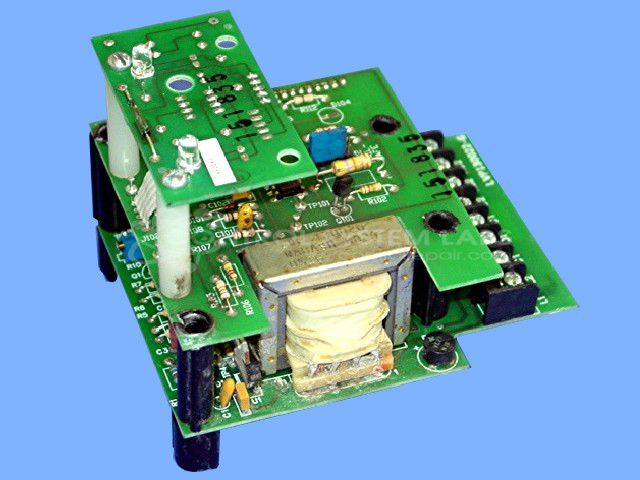
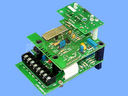
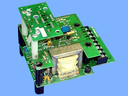
Product Overview: The Bindicator LP100 Level Control is a solid-state relay control board used in industrial material level sensing applications. It operates with a vibrating rod or fork sensor to detect the presence or absence of bulk solids in bins, silos, and hoppers. The board features a step-down transformer (110V to 28V and 230V), DPDT relay output for switching operations, and LED status indicators. Common in paper mills, grain handling, and material processing facilities, it provides high/low level switching control for process automation and equipment protection.
Category: Operator Interface
Manufacturer: Bindicator
Manufacturer Synonyms: Venture Measurement
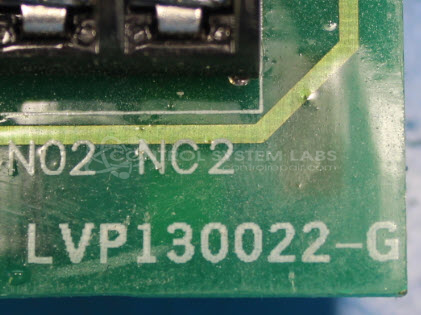
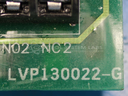
Manufacturer Part Number: LVP130022-G
Series: LP-100 Level Control
Also Known As(AKA): LVP-110000 (P/N)
Common Failures
Units submitted for repair have exhibited issues including failure to change states, displaying incorrect levels, intermittent operation, and loss of functionality. These issues may be related to components such as capacitors, relays, and transformers. Corroded traces and open circuits have also been observed during evaluation.
Repair Approach
Repairs typically involve replacing defective components, cleaning, and resoldering connections. In cases where components are unavailable, the unit may be determined to be Beyond Economic Repair. After component replacement and necessary circuit refurbishments, units undergo testing to verify function.
Testing & Quality
Repaired units are subjected to burn-in testing with loads to verify operational integrity. This includes energizing and de-energizing relays and checking electrical contacts. Units that pass functionality testing are returned to service.
Service and repair your broken Bindicator part
We can repair your Bindicator model LVP130022-G in our facility. Let our skilled technicians get your Bindicator back in operation quickly.
Step 1 - Click the green 'Repair Now' button above to add the part and then complete the RMA.
Step 2 - The RMA form will be sent to you via email. Print the RMA form and put it in a box with the item(s) for repair.
Step 3 - Ship or mail the box to the address listed on the RMA.
Once the user has seen at least one product this snippet will be visible.