



Repair
Repair Price: $ 588.00
Purchase
CSL Part Number: 18339
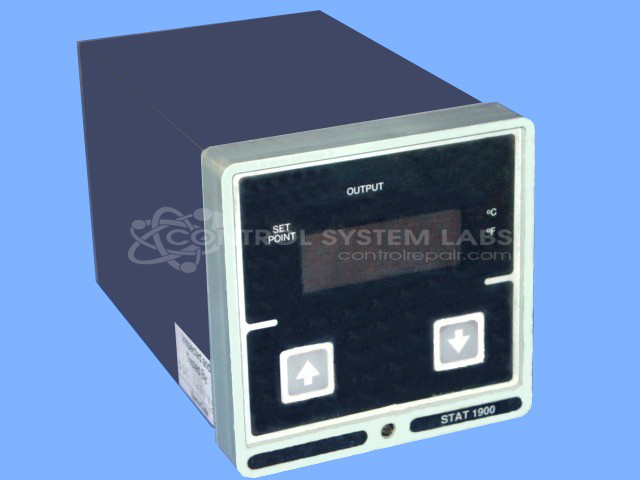
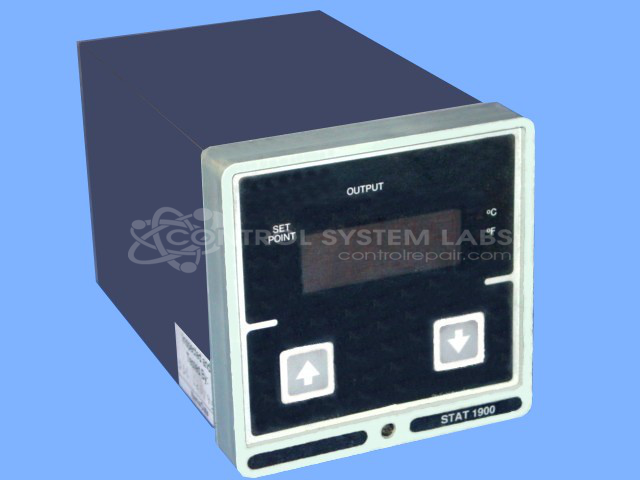
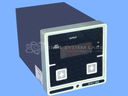
Product Overview: The Stat 1900 is a microprocessor-based temperature controller manufactured by Blue M Electric (originally Partlow) for industrial oven and furnace applications. It accepts thermocouple inputs (commonly J-type) and provides relay or DC outputs for heating or cooling control. The unit features digital display, programmable setpoints, and configurable temperature ranges typically from 0 to 1400°F or equivalent Celsius. Settings and calibration are maintained by a 3V lithium coin cell battery. Common configurations include single-output heating mode with optional program enable capability for ramping or soak cycles.
Category: Temperature Control
Manufacturer: Blue M Electric
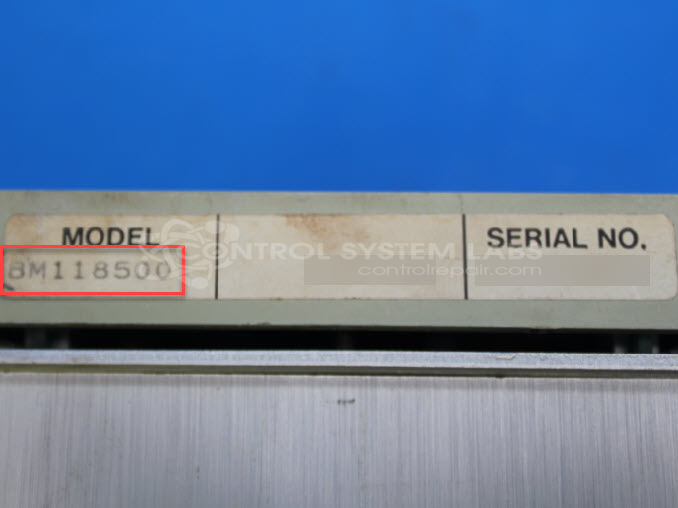
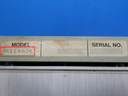
Manufacturer Part Number: BM118500
Series: Stat 1900 Temp Controller
Contact us for keypad replacement.
Common Failures
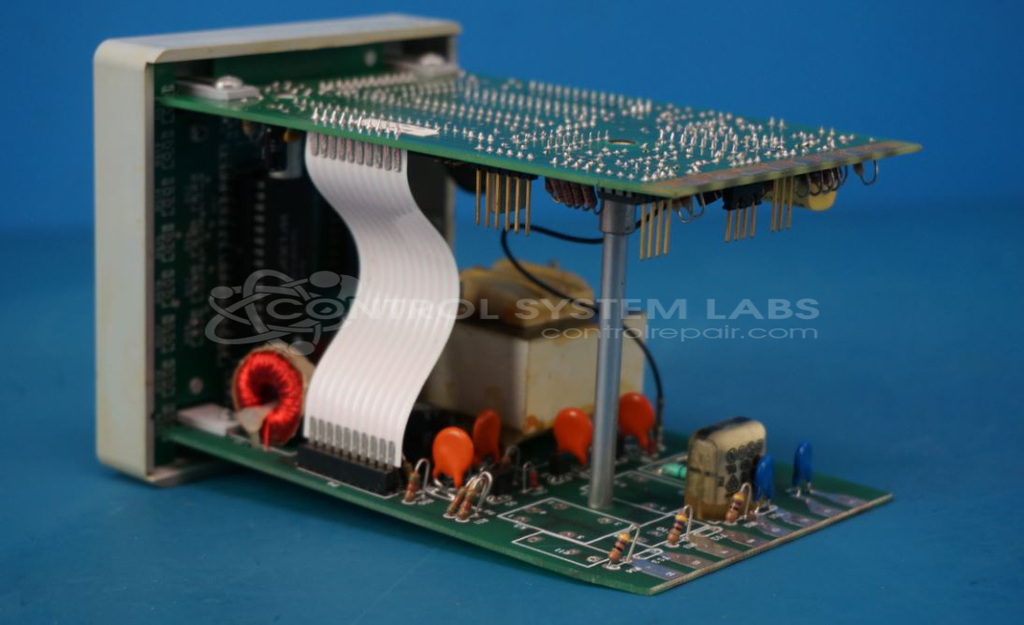
Frequent issues reported include inoperative buttons, display errors, calibration issues, and power-related problems due to capacitors and batteries. Corrosion and physical damage are also common problems affecting various components such as keypads, bezels, and hardware.
Repair Approach
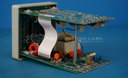
Repairs often involve replacing defective capacitors, batteries, and keypads. For units with corrosion or physical damage, cleaning and resoldering may be performed. Missing or damaged hardware is replaced as needed, and recalibration is typically required. In some cases, extensive work is needed to address obsolete components or damage.
Testing & Quality
Repaired units undergo diagnostic testing and burn-in tests. Devices are set to factory defaults or customer settings following component replacement and calibration. Units pass multiple levels of testing to verify proper operation before being returned.
Service and repair your broken Blue M Electric part
We can repair your Blue M Electric model BM118500 in our facility. Let our skilled technicians get your Blue M Electric back in operation quickly.
Step 1 - Click the green 'Repair Now' button above to add the part and then complete the RMA.
Step 2 - The RMA form will be sent to you via email. Print the RMA form and put it in a box with the item(s) for repair.
Step 3 - Ship or mail the box to the address listed on the RMA.
Once the user has seen at least one product this snippet will be visible.