


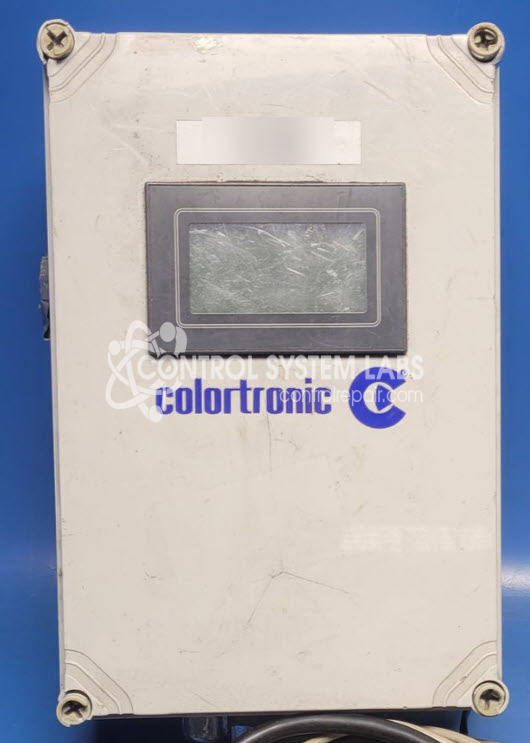
Colortronic Digital Doser Motor and Controller Digital Doser Control with Mixing Motor
Repair
Repair Price: $ 1,495.00
Purchase
CSL Part Number: 118692
Product Overview: The Colortronic Digital Doser Control with Mixing Motor is a dosing system controller used in plastic injection molding and extrusion applications to precisely meter and mix color concentrates or additives into virgin resin. It features an integrated motor drive module with encoder feedback, a Panasonic FP-X PLC for process control, and multiple I/O connections for external signals. The system controls a mixing motor that blends material at programmable dosing rates, ensuring consistent color and additive distribution in plastic manufacturing operations.
Category: AC Motor Controls
Manufacturer: Colortronic
Manufacturer Part Number: Digital Doser Motor and Controller
115 VAC power in to box with 90 VDC motor, please include cables and control box when sending in.
Common Failures
Common issues reported with the Colortronic Digital Doser, Model # 272160Q, include motor failure and encoder errors. These concerns may be related to wiring connections or internal component wear.
Repair Approach
Our repair process includes evaluation of the motor, drive module, and wiring connections. Typical repairs may involve capacitor replacement, correction of wiring discrepancies, and securing connections. Each unit is reviewed individually, and a quotation is provided before repair work begins.
Testing & Quality
Following repair, functional testing is conducted to verify operation. Additional cosmetic or mechanical repairs may be performed as needed to ensure the unit is securely assembled and operational.
Service and repair your broken Colortronic part
We can repair your Colortronic model Digital Doser Motor and Controller in our facility. Let our skilled technicians get your Colortronic back in operation quickly.
Step 1 - Click the green 'Repair Now' button above to add the part and then complete the RMA.
Step 2 - The RMA form will be sent to you via email. Print the RMA form and put it in a box with the item(s) for repair.
Step 3 - Ship or mail the box to the address listed on the RMA.
Once the user has seen at least one product this snippet will be visible.