



Repair
Repair Price: $ 1,896.00
Purchase
CSL Part Number: 32437
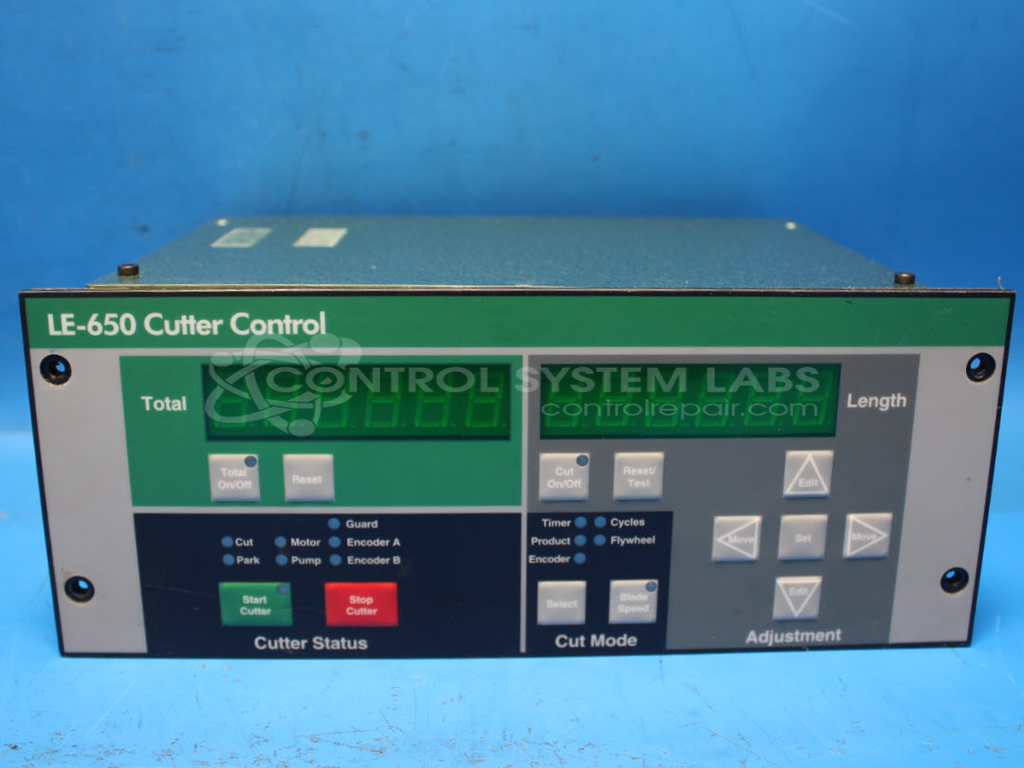
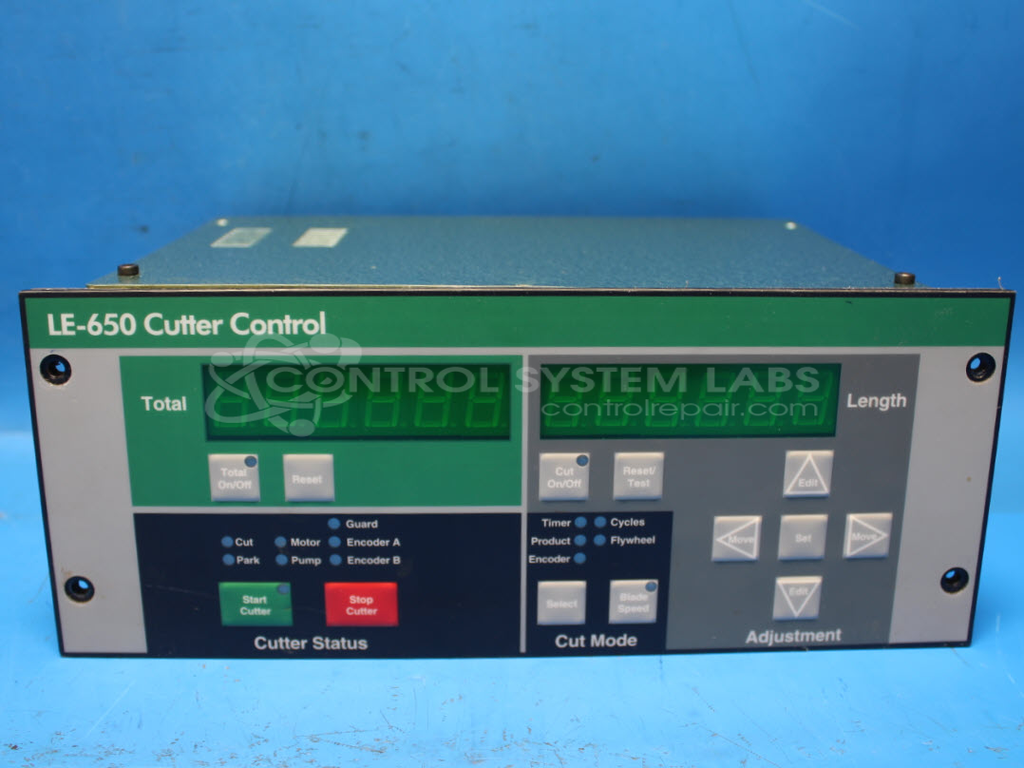
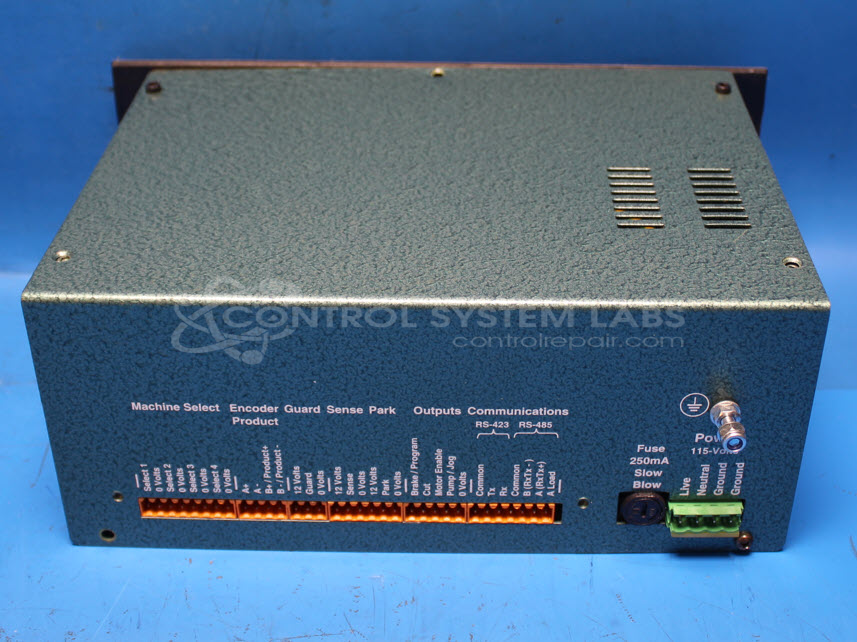
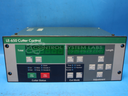
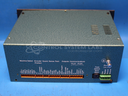
Product Overview: The Conair (also Lyons Electronics) LE650 is an operator interface control panel for industrial cutting machines, commonly used in paper processing and converting applications. It features a membrane keypad overlay for user input, digital display for showing cut length and totals, and supports multiple machine configurations (up to 6 selectable types). The unit includes battery-backed NVSRAM (M48Z02) for parameter storage, encoder input signal processing, and guard safety interlocks. It interfaces with cutting equipment via machine select optocouplers and control circuits to manage automated cutting operations based on programmed setpoints.
Category: Machine Control
Manufacturer: Conair
Manufacturer Synonyms: IPEG, Franklin
Alternate Manufacturer Names: LYONS ELECTRONICS
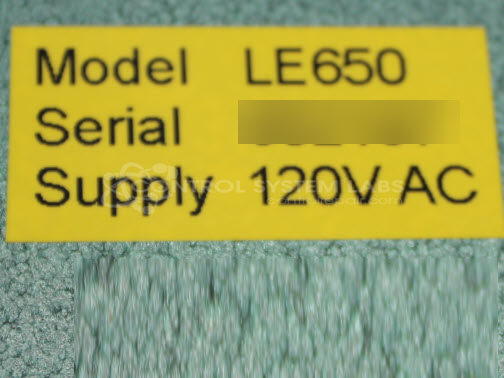
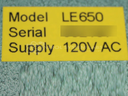
Manufacturer Part Number: LE650
Series: LE650 Cutting Machine
Other Synonyms: LYONS ELECTRONICS
Common Failures
The unit may experience issues with displaying incorrect data or the buttons becoming non-responsive. Display issues can be caused by defective RAM chips, while unresponsive buttons can result from faulty membrane keypad overlays or cold solder joints affecting machine selection.
Repair Approach
For display issues, defective RAM chips are identified and replaced as needed. For button responsiveness issues, membrane keypad overlays are replaced and defective solder joints are repaired. During repairs, damaged components such as connectors are replaced as needed.
Testing & Quality
Post-repair, units undergo testing including input functionality and burn-in tests with load to verify operation. Upon successful completion of testing, buttons are fully functional, machine selection operates correctly, and safety features and signal indicators function properly.
Service and repair your broken Conair part
We can repair your Conair model LE650 in our facility. Let our skilled technicians get your Conair back in operation quickly.
Step 1 - Click the green 'Repair Now' button above to add the part and then complete the RMA.
Step 2 - The RMA form will be sent to you via email. Print the RMA form and put it in a box with the item(s) for repair.
Step 3 - Ship or mail the box to the address listed on the RMA.
Once the user has seen at least one product this snippet will be visible.