



Repair
Repair Price: $ 3,248.00
Purchase
CSL Part Number: 58052
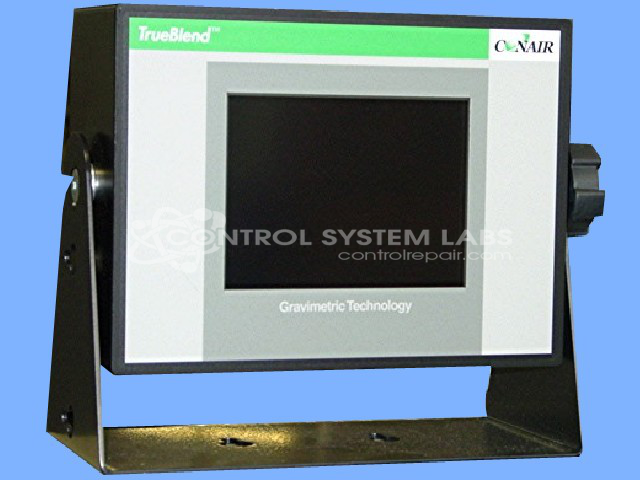
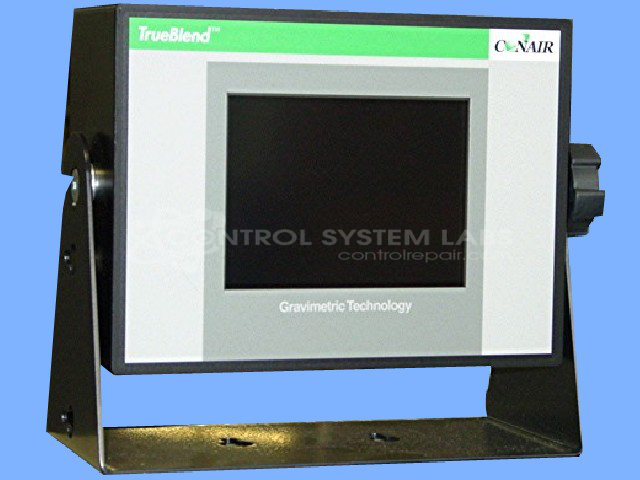
Product Overview: A control assembly with a 5.7 inch touchscreen interface used in gravimetric blenders for plastics processing. It manages material weighing, blending ratios, and scale calibration, communicating with a PLC via Ethernet, serial, and CAN interfaces.
Category: Control Assembly
Manufacturer: Conair
Manufacturer Synonyms: IPEG, Franklin
Manufacturer Part Number: TB 250-9
Series: TrueBlend Gravimetric Blender
Brand: TrueBlend
Also Known As(AKA): TB250-9
Send in your unit for a quote for touchscreen or LCD repair.
Common Failures
Common issues reported include difficulties with calibration and control problems such as display brightness or contrast settings and missing hardware components. Some units are received without a specific problem description from the customer.
Repair Approach
Repairs typically involve adjusting and testing control settings, replacing missing or failed components, re-soldering connections, and updating software to factory settings. Electronics are inspected and serviced as needed, which may include replacement of electrolytic capacitors and verification of operational integrity through software updates.
Testing & Quality
After repairs, units undergo functionality checks for display, touchscreen, communication ports, and controller compatibility. Calibration procedures are verified, and units are bench-tested to confirm proper operation before return. When factory resets are performed, customers may receive updated settings or instructions as needed.
Service and repair your broken Conair part
We can repair your Conair model TB 250-9 in our facility. Let our skilled technicians get your Conair back in operation quickly.
Step 1 - Click the green 'Repair Now' button above to add the part and then complete the RMA.
Step 2 - The RMA form will be sent to you via email. Print the RMA form and put it in a box with the item(s) for repair.
Step 3 - Ship or mail the box to the address listed on the RMA.
Once the user has seen at least one product this snippet will be visible.