



Repair
Repair Price: $ 2,824.00
Purchase
CSL Part Number: 82710
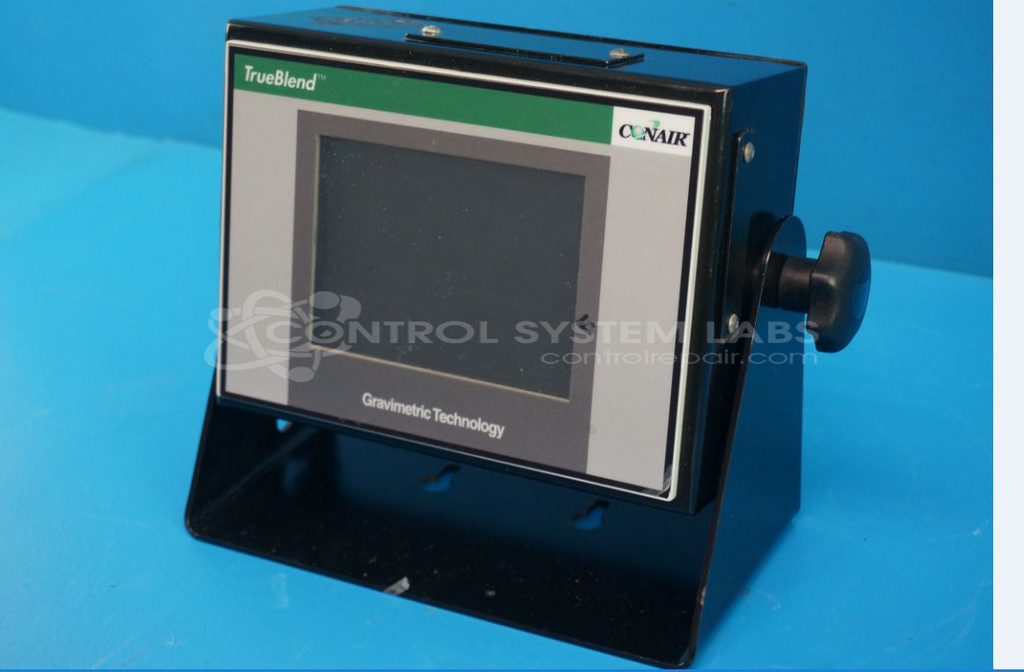
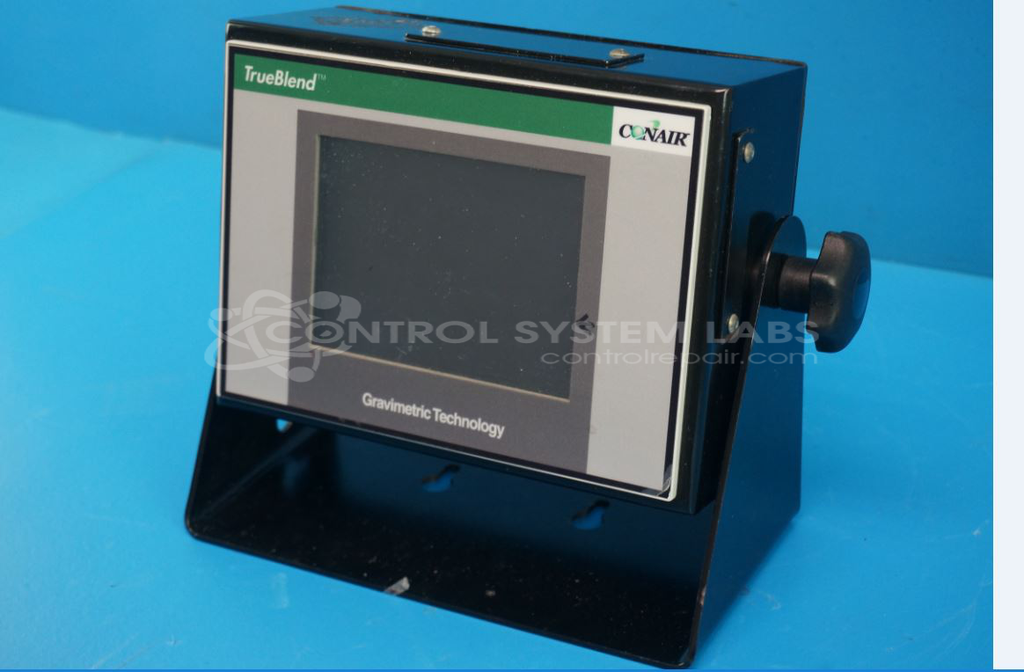
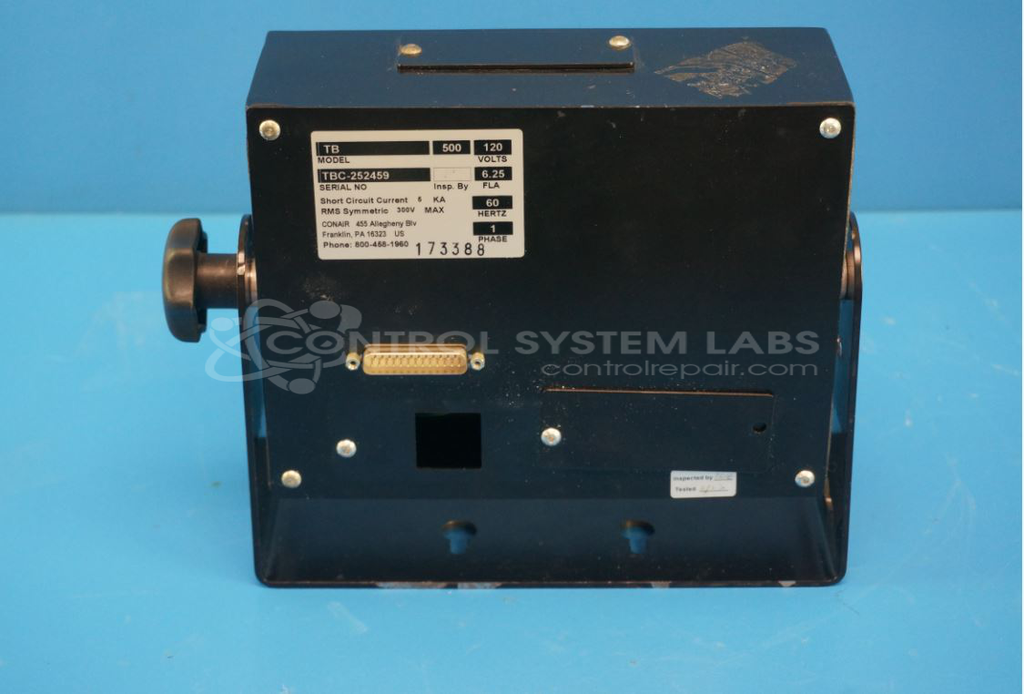
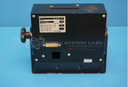
Product Overview: The TrueBlend TB 500 is a 5.7-inch touchscreen control assembly used in Conair's TrueBlend gravimetric blender series for plastics processing. It provides the operator interface for monitoring and controlling precise material blending ratios by weight in injection molding and extrusion applications. The unit integrates display, touchscreen input, and processing electronics in a sealed enclosure designed for industrial environments.
Category: Control Assembly
Manufacturer: Conair
Manufacturer Synonyms: IPEG, Franklin
Manufacturer Part Number: TB 500
Series: TrueBlend Gravimetric Blender
Brand: TrueBlend
Send in your unit for a quote for touchscreen or LCD repair.
Common Failures
Common issues reported with this device include failure to complete the boot sequence or becoming unresponsive during startup. When these conditions occur, the unit may be inoperable.
Repair Approach
Our evaluation process includes inspection of internal components and replacement of failed parts when applicable. In some cases, the root cause may involve circuit-level faults or firmware corruption that cannot be economically repaired.
Testing & Quality
Units are tested against operational standards during evaluation. If a unit cannot be restored to serviceable condition, it may be classified as Beyond Economic Repair and returned without repair.
Service and repair your broken Conair part
We can repair your Conair model TB 500 in our facility. Let our skilled technicians get your Conair back in operation quickly.
Step 1 - Click the green 'Repair Now' button above to add the part and then complete the RMA.
Step 2 - The RMA form will be sent to you via email. Print the RMA form and put it in a box with the item(s) for repair.
Step 3 - Ship or mail the box to the address listed on the RMA.
Once the user has seen at least one product this snippet will be visible.