



Repair
Repair Price: $ 856.00
Purchase
CSL Part Number: 86881
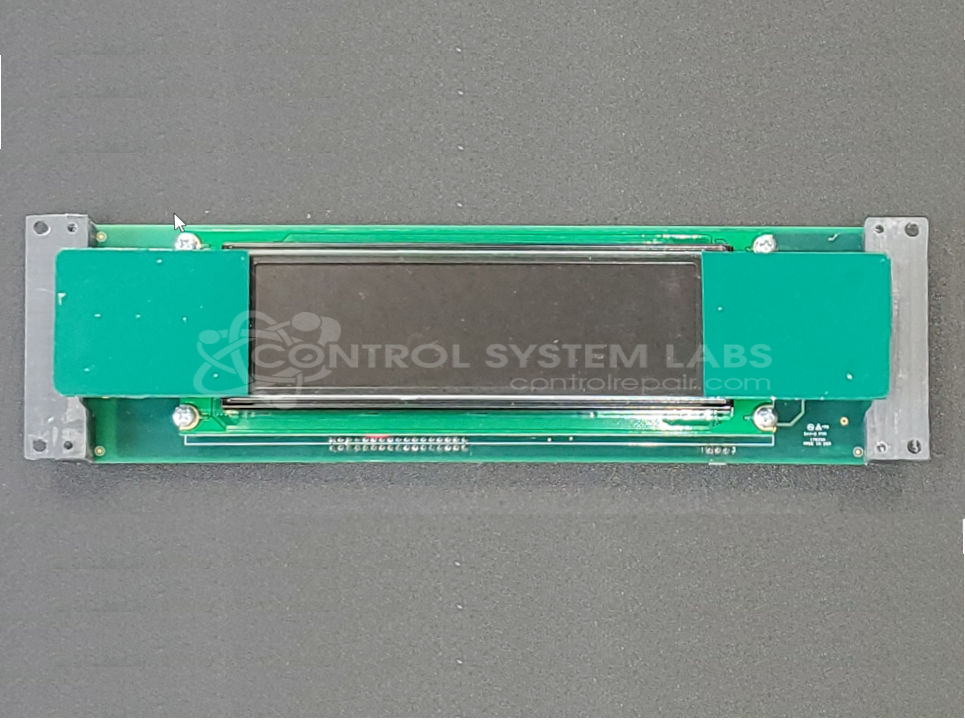
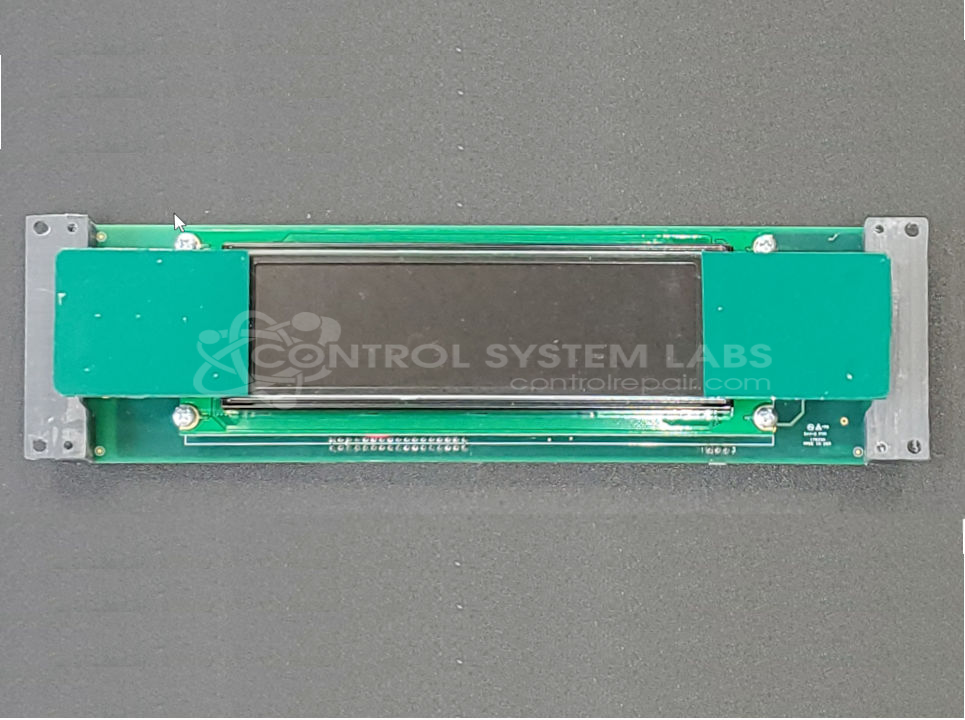
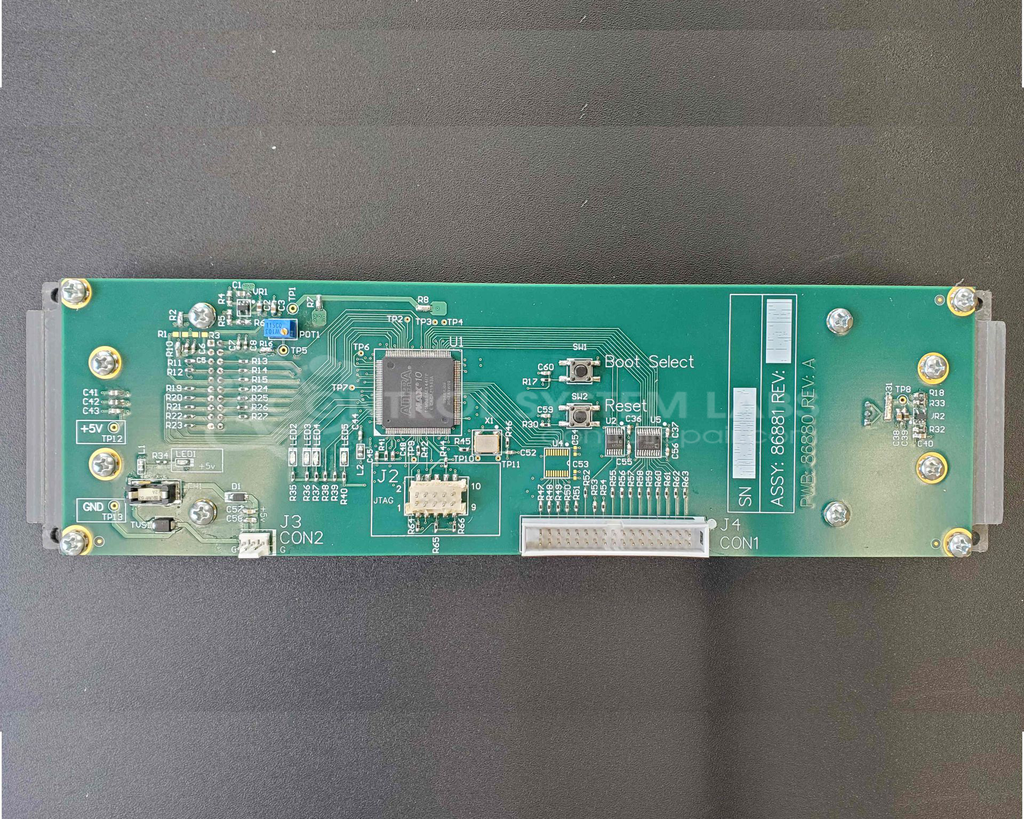
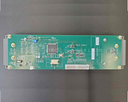
Product Overview: This is a CSL-manufactured drop-in replacement for Futaba M202MD01BA and M202LD06BA LCD displays. It features a 2-line by 20-character alphanumeric display format commonly used in industrial control panels, operator interfaces, and embedded systems requiring basic text output. The replacement assembly is 0.5 inches thicker than the original Futaba units, which may affect fitment in space-constrained applications. It functions as a character-based visual interface for displaying system status, parameters, and operational data in various industrial equipment.
Category: Display
Manufacturer: Control System Labs
Manufacturer Synonyms: CSL
Alternate Manufacturer Names: Futaba
Manufacturer Part Number: 86881Rev:01
Also Known As(AKA): M202MD01BA, M202LD06BA
Other Synonyms: Futaba
This is a brand new, drop in replacement for the Futaba M202MD01BA and M202LD06BA displays. NOTE: this display is .5" thicker than the old Futaba display, so it may not fit in all applications. Please contact us for more details.
Common Failures
Common issues reported for this product include screen flickering upon power on, a display showing incorrect characters, and no display at all. Customers have also reported intermittent operation or output detection issues.
Repair Approach
Repairs may involve replacing the LCD display assembly or related components. During evaluation, technicians address issues such as loose hardware and environmental contamination that can affect performance. Display settings such as contrast may be adjusted as needed.
Testing & Quality
Units are evaluated and tested to verify functionality. Testing includes inspection of hardware components and validation of display operation. All repairs are performed by trained personnel following CSL quality standards.
Service and repair your broken Control System Labs part
We can repair your Control System Labs model 86881Rev:01 in our facility. Let our skilled technicians get your Control System Labs back in operation quickly.
Step 1 - Click the green 'Repair Now' button above to add the part and then complete the RMA.
Step 2 - The RMA form will be sent to you via email. Print the RMA form and put it in a box with the item(s) for repair.
Step 3 - Ship or mail the box to the address listed on the RMA.
Once the user has seen at least one product this snippet will be visible.