



Repair
Repair Price: $ 3,896.00
Purchase
CSL Part Number: 39723
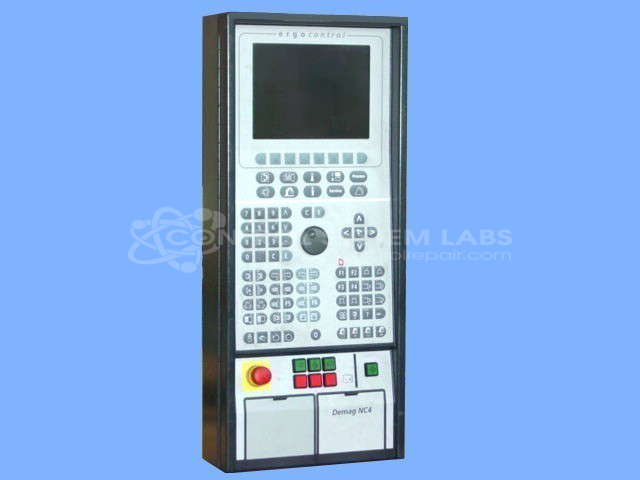
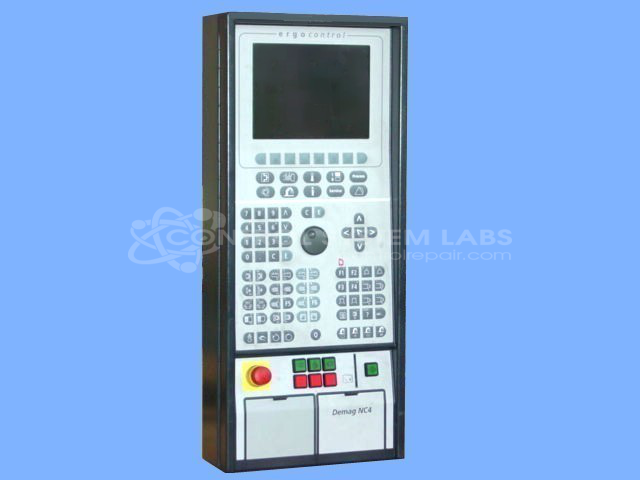
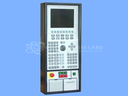
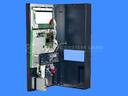
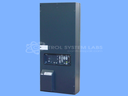
Product Overview: The NC4-Ergo I-Bed Control Panel Assembly is an operator interface panel manufactured by Demag for NC4-controlled plastic injection molding machines. It provides manual control and monitoring functions through tactile push-button switches with integrated LED indicators. This panel allows operators to control machine cycles, pump operations, and other injection molding functions. It mounts directly to the machine bed and is commonly found in Van Dorn Demag injection molding equipment. The assembly features weatherproof switch construction suitable for production floor environments.
Category: Operator / Monitor Workstation
Manufacturer: Demag
Alternate Manufacturer Names: VAN DORN DEMAG
Manufacturer Part Number: 71820165
Series: NC4 Controller
Other Synonyms: VAN DORN DEMAG
Limited repairs available/ Send in for evaluation. Include known problem.
Common Failures
This product commonly experiences responsiveness issues with the red and green square buttons, particularly affecting the pump button. The primary cause of these issues is corrosion and the accumulation of dust on the button contacts, impairing their functionality.
Repair Approach
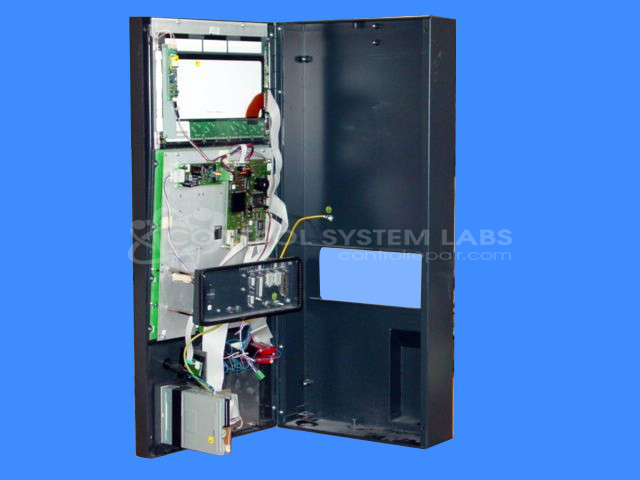
Repairs typically involve cleaning the button contacts to remove corrosion and dust, which often restores functionality. In addition, broken mounting points may be secured using epoxy, and physical damage to the unit may be repaired to help ensure structural integrity.
Testing & Quality
After repairs, products undergo thorough testing, including extended burn-in tests, to verify that the issues have been resolved and the unit functions correctly. This rigorous testing supports high-quality repair standards and reliable performance post-service.
Service and repair your broken Demag part
We can repair your Demag model 71820165 in our facility. Let our skilled technicians get your Demag back in operation quickly.
Step 1 - Click the green 'Repair Now' button above to add the part and then complete the RMA.
Step 2 - The RMA form will be sent to you via email. Print the RMA form and put it in a box with the item(s) for repair.
Step 3 - Ship or mail the box to the address listed on the RMA.
Once the user has seen at least one product this snippet will be visible.