



Repair
Repair Price: $ 3,896.00
Purchase
CSL Part Number: 73315
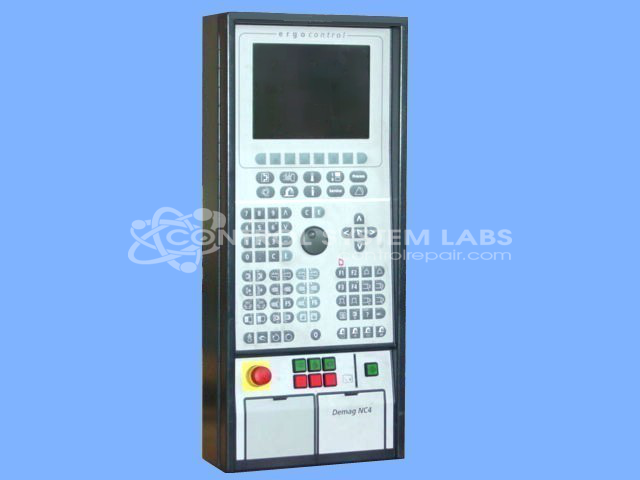
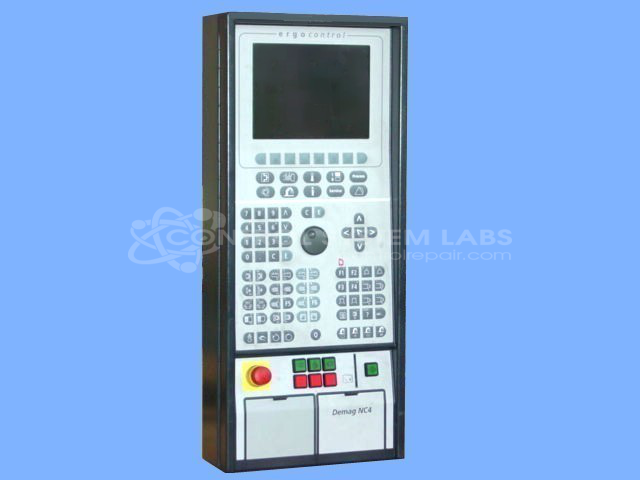
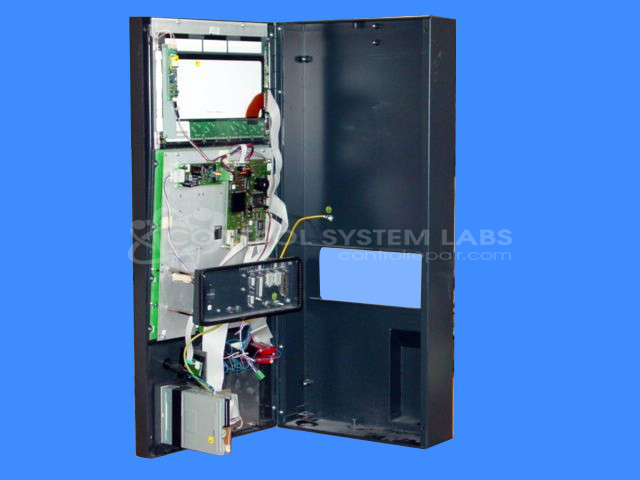
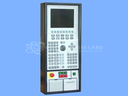
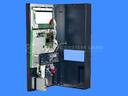
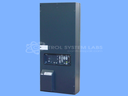
Product Overview: The Demag NC4 (Ergo I-Bed Control Panel Assembly) is an operator interface workstation used in industrial control applications, particularly in paper processing equipment. It features an integrated LCD display driven by a VGA controller, floppy disk drive for program loading, keypad interface, and battery-backed operation. The panel uses a 5V power supply with supervisory reset circuitry and includes communication capabilities for system integration. Common in Van Dorn/Demag machinery, it serves as the primary human-machine interface for monitoring and controlling automated processes.
Category: Operator / Monitor Workstation
Manufacturer: Demag
Alternate Manufacturer Names: VAN DORN/DEMAG
Manufacturer Part Number: NC4
Series: NC4 Controller
Other Synonyms: VAN DORN/DEMAG
Limited repairs available/ Send in for evaluation. Include known problem.
Common Failures
This product may experience issues related to the display, particularly with the LCD screen showing incorrect colors or patterns. Observed symptoms have included the screen lighting up but displaying only mixed colors. These issues can be related to the VGA controller or associated components.
Repair Approach
We evaluate each unit to identify defective components. Repairs may involve replacing components such as the supervisor chip or verifying proper cable connections to the LCD to address display issues such as vertical colored lines. Each repair is based on the specific findings from our evaluation.
Testing & Quality
Diagnostic testing and visual inspections are conducted throughout the repair process. Final testing typically includes a display test, a floppy drive check, and a limited keypad test to verify product functionality. The unit undergoes a burn-in test to confirm performance stability.
Service and repair your broken Demag part
We can repair your Demag model NC4 in our facility. Let our skilled technicians get your Demag back in operation quickly.
Step 1 - Click the green 'Repair Now' button above to add the part and then complete the RMA.
Step 2 - The RMA form will be sent to you via email. Print the RMA form and put it in a box with the item(s) for repair.
Step 3 - Ship or mail the box to the address listed on the RMA.
Once the user has seen at least one product this snippet will be visible.