



Repair
Call for price
Purchase
CSL Part Number: 85120
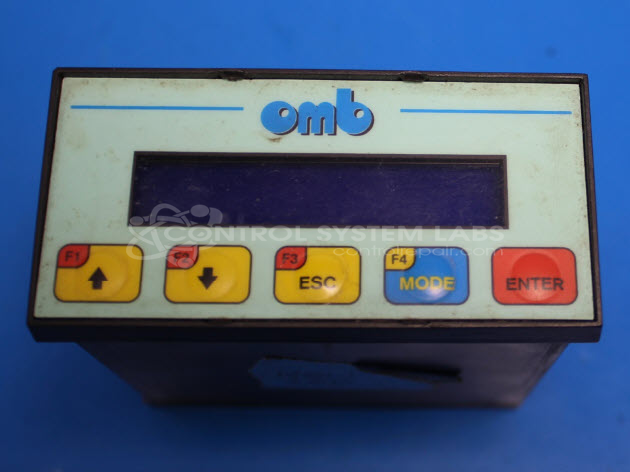
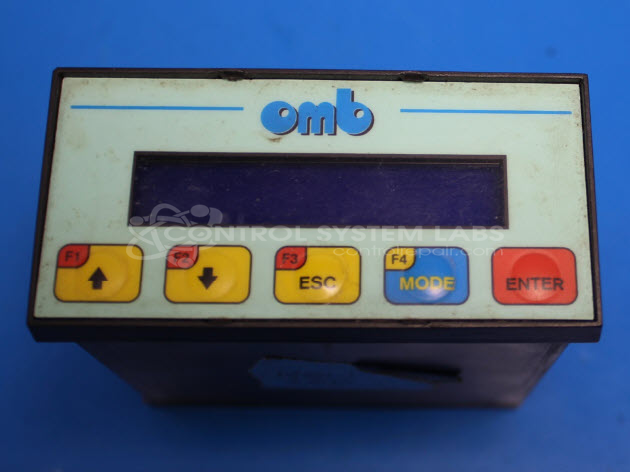
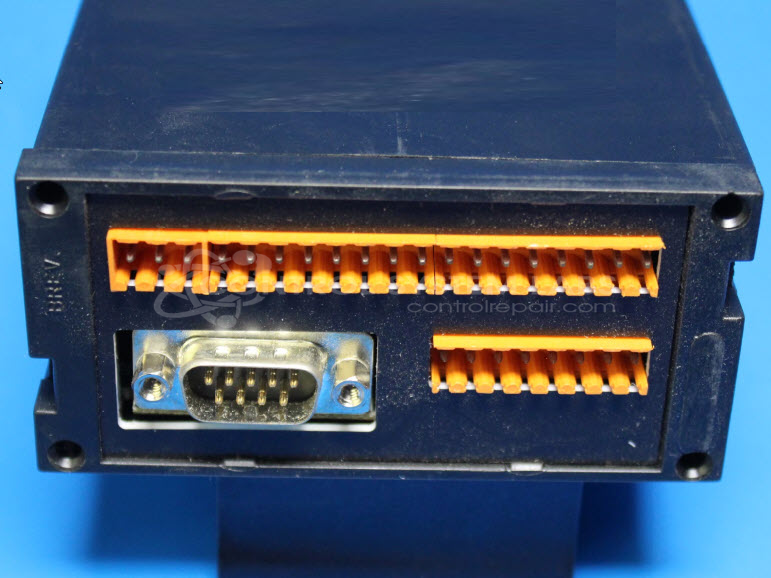
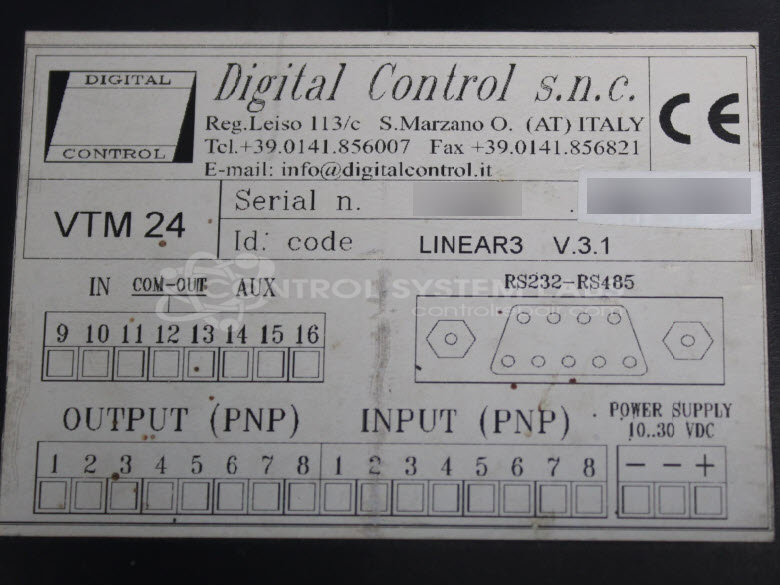
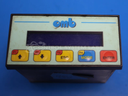
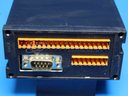
Product Overview: The Linear 3 Digital Control (VTM 24) is a control terminal manufactured by Digital Control of Italy, designed to operate adhesive label dispensing machines. It manages machine startup sequences, operational settings, and coordinates the label or capsule application process. This operator interface panel provides digital control functions for automated labeling equipment used in packaging lines. The unit integrates microprocessor-based logic with user interface buttons for configuring dispensing parameters and initiating machine cycles.
Category: Operator & Control Panels
Manufacturer: Digital Control - Italy
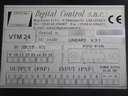
Manufacturer Part Number: VTM 24
Control terminal for adhesive label dispenser
Common Failures
Customers have reported that the labeling machine control powers up and allows navigation through settings, but fails to start when the start button is pressed. Additionally, the capsuler portion of the machine does not perform its usual test cycle upon powering up. These issues may indicate a problem with the machine's controller.
Repair Approach
Repairs may address defective solder joints, particularly cold joints, by re-soldering connections on connectors and transistors. Preventative measures may include replacing certain capacitors to improve reliability and mechanical integrity of the unit. If a cracked casing is found, it may be secured with RTV unless a replacement is requested by the customer.
Testing & Quality
Repaired units undergo diagnostic testing, focusing on component-level assessments to verify repair work. Warranty coverage is subject to CSL warranty policy and is limited to the components that have been replaced or repaired during the repair process.
Service and repair your broken Digital Control - Italy part
We can repair your Digital Control - Italy model VTM 24 in our facility. Let our skilled technicians get your Digital Control - Italy back in operation quickly.
Step 1 - Click the green 'Repair Now' button above to add the part and then complete the RMA.
Step 2 - The RMA form will be sent to you via email. Print the RMA form and put it in a box with the item(s) for repair.
Step 3 - Ship or mail the box to the address listed on the RMA.
Once the user has seen at least one product this snippet will be visible.