



Repair
Repair Price: $ 2,312.00
Purchase
CSL Part Number: 37498
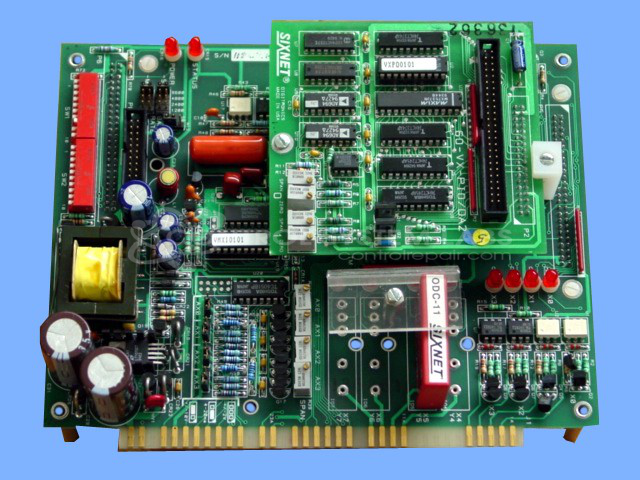
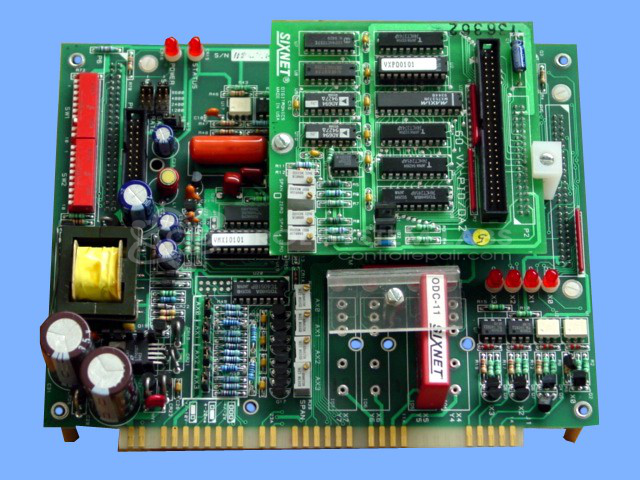
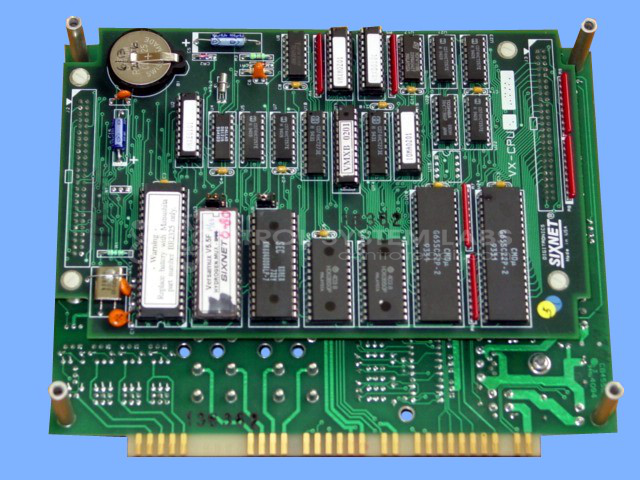
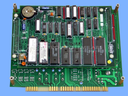
Product Overview: The Versamux RTU Main Board with CPU and I/O Board is a remote terminal unit control assembly manufactured by Digitronics-Sixnet. This system combines three circuit boards: the VX-MB1 main board, VX-CPU processor module, and 60-VX-PI input/output board. It functions as a data acquisition and control platform in industrial automation applications, commonly found in paper mills and process control environments. The unit features an onboard battery-backed memory, keypad interface, display capability, and modular I/O configuration. The power supply section includes rectifier diodes and electrolytic capacitors that provide regulated DC power to the CPU and I/O circuits.
Category: Control Panel
Manufacturer: Digitronics-Sixnet
Manufacturer Part Number: VX-MB1 W/VX-CPU & 60-VX-PI
Also Known As(AKA): SIXNET/ 3 BOARDS
Include Display/keypad with terminal block and cables & repair problem.
Common Failures
Common reported issues include blank screen conditions and power circuit failures. Typical damage observed during evaluation includes failed diodes and capacitors in the power supply section, as well as damage to the main board.
Repair Approach
Our repair approach includes component replacement as needed based on evaluation findings. All replacement parts are selected to match original specifications for capacitance, voltage rating, and physical dimensions.
Testing & Quality
Once the unit is received and reviewed, we can provide a quotation before any repair work begins. For best results, we recommend sending the keypad and display units together with the main unit, as this allows for more complete evaluation and testing.
Service and repair your broken Digitronics-Sixnet part
We can repair your Digitronics-Sixnet model VX-MB1 W/VX-CPU & 60-VX-PI in our facility. Let our skilled technicians get your Digitronics-Sixnet back in operation quickly.
Step 1 - Click the green 'Repair Now' button above to add the part and then complete the RMA.
Step 2 - The RMA form will be sent to you via email. Print the RMA form and put it in a box with the item(s) for repair.
Step 3 - Ship or mail the box to the address listed on the RMA.
Once the user has seen at least one product this snippet will be visible.