



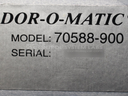
Repair
Repair Price: $ 816.00
Purchase
CSL Part Number: 88114
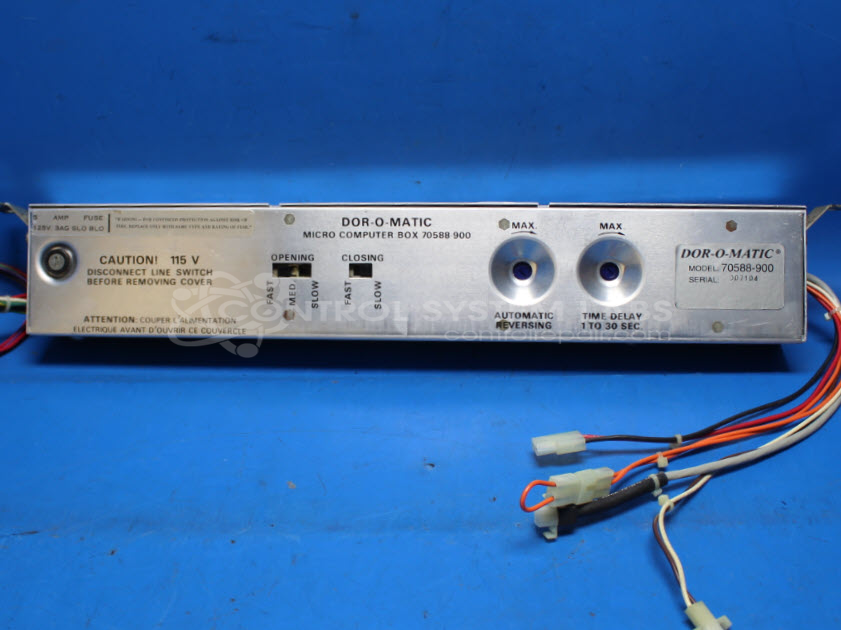
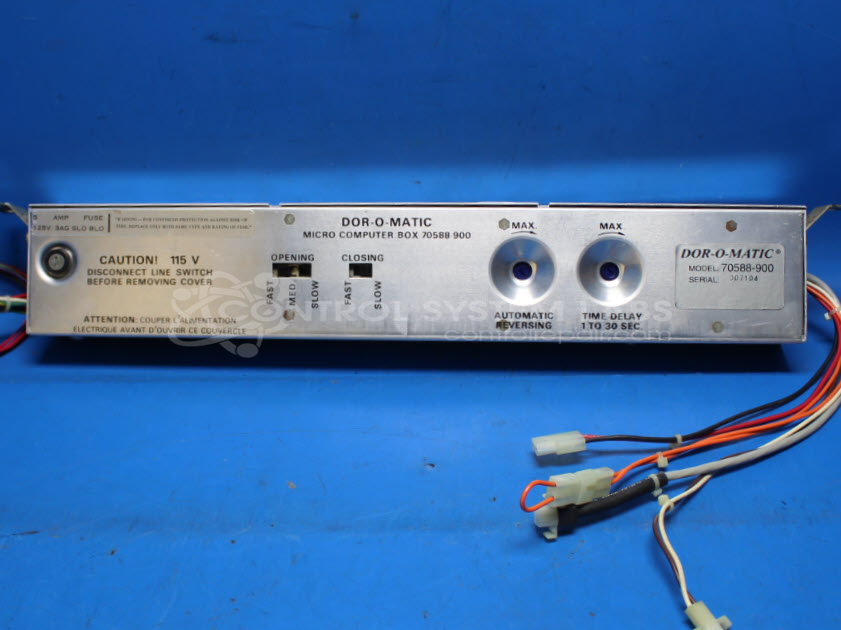
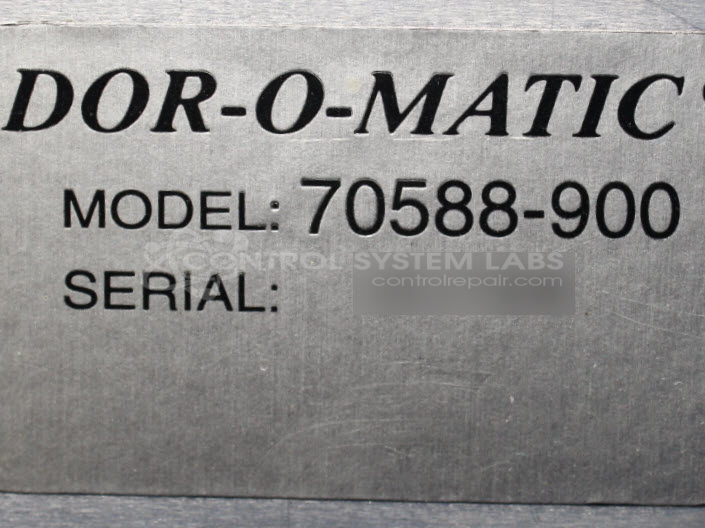
Product Overview: The Dor-O-Matic 70588-900 Micro Computer Box is a control assembly for Astro automatic slide door opener systems. It provides motor control, sensor interface, and relay switching to manage door opening and closing cycles. This unit regulates power delivery to the door motor and processes inputs from safety sensors and activation switches. It is commonly found in commercial building entrances, retail stores, and healthcare facilities where automatic sliding doors are installed. The board contains a power supply section with transformer, multiple electrolytic filter capacitors, relay outputs, and slide switches for configuration or speed adjustment.
Category: Control Assembly
Manufacturer: Dor-O-Matic
Manufacturer Synonyms: Ingersol Rand IR
Manufacturer Part Number: 70588-900
Common Failures
Customers frequently report that the product is not responding, not working, or unable to connect and read the sensor. These issues are often traced back to defective fuse holders, slide switches, and various electrolytic capacitors.
Repair Approach
Repairs typically involve replacing defective aluminum electrolytic capacitors and fuse holders, as well as performing preventative replacements of capacitors. Slide switches that appear open in the circuit are cleaned, tested, and treated with DeoxIT before reinstallation. Additionally, solder joints are inspected, and any compromised connections are re-soldered.
Testing & Quality
Repaired units undergo various levels of testing, including basic power-up tests, burn-in tests without load, and final inspections. These tests confirm proper relay activity and voltage output.
Service and repair your broken Dor-O-Matic part
We can repair your Dor-O-Matic model 70588-900 in our facility. Let our skilled technicians get your Dor-O-Matic back in operation quickly.
Step 1 - Click the green 'Repair Now' button above to add the part and then complete the RMA.
Step 2 - The RMA form will be sent to you via email. Print the RMA form and put it in a box with the item(s) for repair.
Step 3 - Ship or mail the box to the address listed on the RMA.
Once the user has seen at least one product this snippet will be visible.