



Repair
Call for price
Purchase
CSL Part Number: 105085
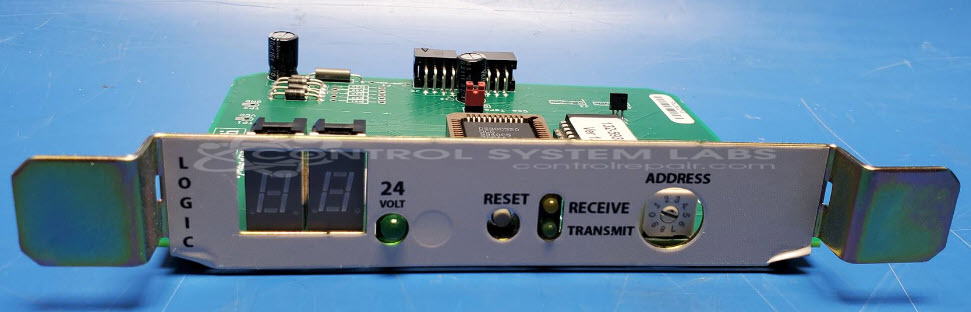
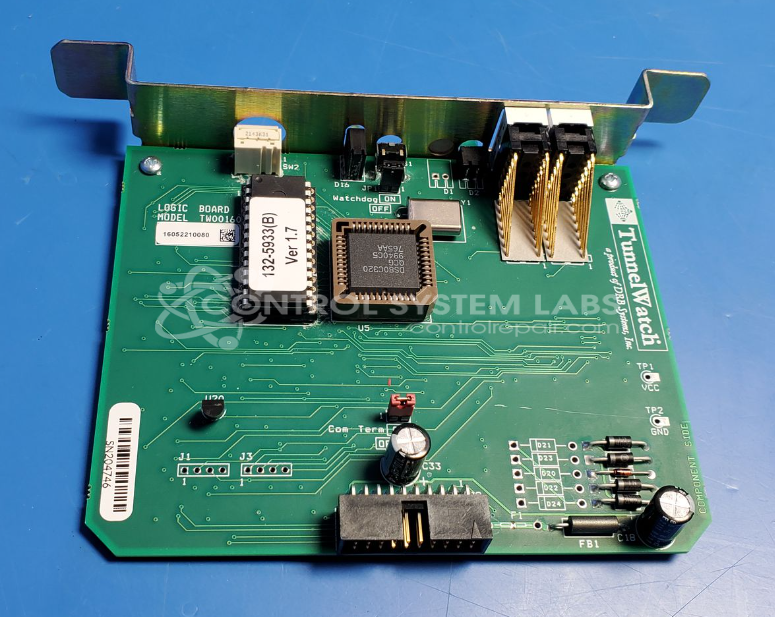
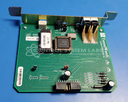
Product Overview: The DRB Systems TW00160 Logic Board is a microprocessor-based control board designed for the TunnelWatch car wash control system. It operates on 5VDC power with 24VAC input capability and features onboard RAM, LED version display, address latching circuitry, and a reset circuit. The board manages car wash sequencing and equipment control functions within DRB TunnelWatch installations. It includes a crystal oscillator circuit and various electrolytic capacitors supporting the microcontroller operation.
Category: Control Board
Manufacturer: DRB Systems
Manufacturer Synonyms: DRB Solutions Vontier
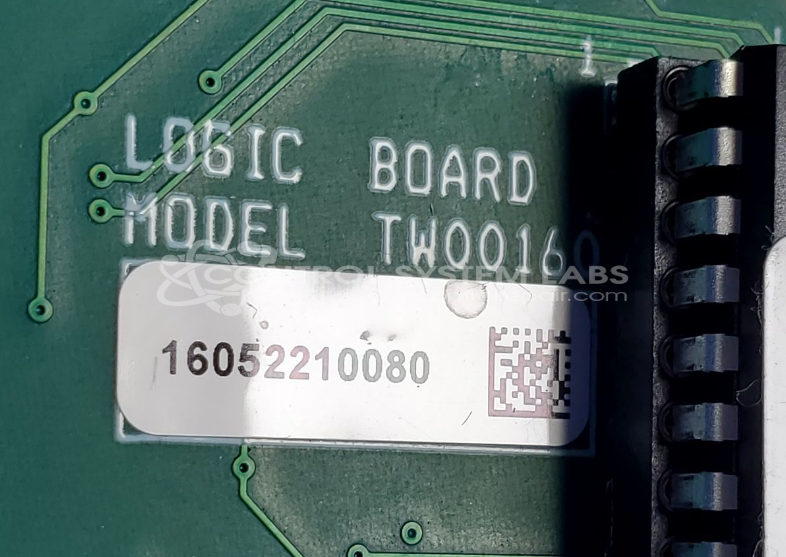
Manufacturer Part Number: TW00160
Series: TunnelWatch Car Wash
Common Failures
This product commonly experiences issues related to power management and display functionality. Symptoms may include LEDs lighting up to show version numbers before the unit reduces current draw and LEDs turn off. These symptoms can indicate potential issues with the power supply or RAM circuits within the unit.
Repair Approach
Our evaluation process includes diagnostic testing of power inputs and circuit functionality, with checks of DC and VAC power indicators, reset circuits, and microprocessor activity. Depending on findings, capacitors or other components may require replacement. We will provide a quotation before proceeding with any repair work.
Testing & Quality
The unit undergoes comprehensive testing to ensure functionality, including checks of power inputs, reset circuits, and indicator operation. Testing confirms proper operation of key circuits under our standard evaluation procedures.
Service and repair your broken DRB Systems part
We can repair your DRB Systems model TW00160 in our facility. Let our skilled technicians get your DRB Systems back in operation quickly.
Step 1 - Click the green 'Repair Now' button above to add the part and then complete the RMA.
Step 2 - The RMA form will be sent to you via email. Print the RMA form and put it in a box with the item(s) for repair.
Step 3 - Ship or mail the box to the address listed on the RMA.
Once the user has seen at least one product this snippet will be visible.