



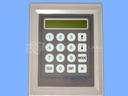
Repair
Repair Price: $ 604.00
Purchase
CSL Part Number: 35003
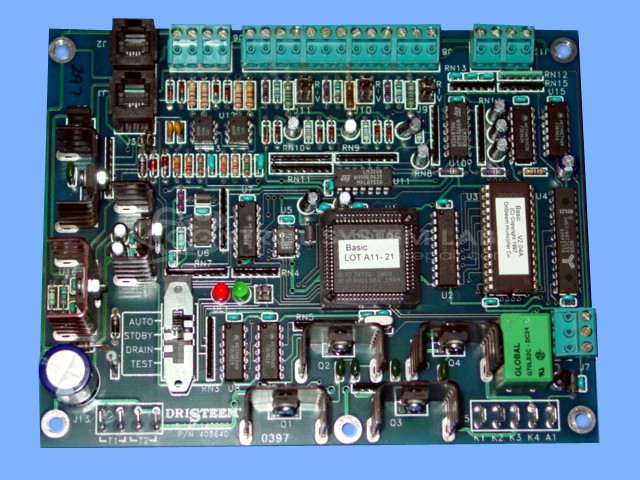
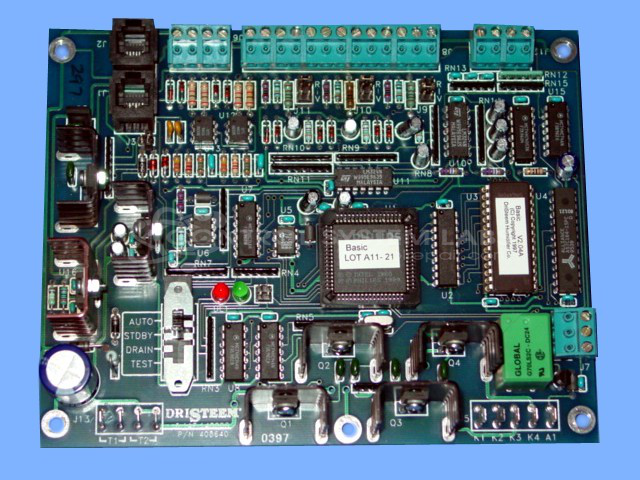
Product Overview: This is a microprocessor-based control board that regulates commercial and industrial humidification systems. It manages humidity setpoints, monitors sensor inputs (potentiometer and 4-20mA signals), and controls humidifier operation through relay outputs. Commonly used in HVAC applications for manufacturing facilities, cleanrooms, hospitals, and commercial buildings requiring precise humidity control. The board operates on 24VAC input power and features LED status indicators for diagnostics. It interfaces with external displays for user programming and monitoring.
Category: Control Board
Manufacturer: Dristeem
Manufacturer Part Number: 408640
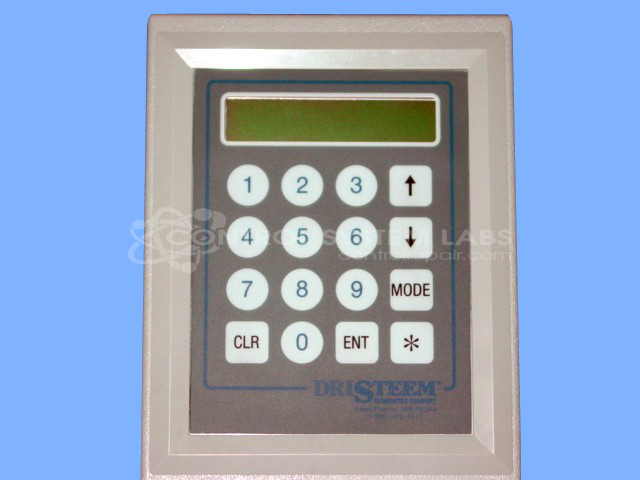
Keypad should be sent with card for this repair.
Common Failures
This product may exhibit issues including LED indicator patterns that suggest power-related concerns. Evaluation is required to determine the specific cause and whether repair is feasible.
Repair Approach
Our technicians evaluate the unit to identify the root cause of the reported issue. Once evaluation is complete, we provide a quotation before any repair work begins. Repairs may include component-level diagnostics and correction of identified faults.
Testing & Quality
Testing procedures are performed based on the specific repair and available test equipment. In some cases, full functional testing may require additional equipment or customer-provided accessories. We will inform you of any testing limitations during the evaluation process.
Service and repair your broken Dristeem part
We can repair your Dristeem model 408640 in our facility. Let our skilled technicians get your Dristeem back in operation quickly.
Step 1 - Click the green 'Repair Now' button above to add the part and then complete the RMA.
Step 2 - The RMA form will be sent to you via email. Print the RMA form and put it in a box with the item(s) for repair.
Step 3 - Ship or mail the box to the address listed on the RMA.
Once the user has seen at least one product this snippet will be visible.