



Repair
Repair Price: $ 1,432.00
Purchase
CSL Part Number: 23251
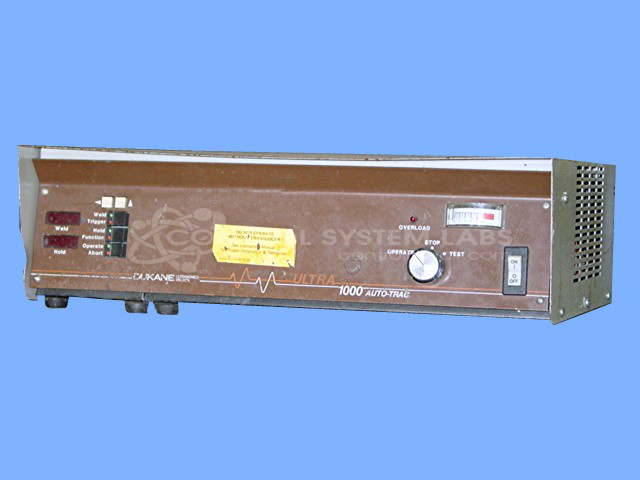
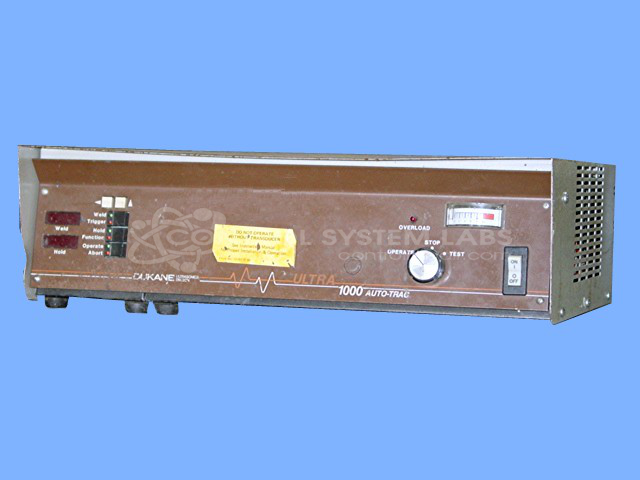
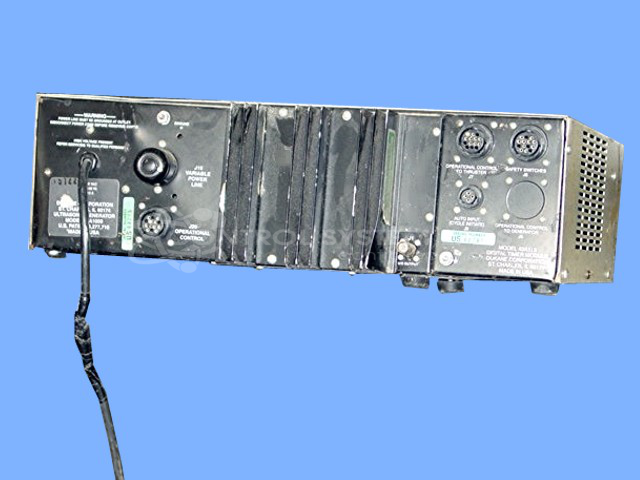
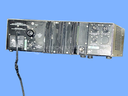
Product Overview: The Dukane Ultra 1000 Auto-Trac (model 20A1000) is a 1000-watt ultrasonic generator operating at approximately 20 kHz. Part of Dukane's 20A series, it provides high-frequency electrical energy to ultrasonic transducers for plastic welding, sealing, and assembly applications. The Auto-Trac feature enables automatic frequency tracking to maintain optimal resonance during operation. This generator is commonly used in packaging, medical device manufacturing, automotive assembly, and other industrial processes requiring precision ultrasonic bonding or cutting.
Category: Ultrasonic Generator / Welder
Manufacturer: Dukane
Manufacturer Part Number: 20A1000
Requires sending in for a repair quote. Please include the horn as an aid in repair.
Common Failures
Common issues reported with this unit include loss of output power, switch operation concerns, corrosion, and connector contamination. These conditions can affect unit performance and may require evaluation to determine the appropriate repair scope.
Repair Approach
Repairs may involve component replacement, connector cleaning, mechanical adjustments, and internal cleaning as needed. The scope of work is determined following evaluation and is outlined in the quotation provided to the customer before repair work begins.
Testing & Quality
Repaired units are tested using appropriate diagnostic procedures. Testing may include output verification, functional checks, and burn-in evaluation as applicable. All repaired units are inspected to confirm proper operation before being prepared for return shipment.
Service and repair your broken Dukane part
We can repair your Dukane model 20A1000 in our facility. Let our skilled technicians get your Dukane back in operation quickly.
Step 1 - Click the green 'Repair Now' button above to add the part and then complete the RMA.
Step 2 - The RMA form will be sent to you via email. Print the RMA form and put it in a box with the item(s) for repair.
Step 3 - Ship or mail the box to the address listed on the RMA.
Once the user has seen at least one product this snippet will be visible.