



Repair
Repair Price: $ 2,180.00
Purchase
CSL Part Number: 24530
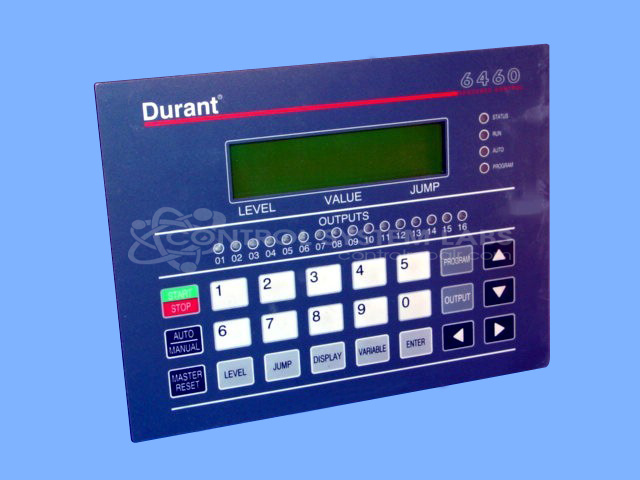
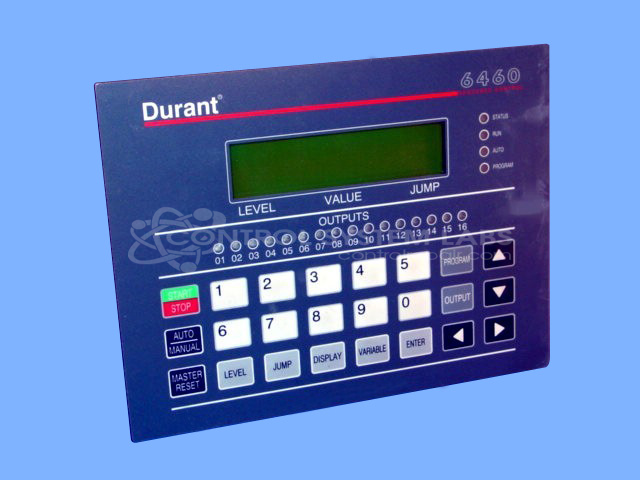
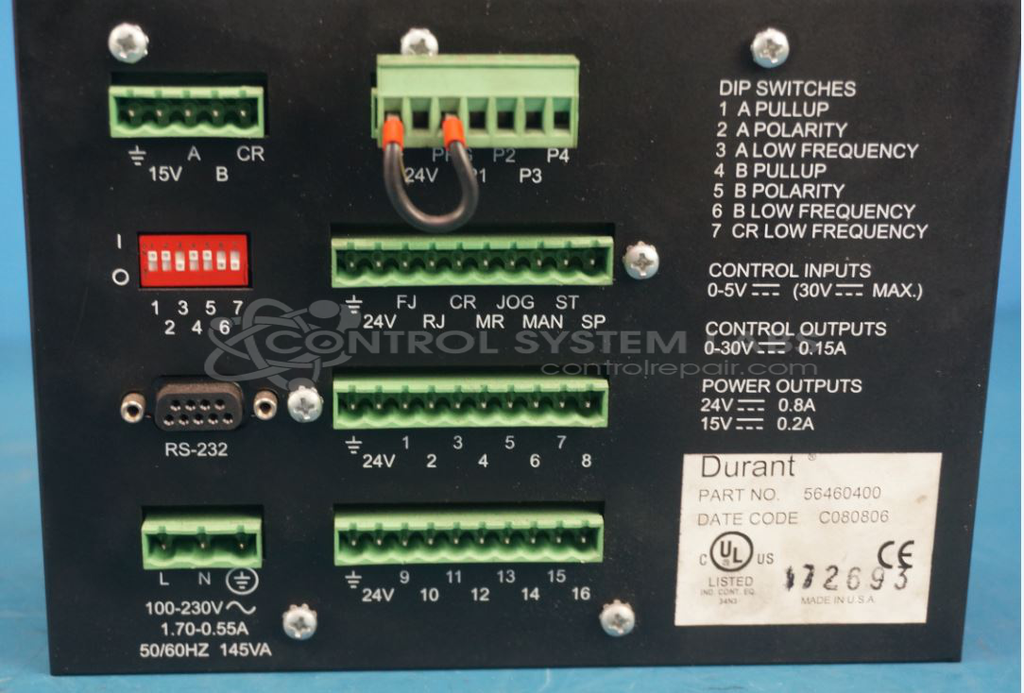
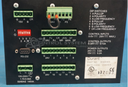
Product Overview: The Durant 56460-400 is a programmable count control unit from the 6460 series. It monitors input pulses and activates multiple outputs based on programmed count sequences. Commonly used in paper processing and other industrial automation applications, it features a front-panel keypad for configuration and LED indicators for output status. The controller provides sequenced relay or solid-state outputs that trigger at preset count values, enabling automated control of machinery or process steps based on counted events.
Category: Counters
Manufacturer: Durant
Manufacturer Synonyms: Durant Tool Company
Manufacturer Part Number: 56460-400
Series: 6460 Programmable Count Control
Also Known As(AKA): 6460
If the keypad requires replacement it is a major repair and will be quoted after inspection.
Common Failures
Several recurring issues have been identified with this product. These include intermittent power disruptions due to internal loose connections, failures in programming outputs with unexpected flashing or non-functioning outputs, and general output malfunctions.
Repair Approach
The repair process may involve replacing defective components such as electrolytic capacitors, resistors, coils, and keypads. In some cases, connections are re-soldered to address broken leads. The repair may also include reprogramming outputs and securing components.
Testing & Quality
After repairs, the product undergoes testing procedures, including burn-in tests with load to verify operability of inputs and outputs. Each unit is examined to confirm the effectiveness of repairs, and all repairs are reviewed by qualified technicians.
Service and repair your broken Durant part
We can repair your Durant model 56460-400 in our facility. Let our skilled technicians get your Durant back in operation quickly.
Step 1 - Click the green 'Repair Now' button above to add the part and then complete the RMA.
Step 2 - The RMA form will be sent to you via email. Print the RMA form and put it in a box with the item(s) for repair.
Step 3 - Ship or mail the box to the address listed on the RMA.
Once the user has seen at least one product this snippet will be visible.