



Repair
Repair Price: $ 988.00
Purchase
CSL Part Number: 1120
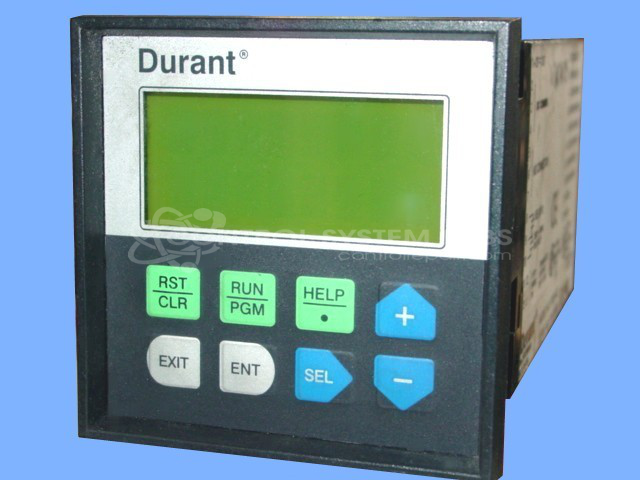
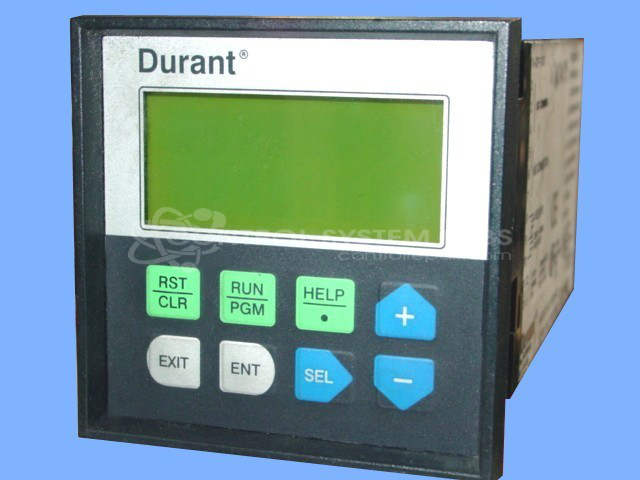
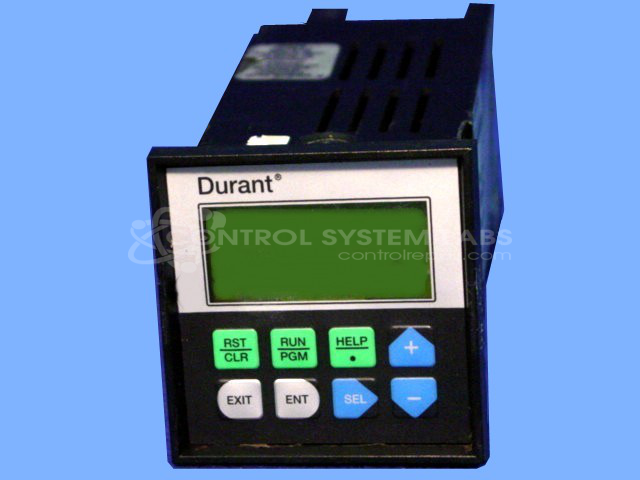
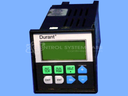
Product Overview: The Durant 57601-402 is a single preset counter from the Ambassador 576xx series designed for high-speed totalizing, rate indication, and batch control in industrial applications. Operating at 115 VAC, it combines counting, rate measurement, batching, and totalizing functions in one unit. Common uses include production line monitoring, material handling systems, and automated manufacturing processes where precise count control and rate feedback are required.
Category: Counters
Manufacturer: Durant
Manufacturer Synonyms: Durant Tool Company
Manufacturer Part Number: 57601-402
Series: Ambassador 576xx Series Count Control
The Ambassador series of counters are ideal for high speed totalizing, rate indication and batch control. Why waste money to replace your counter when you can have it repaired?
Common Failures
Common issues with this device include the unit becoming unresponsive on certain settings and being unable to reset or count. These issues may be related to the reset button or keypad components.
Repair Approach
Repairs for keypad-related issues typically involve resoldering connections and replacing the membrane keypad when needed. Our team evaluates each unit to determine the appropriate repair approach based on the specific fault condition.
Testing & Quality
Following repair, units are tested under load to verify proper functionality. Testing duration varies based on the repair performed, and we confirm that the keypad operates correctly before the unit is released for shipment.
Service and repair your broken Durant part
We can repair your Durant model 57601-402 in our facility. Let our skilled technicians get your Durant back in operation quickly.
Step 1 - Click the green 'Repair Now' button above to add the part and then complete the RMA.
Step 2 - The RMA form will be sent to you via email. Print the RMA form and put it in a box with the item(s) for repair.
Step 3 - Ship or mail the box to the address listed on the RMA.
Once the user has seen at least one product this snippet will be visible.