



Repair
Repair Price: $ 508.00
Purchase
CSL Part Number: 31557
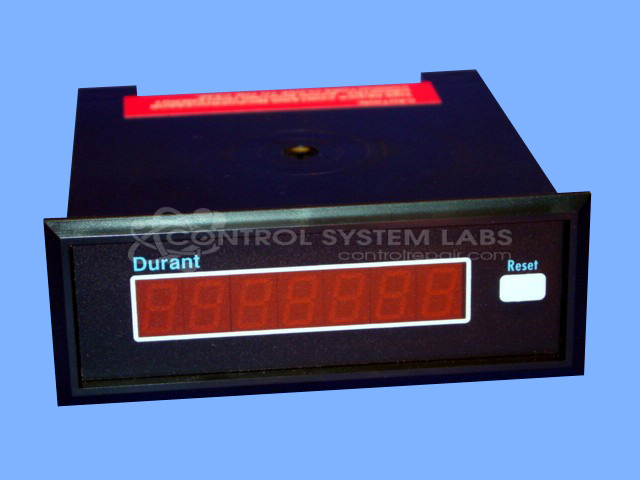
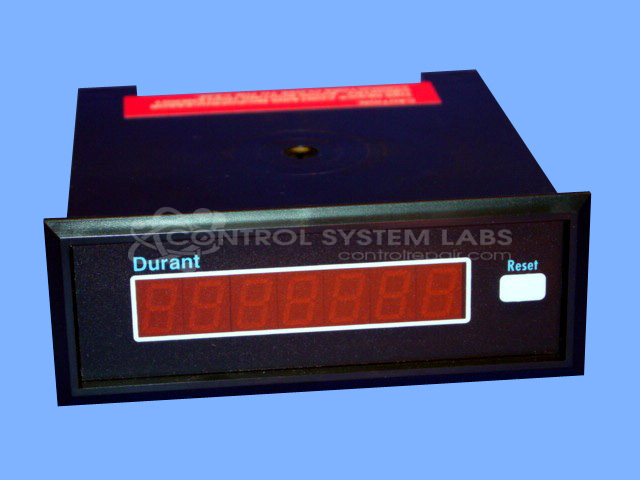
Product Overview: The Durant 5781-0 President Series is a 7-digit bi-directional counter/ratemeter designed for precision counting applications in industrial settings. It accepts quadrature encoder input for accurate bidirectional counting and operates in quadrature mode for tracking position or movement. Commonly used in automated sawing equipment and material handling systems where precise indexing and positioning control are required, it can interface with encoders and work alongside digital indexing controllers to monitor and control linear or rotary motion.
Category: Counters
Manufacturer: Durant
Manufacturer Synonyms: Durant Tool Company
Manufacturer Part Number: 5781-0
Also Known As(AKA): 57810-400
Common Failures
The Durant counter display may experience issues with registering count changes when the saw head is moved. This problem can persist even after replacing the encoder, which may indicate an issue with the counter itself rather than external components. The inability to count up or down may also be related to the digital counter that serves as the automatic indexer for the saw head.
Repair Approach
The repair process involves using a quadrature simulator to verify the counter operates correctly in both directions and confirming the functionality of the reset button. Preventative replacement of specific capacitors may be performed to address potential issues related to aging components.
Testing & Quality
Repaired units undergo testing, including burn-in testing, to verify they correctly process quadrature input signals. These tests confirm that the counter can count in both directions and assess functionality before the unit is returned.
Service and repair your broken Durant part
We can repair your Durant model 5781-0 in our facility. Let our skilled technicians get your Durant back in operation quickly.
Step 1 - Click the green 'Repair Now' button above to add the part and then complete the RMA.
Step 2 - The RMA form will be sent to you via email. Print the RMA form and put it in a box with the item(s) for repair.
Step 3 - Ship or mail the box to the address listed on the RMA.
Once the user has seen at least one product this snippet will be visible.