



Repair
Repair Price: $ 1,356.00
Purchase
CSL Part Number: 6928
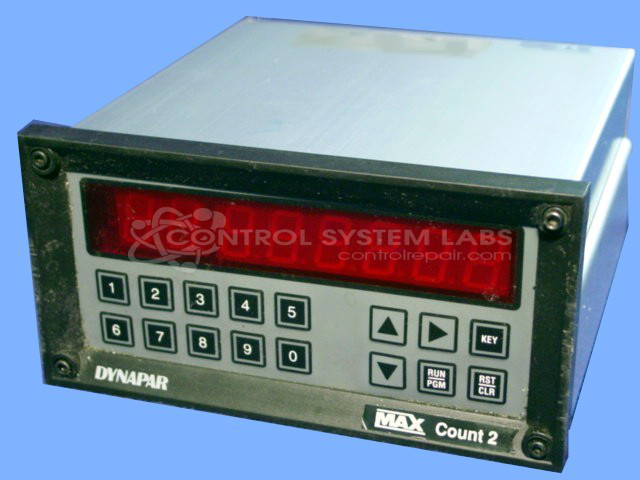
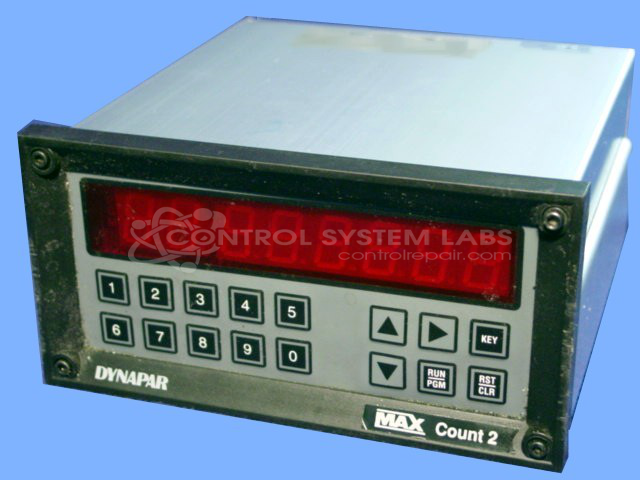
Product Overview: The Max Count 2 is a multi-function digital counter designed for industrial monitoring and control applications. It features three independent presets, a presettable batch counter for tracking production runs, and a background totalizer for continuous count accumulation. Operating on 12VDC, this compact panel-mount counter is commonly used in packaging machinery, material handling systems, and web processing equipment where precise count tracking and batch control are essential. The unit utilizes non-volatile memory to retain count data during power interruptions and includes a keypad interface for programming preset values and viewing accumulated counts.
Category: Counters
Manufacturer: Dynapar
Manufacturer Part Number: MC2-00-0
Series: MAX Count 2 Counter
Common Failures
Units may exhibit symptoms such as power-on with no function, unreadable display, or keypad issues. These symptoms may indicate failed capacitors, memory components, or other electronic failures that require evaluation.
Repair Approach
Our repair process includes evaluation of capacitors, memory components, and related circuitry. Technicians inspect and test components as needed to identify the root cause. Physical issues such as damaged connectors or hardware may also be addressed during repair.
Testing & Quality
After repair, units are tested to verify proper function. If issues remain after initial repair, further evaluation may be required. Please note that all repairs are subject to our standard warranty terms and conditions.
Service and repair your broken Dynapar part
We can repair your Dynapar model MC2-00-0 in our facility. Let our skilled technicians get your Dynapar back in operation quickly.
Step 1 - Click the green 'Repair Now' button above to add the part and then complete the RMA.
Step 2 - The RMA form will be sent to you via email. Print the RMA form and put it in a box with the item(s) for repair.
Step 3 - Ship or mail the box to the address listed on the RMA.
Once the user has seen at least one product this snippet will be visible.