




Repair
Repair Price: $ 336.00
Purchase
CSL Part Number: 1179
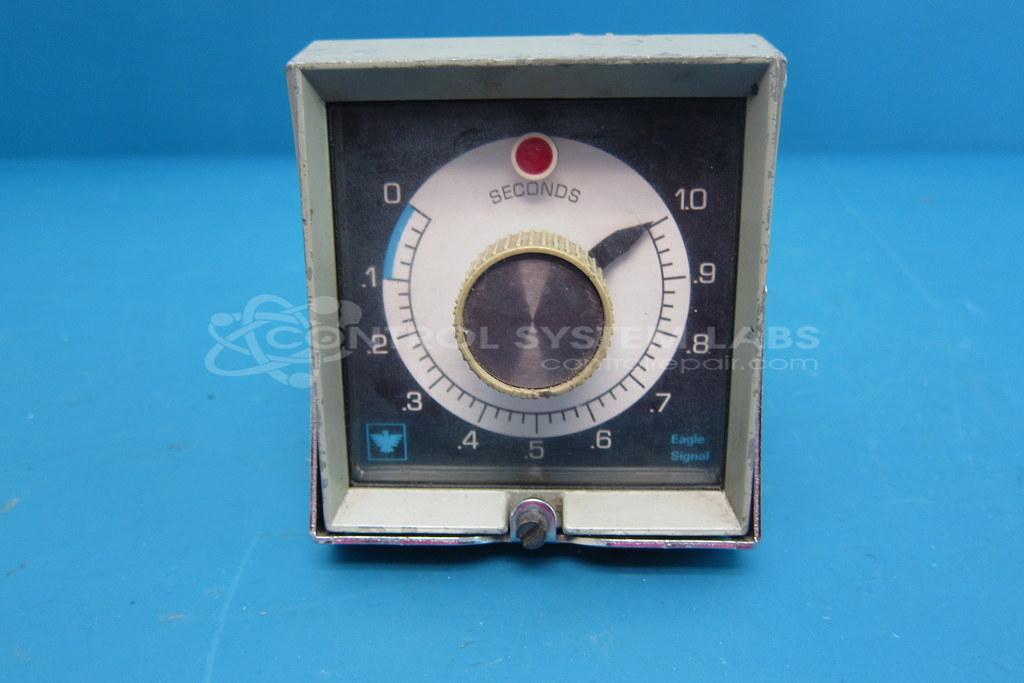
Product Overview: A solid-state reset timer providing adjustable time-delay control over a 0 to 1 second range. Part of a panel-mounted industrial timing series, it drives relay outputs to control cyclic or delayed operations in machinery and process automation equipment.
Category: Timers
Manufacturer: Eagle Signal
Manufacturer Synonyms: DANAHER
Manufacturer Part Number: CE301A6
Series: CE300 Series CYCL-FLEX Reset Timer
Common Failures
This product may experience issues such as capacitor failure, relay contact wear, or solder joint degradation. Customers have reported symptoms including units that do not power on or timers that do not function correctly. Various components such as capacitors, relays, and diodes can degrade over time, leading to these conditions.
Repair Approach
We evaluate each unit individually to determine the appropriate repair approach. Repairs may involve component replacement, relay cleaning, or solder joint rework. Components are tested after replacement to verify functionality. The cleaning and reassembly process may resolve issues related to contacts and connections.
Testing & Quality
Following repair work, units are tested to verify performance. Testing procedures may include extended run-in periods. Adjustments and calibrations are performed where needed to meet CSL quality standards.
Service and repair your broken Eagle Signal part
We can repair your Eagle Signal model CE301A6 in our facility. Let our skilled technicians get your Eagle Signal back in operation quickly.
Step 1 - Click the green 'Repair Now' button above to add the part and then complete the RMA.
Step 2 - The RMA form will be sent to you via email. Print the RMA form and put it in a box with the item(s) for repair.
Step 3 - Ship or mail the box to the address listed on the RMA.
Once the user has seen at least one product this snippet will be visible.