



Repair
Repair Price: $ 380.00
Purchase
CSL Part Number: 57844
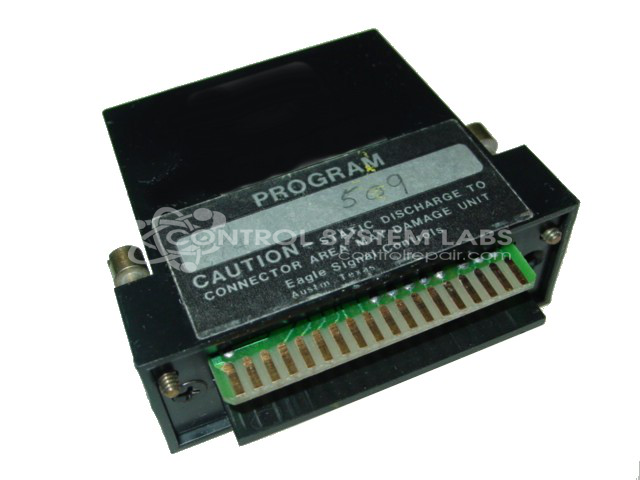
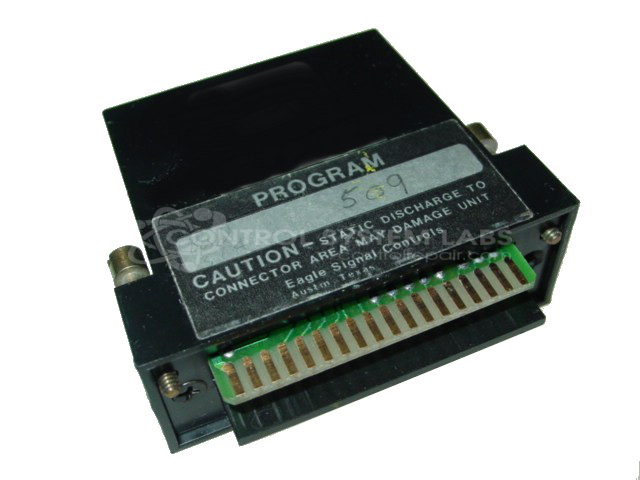
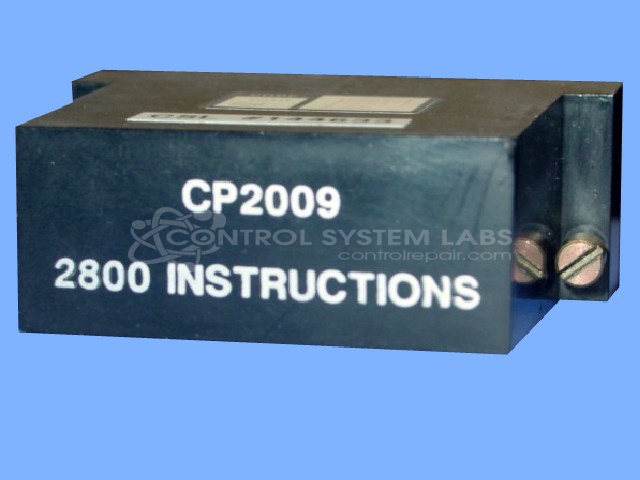
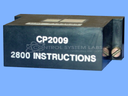
Product Overview: The Eagle Signal CP2009 is a battery-backed instruction and statement memory module designed for the Eptak 225 programmable controller system. It uses non-volatile SRAM chips to store control programs and retain them during power loss. This module is commonly found in industrial automation equipment requiring sequential control logic, such as packaging lines, material handling systems, and process control applications. The memory is housed in a socketed configuration using EDIP-28 format chips with integrated backup batteries to preserve programming.
Category: Control Module
Manufacturer: Eagle Signal
Manufacturer Synonyms: DANAHER
Manufacturer Part Number: CP2009
Common Failures
Common issues reported with this product include battery failure and physical damage to the casing. Failed backup batteries within the smart sockets may be unable to retain memory when power is lost. Additionally, broken screw posts in the casing can cause physical damage.
Repair Approach
The repair process typically involves replacing defective components, such as NVSRAM memory chips and smart socket units. In instances where physical damage is evident, replacement of the casing may be necessary.
Testing & Quality
Post-repair, devices undergo diagnostic testing to confirm functionality. Testing procedures are designed to verify proper operation while maintaining cost-effective repair processes.
Service and repair your broken Eagle Signal part
We can repair your Eagle Signal model CP2009 in our facility. Let our skilled technicians get your Eagle Signal back in operation quickly.
Step 1 - Click the green 'Repair Now' button above to add the part and then complete the RMA.
Step 2 - The RMA form will be sent to you via email. Print the RMA form and put it in a box with the item(s) for repair.
Step 3 - Ship or mail the box to the address listed on the RMA.
Once the user has seen at least one product this snippet will be visible.