



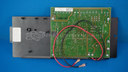
Repair
Repair Price: $ 884.00
Purchase
CSL Part Number: 83148
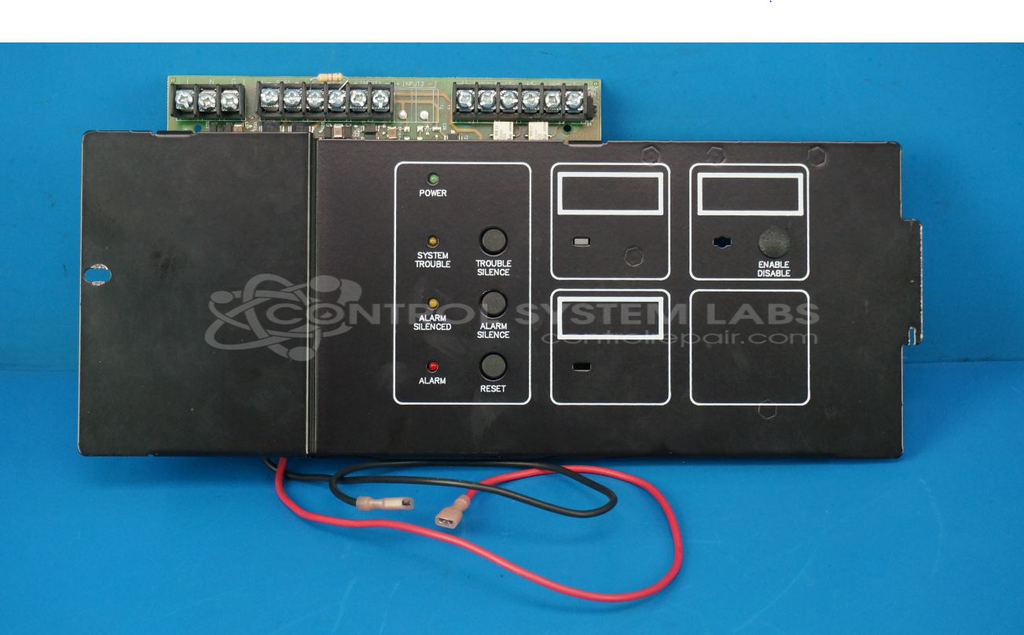
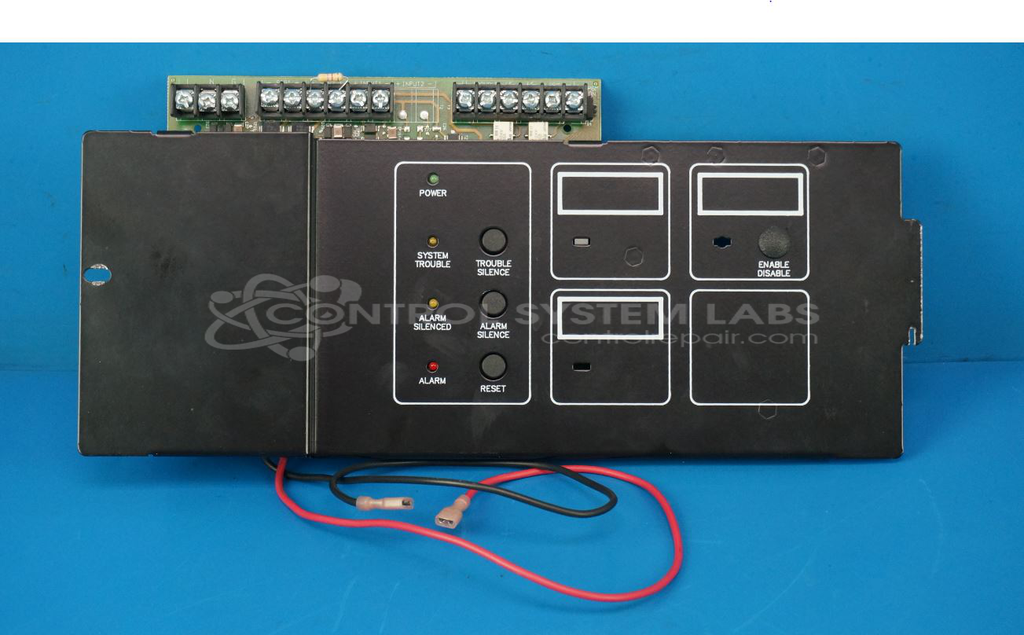
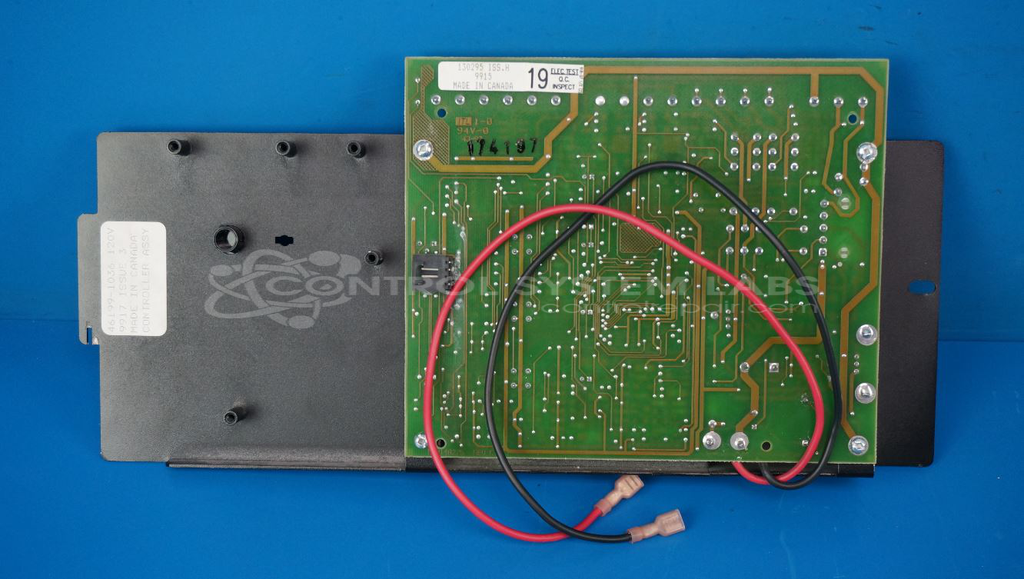
Product Overview: The Edwards 2411-R (model 130295) is a single-zone fire alarm control panel designed for basic fire detection and notification systems in small commercial or residential applications. It monitors one detection zone and controls alarm notification devices such as horns, strobes, or bells. The panel provides system status indication via LEDs and includes relay outputs for ancillary functions. It operates on standard 24VDC power and features reset capability and trouble indication for system faults. Typical applications include small offices, retail spaces, or light industrial facilities requiring simple fire alarm supervision.
Category: Control Panel
Manufacturer: Edwards
Manufacturer Part Number: 130295 ISS. H
Common Failures
One typical failure in this product involves corrosion on the fire alarm control panel. This corrosion can affect components such as terminal blocks, relays, and capacitors, leading to system trouble and operational issues.
Repair Approach
The repair process may include an extended cleaning procedure to address corrosion. This can involve removing affected parts, such as the terminal block and relays, for thorough cleaning. Additionally, any defective components, such as the power LED, may be replaced. Corroded traces on the PCB and components may also be repaired as needed.
Testing & Quality
After repairs, the unit undergoes testing to evaluate system fault detection and alarm detection capabilities. We review the unit to confirm resolution of detected issues before return.
Service and repair your broken Edwards part
We can repair your Edwards model 130295 ISS. H in our facility. Let our skilled technicians get your Edwards back in operation quickly.
Step 1 - Click the green 'Repair Now' button above to add the part and then complete the RMA.
Step 2 - The RMA form will be sent to you via email. Print the RMA form and put it in a box with the item(s) for repair.
Step 3 - Ship or mail the box to the address listed on the RMA.
Once the user has seen at least one product this snippet will be visible.