



Repair
Repair Price: $ 1,524.00
Purchase
CSL Part Number: 86009
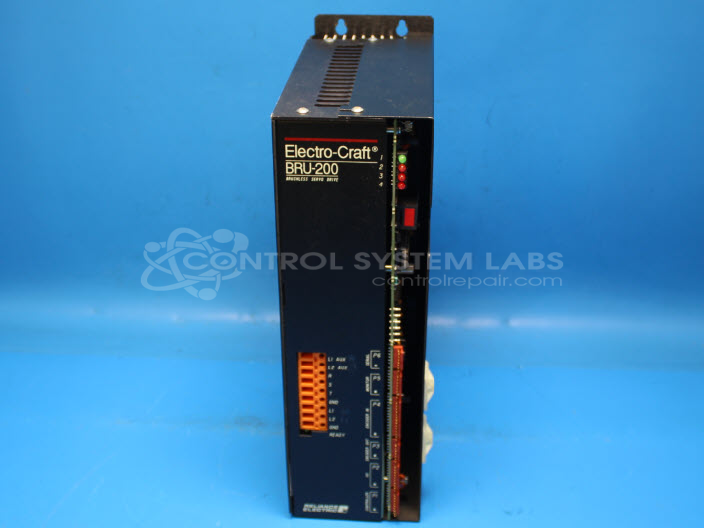
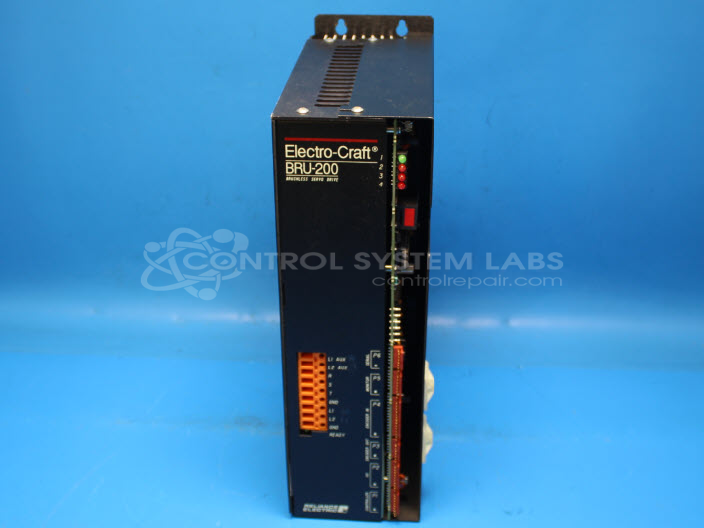
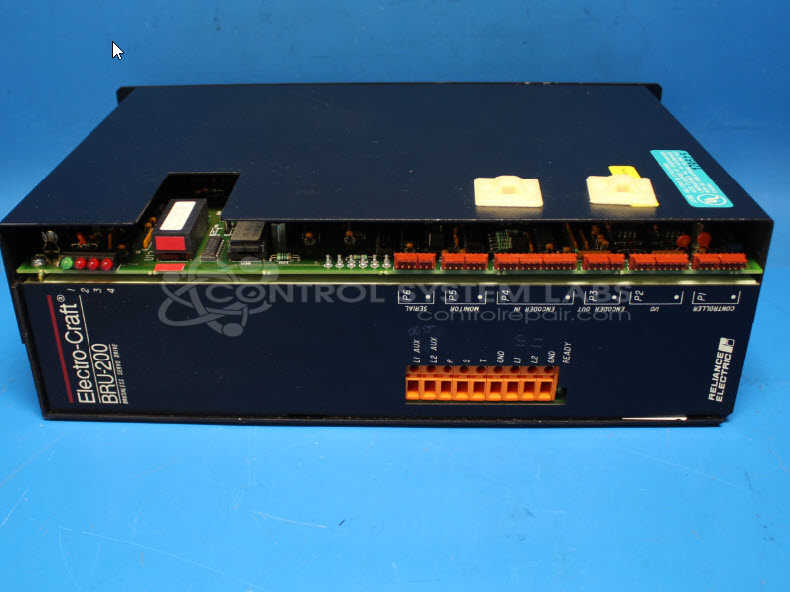
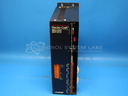
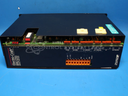
Product Overview: The BRU-200 (DM-20) is a brushless servo control manufactured by Electro-Craft for precise motion control applications. It drives brushless servo motors in industrial automation systems, commonly found in paper processing and converting equipment. The drive features IGBT-based output bridges with optocoupler isolation and requires EECOMM software for serial communications and parameter configuration. Operating from DC input power, it provides multi-phase output to control motor speed, torque, and position with integrated overcurrent and fault protection.
Category: Servo Controls
Manufacturer: Electro-Craft
Manufacturer Synonyms: ElectroCraft,Electro Craft
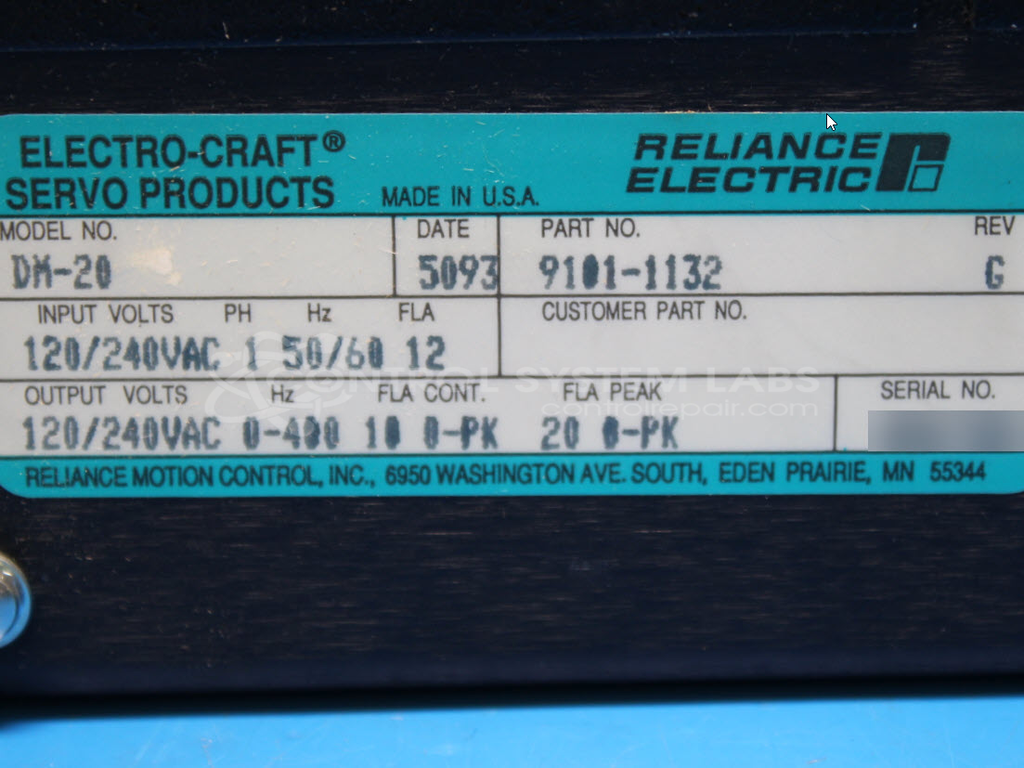
Manufacturer Part Number: DM-20
Series: DM-20 Servo Drive
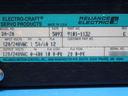
Also Known As(AKA): 9101-1132
Common Failures
Common issues reported include optocoupler failures in the output bridge and loose connections affecting unit operation.
Repair Approach
Our repair process includes diagnostic testing to evaluate the unit. We may replace faulty optocouplers and aluminum electrolytic capacitors as needed based on our evaluation findings.
Testing & Quality
We perform diagnostic and power-up testing as part of our repair process. Final operational testing should be performed by the customer in their system, as specialized equipment or software may be required that is not available during our evaluation.
Service and repair your broken Electro-Craft part
We can repair your Electro-Craft model DM-20 in our facility. Let our skilled technicians get your Electro-Craft back in operation quickly.
Step 1 - Click the green 'Repair Now' button above to add the part and then complete the RMA.
Step 2 - The RMA form will be sent to you via email. Print the RMA form and put it in a box with the item(s) for repair.
Step 3 - Ship or mail the box to the address listed on the RMA.
Once the user has seen at least one product this snippet will be visible.