


Electro-Matic Products CEDV10 Clutch Control
Repair
Repair Price: $ 2,914.00
Purchase
CSL Part Number: 106757
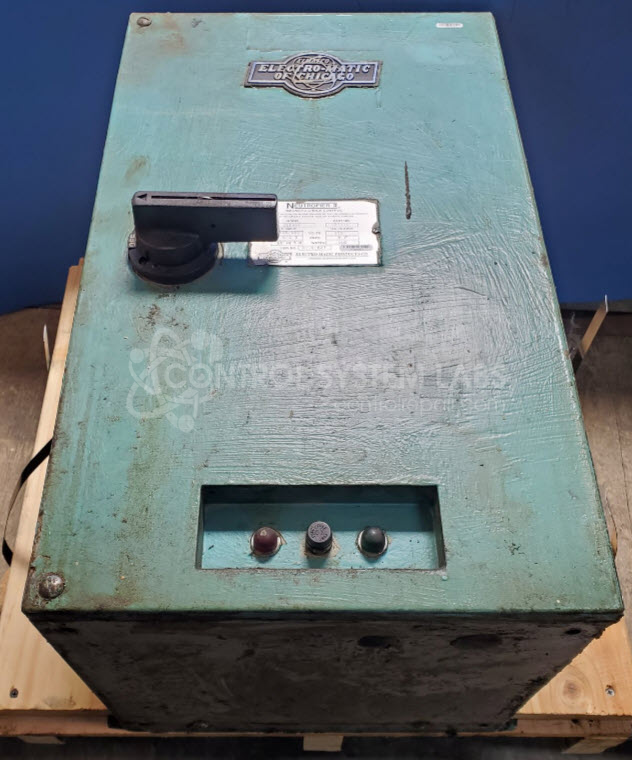
Product Overview: The Electro-Matic CEDV10 Neutrofier II is a magnetic chuck control unit used to energize and control electromagnetic chucks commonly found on surface grinders and other precision machining equipment. It provides multiple operating modes including full power, variable power, residual magnetism, and controlled release functions to safely activate and deactivate magnetic workholding. The unit operates from 460V input power and includes a remote control panel with indicator lamps for operator feedback during chuck energization and demagnetization cycles.
Category: Magnetic Chuck Controls
Manufacturer: Electro-Matic Products
Manufacturer Synonyms: Electromatic, ELMATCO
Manufacturer Part Number: CEDV10
Series: Neutrol and Neutrofier Magnetic Chuck Controls
Also Known As(AKA): Neutrofier II
Please send in associated controller to assist in test.
Common Failures
Customers frequently report issues with non-functional switches and units that fail to output power correctly. Common reasons include defective relays, blown line fuses, poor solder joints, and failed components related to control circuits.
Repair Approach
Repairs typically involve replacing defective components such as relays, integrated circuits, capacitors, and fuses. Diagnostic testing identifies issues like poor solder joints or incorrect fuse installation. Preventative replacement of capacitors may also be performed based on evaluation findings.
Testing & Quality Assurance
Diagnostic testing and functional verification are performed to confirm the unit's operation. Each switch and function is checked to ensure proper performance. All repaired units undergo a final quality check before return shipment.
Service and repair your broken Electro-Matic Products part
We can repair your Electro-Matic Products model CEDV10 in our facility. Let our skilled technicians get your Electro-Matic Products back in operation quickly.
Step 1 - Click the green 'Repair Now' button above to add the part and then complete the RMA.
Step 2 - The RMA form will be sent to you via email. Print the RMA form and put it in a box with the item(s) for repair.
Step 3 - Ship or mail the box to the address listed on the RMA.
Once the user has seen at least one product this snippet will be visible.