



Repair
Repair Price: $ 2,914.00
Purchase
CSL Part Number: 110602
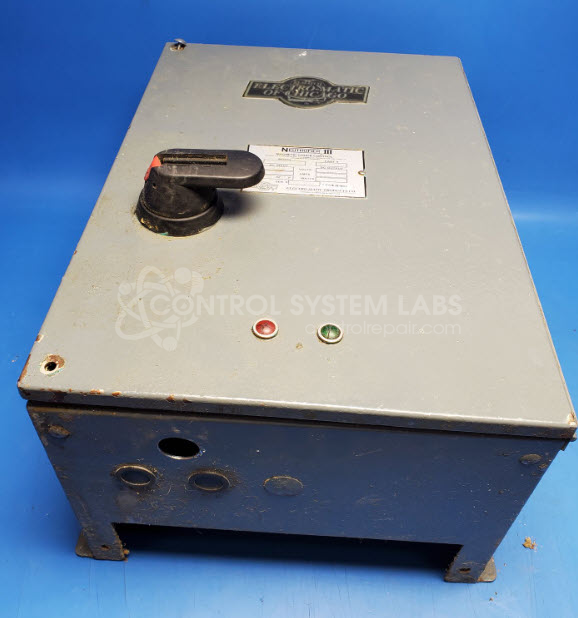
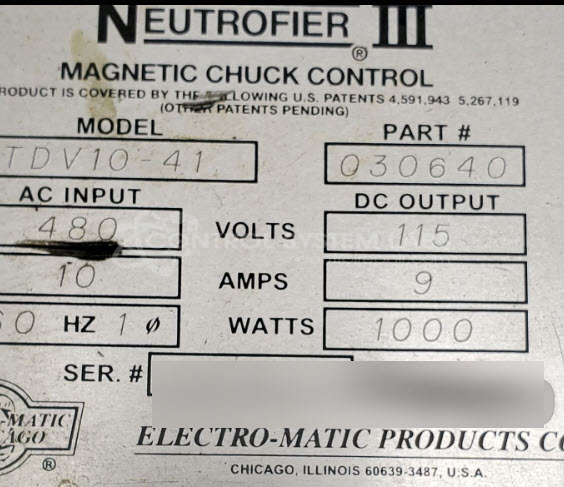
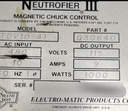
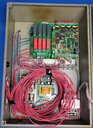
Product Overview: The Neutrofier III is a magnetic chuck controller manufactured by Electro-Matic Products for energizing and demagnetizing electromagnetic chucks used in surface grinders and other metalworking machines. It provides precise DC power control to the chuck coil, enabling secure workpiece holding during machining operations and controlled demagnetization for safe part removal. The TDV10-41 model uses SCR-based power electronics to regulate output voltage and includes indicators for operational status monitoring.
Category: Magnetic Chuck Controls
Manufacturer: Electro-Matic Products
Manufacturer Synonyms: Electromatic, ELMATCO
Manufacturer Part Number: TDV10-41
Series: Neutrol and Neutrofier Magnetic Chuck Controls
Please send in associated controller and wiring diagrams in to assist in test.
Common Failures
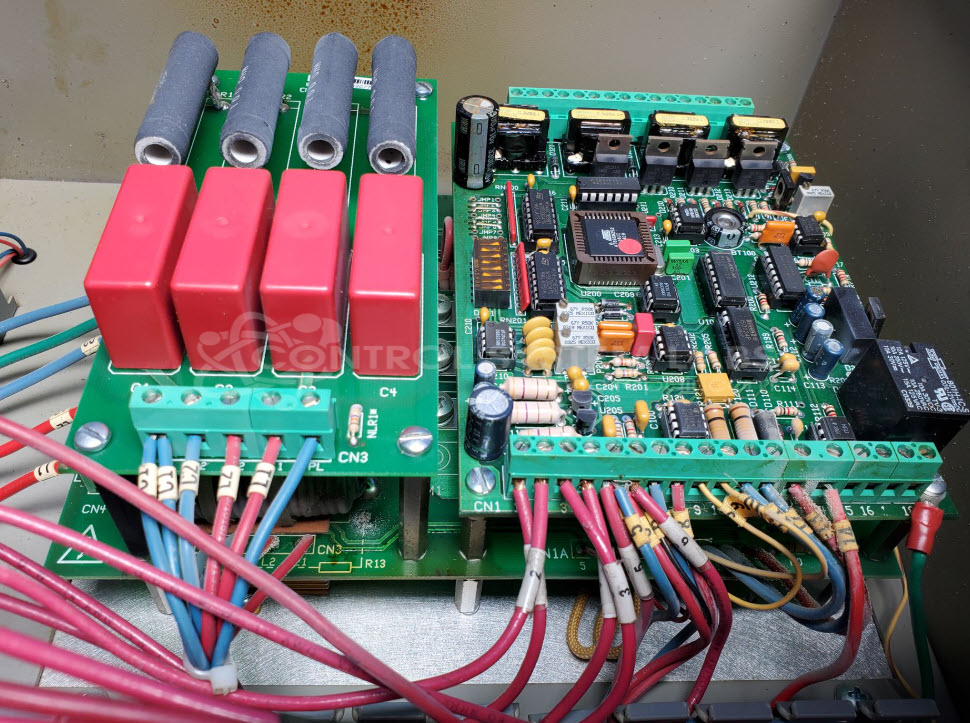
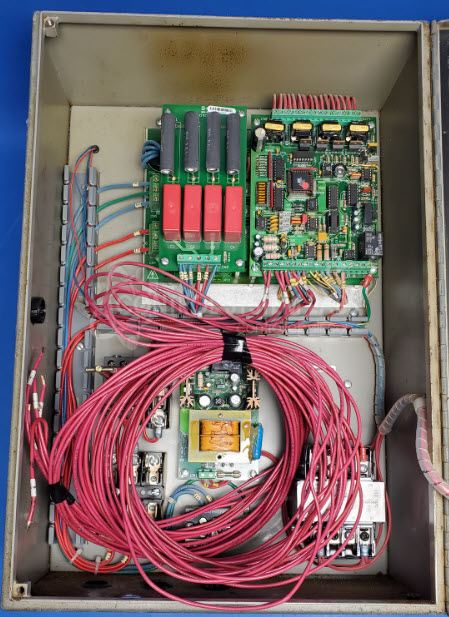
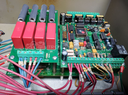
Common failures observed in repair histories include defective indicator lamps and fans, as well as issues with SCR modules which can lead to excessive current draw. Additionally, a range of electrolytic capacitors in the power supply and control board have been found faulty, typically showing symptoms such as open circuits or high equivalent series resistance (ESR).
Repair Approach
Repairs often involve replacing defective components such as indicator lamps, fans, SCR modules, and electrolytic capacitors. Preventative replacements of certain capacitors on the control board may also be performed. Comprehensive cleaning of all boards to remove corrosion is typically necessary.
Testing & Quality
Following repairs, units undergo diagnostic testing, including a burn-in test with a load to verify proper functionality. Testing ensures that each operational mode is verified for system reliability.
Service and repair your broken Electro-Matic Products part
We can repair your Electro-Matic Products model TDV10-41 in our facility. Let our skilled technicians get your Electro-Matic Products back in operation quickly.
Step 1 - Click the green 'Repair Now' button above to add the part and then complete the RMA.
Step 2 - The RMA form will be sent to you via email. Print the RMA form and put it in a box with the item(s) for repair.
Step 3 - Ship or mail the box to the address listed on the RMA.
Once the user has seen at least one product this snippet will be visible.