



Repair
Repair Price: $ 376.00
Purchase
CSL Part Number: 86061
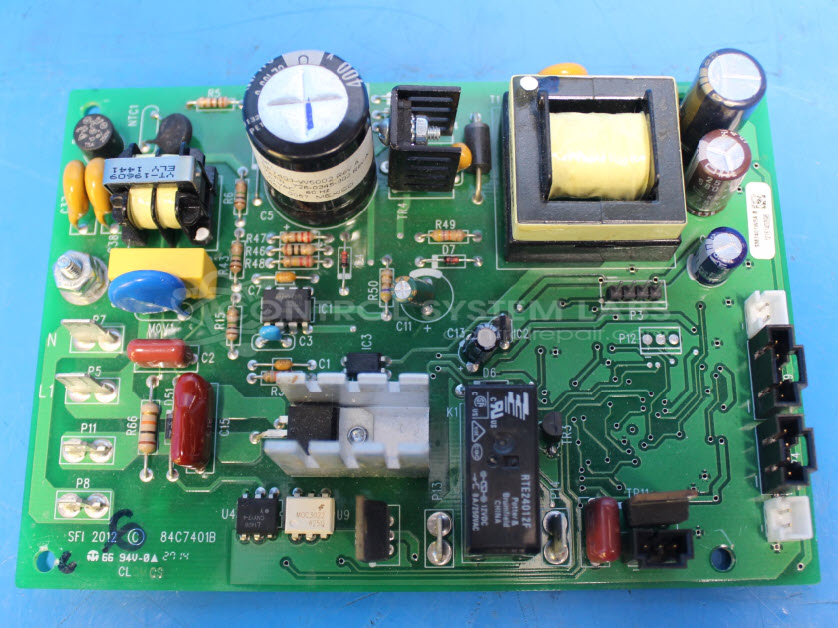
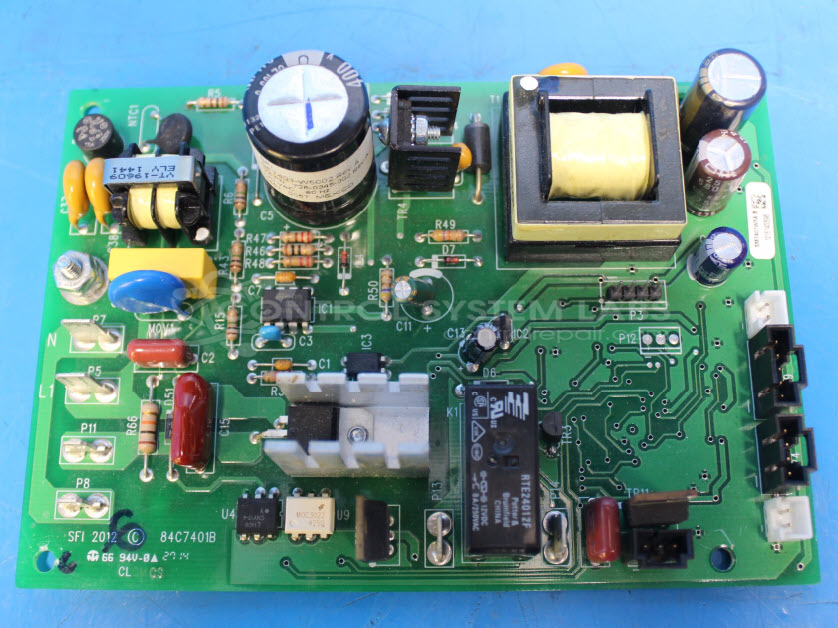
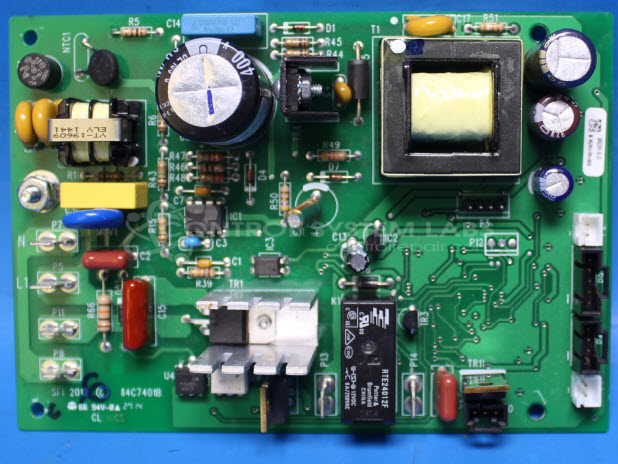
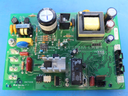
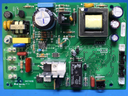
Product Overview: The Electrolux 84C7401B is an electronic control board for a downdraft ventilation system. It manages both the AC blower motor for air extraction and the DC lift motor that raises and lowers the vent unit from the countertop. This board is used in Electrolux downdraft range hoods, commonly found in residential kitchen installations where space-saving ventilation is required. The control processes user inputs from lift-motor and blower switches to coordinate motor operation and system functions.
Category: Control Board
Manufacturer: Electrolux
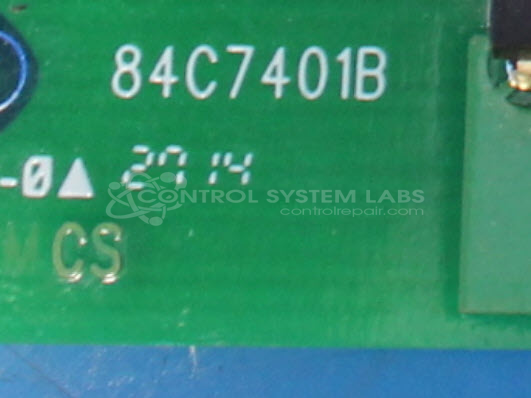
Manufacturer Part Number: 84C7401B
Also Known As(AKA): 5304500764
Common Failures
Some customers have reported issues with electronic control boards for certain downdraft vent models. The primary symptoms include a high-pitched beeping noise when powered on and a lack of response from the lift-motor button or blower switch. Upon evaluation, multiple defective components have been identified within affected units, including power MOSFETs and other critical IC components.
Repair Outcome
Due to extensive internal damage and the number of components that would require replacement, many of these units are determined to be Beyond Economic Repair (BER). In such cases, the recommendation is typically to return the electronic control board without repair.
Testing & Quality
During evaluation, units with the described symptoms have been found to fail diagnostic testing due to the presence of shorts and other critical faults. While component replacement has been attempted in some cases, affected units often do not recover full functionality, which supports the BER determination.
Service and repair your broken Electrolux part
We can repair your Electrolux model 84C7401B in our facility. Let our skilled technicians get your Electrolux back in operation quickly.
Step 1 - Click the green 'Repair Now' button above to add the part and then complete the RMA.
Step 2 - The RMA form will be sent to you via email. Print the RMA form and put it in a box with the item(s) for repair.
Step 3 - Ship or mail the box to the address listed on the RMA.
Once the user has seen at least one product this snippet will be visible.