



Repair
Repair Price: $ 712.00
Purchase
CSL Part Number: 70732
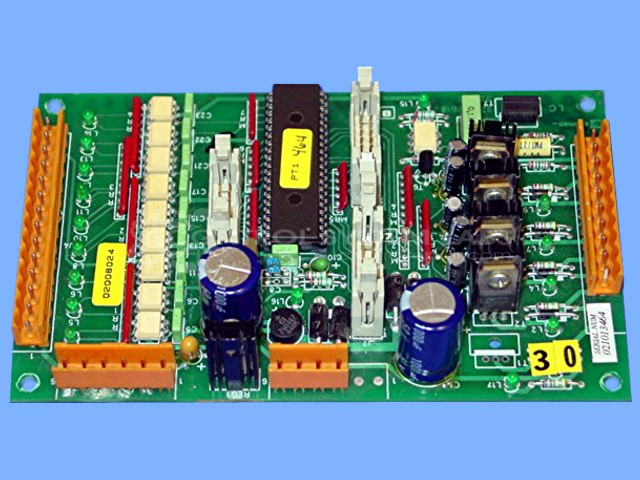
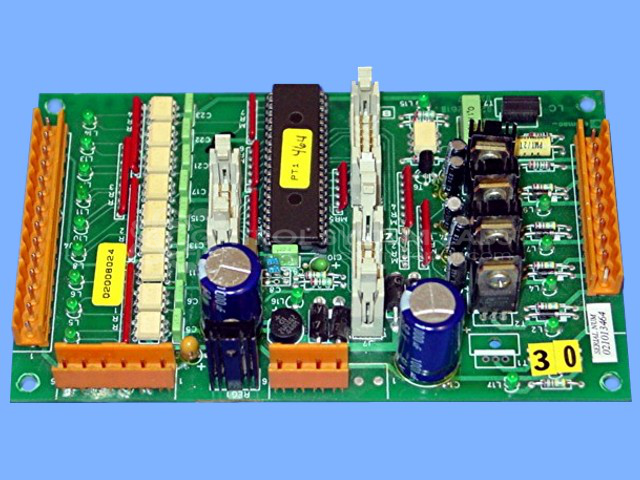
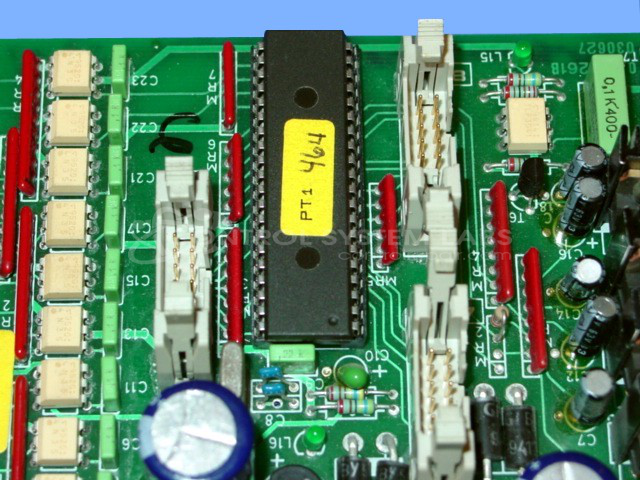
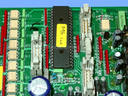
Product Overview: The Elemac 02008024 I/O Card is an input/output module used in industrial control systems for signal interfacing between field devices and control equipment. It operates on 24VAC input power and features multiple digital outputs with individual LED indicators for status monitoring. Commonly found in paper manufacturing and processing machinery, it handles discrete I/O functions for automated control applications. The board includes rectification circuitry, solid-state switching components including triacs and transistors, and replaceable fuse protection for power input circuits.
Category: I/O Card & Modules
Manufacturer: Elemac
Manufacturer Part Number: 02008024
Also Known As(AKA): 02001261B
Not able to operate IC1 for testing. No warranty on IC1.
Common Failures
Common issues with this product include a blown fuse for the 24V input and an indicator light that does not remain illuminated when connected to a power supply. These issues are often associated with a defective rectifier diode on the 24VAC input.
Repair Approach
The repair process may involve replacing the defective rectifier diode, reinstalling components such as the triac and transistors, and repairing any broken traces from previous repair attempts. This approach is intended to restore normal functionality to the 24VAC input and address power-related issues.
Testing & Quality
Following repair, a burn-in test with a test jig is conducted to verify the functionality of the 24VAC input. The product is tested to confirm that it operates correctly under load conditions.
Service and repair your broken Elemac part
We can repair your Elemac model 02008024 in our facility. Let our skilled technicians get your Elemac back in operation quickly.
Step 1 - Click the green 'Repair Now' button above to add the part and then complete the RMA.
Step 2 - The RMA form will be sent to you via email. Print the RMA form and put it in a box with the item(s) for repair.
Step 3 - Ship or mail the box to the address listed on the RMA.
Once the user has seen at least one product this snippet will be visible.