



Repair
Repair Price: $ 2,212.00
Purchase
CSL Part Number: 87841
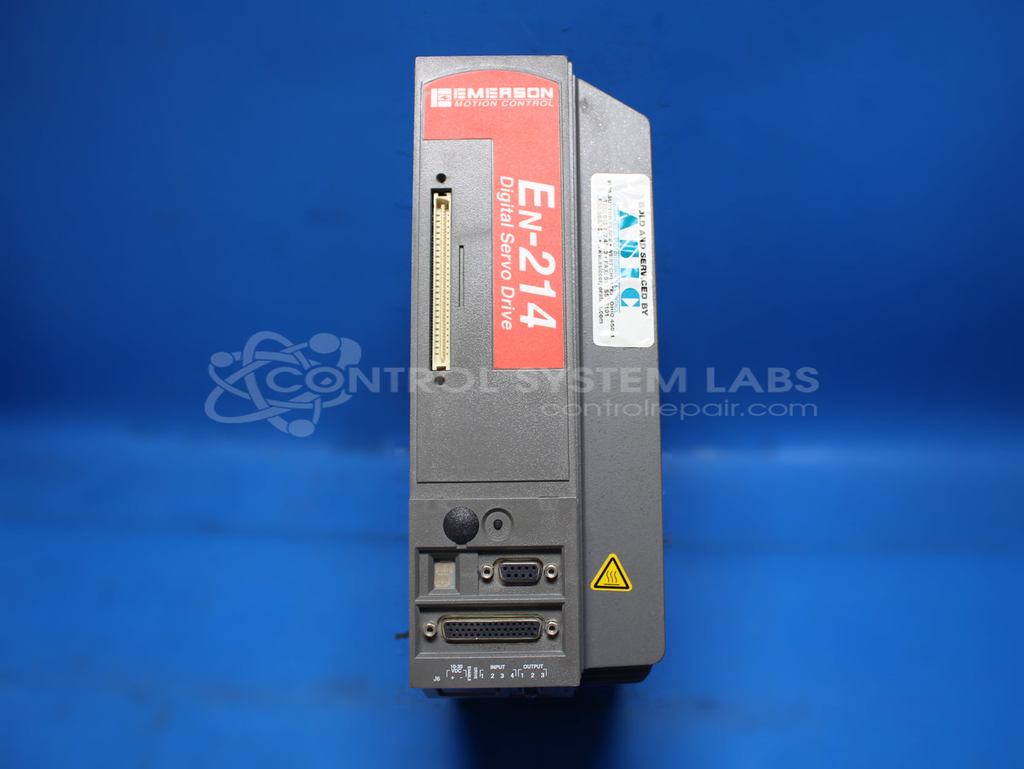
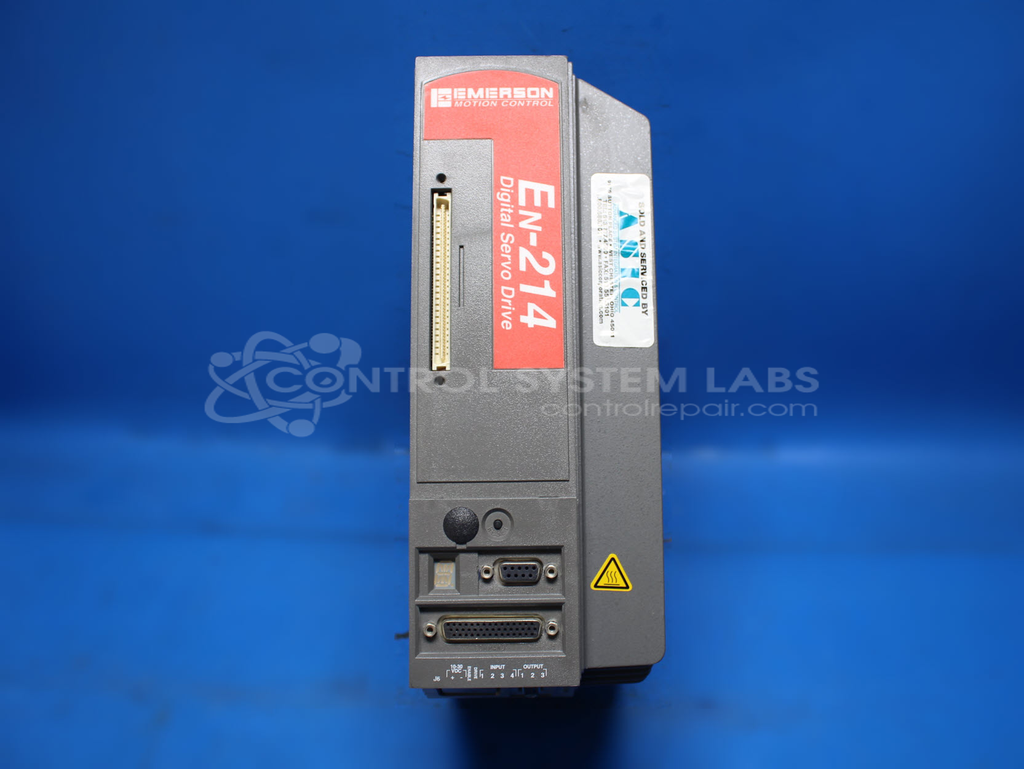
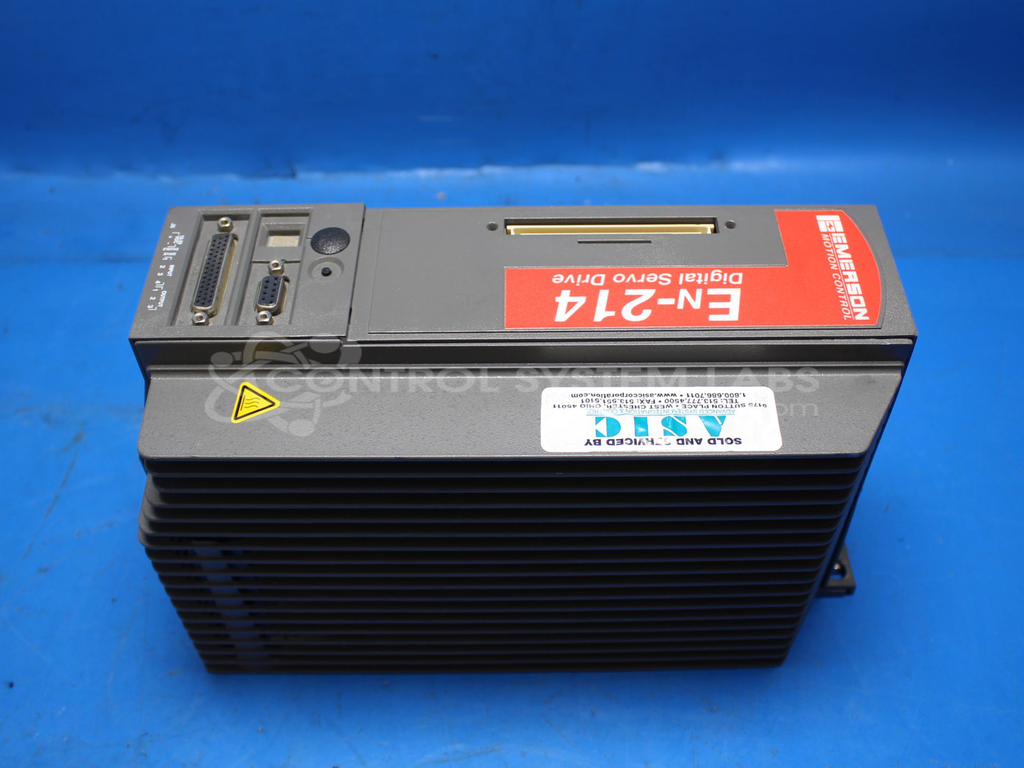
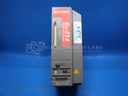
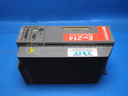
Product Overview: The EN-214-06-000 is an AC digital servo drive from Emerson's EN Series, rated for 13 amps RMS and operating at 240 VAC. It is designed to control XV series servo motors in precision motion control applications. Commonly used in paper processing and converting machinery, the drive provides closed-loop positioning and speed control. It features programmable parameters, digital communications for setup and diagnostics, and integrated protection functions. The unit uses SRAM for program storage and includes a regulated power supply for internal logic circuits.
Category: Servo Controls
Manufacturer: Emerson
Alternate Manufacturer Names: NIDEC
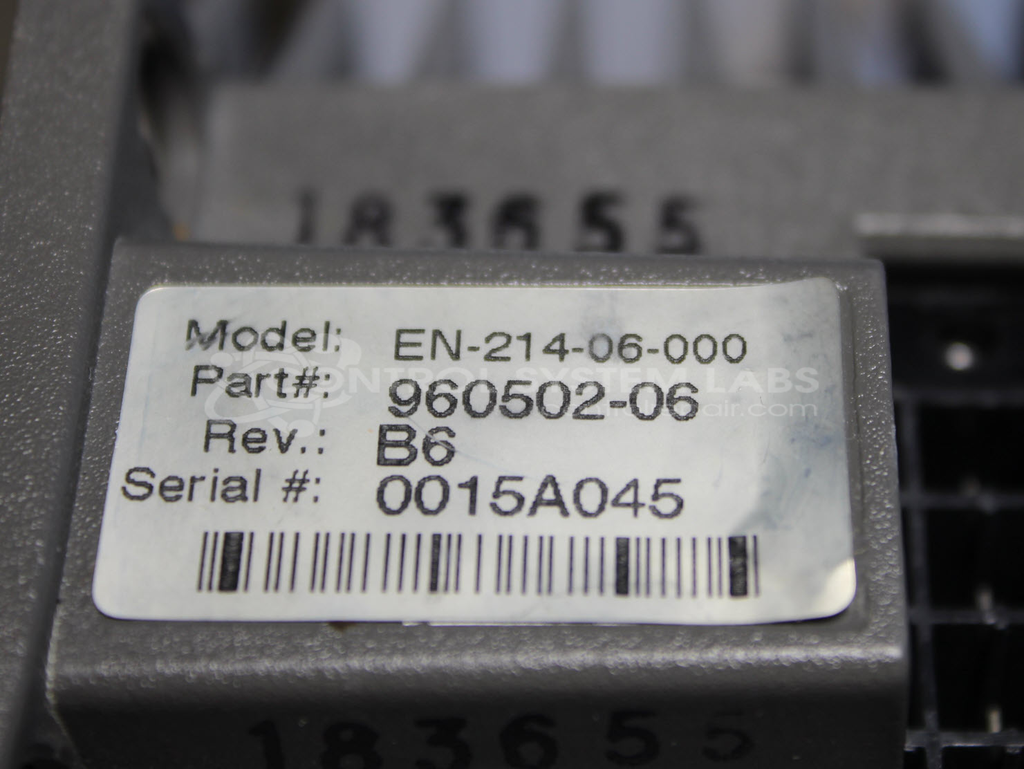
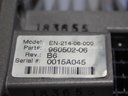
Manufacturer Part Number: EN-214-06-000
Series: EN Series Servo Drive
Other Synonyms: NIDEC
We can repair your EN-214 drive and run in our test bench.
Common Failures
Units may fail to initialize at power up and display an "All On" error code. These issues are often associated with faulty capacitors and defective SRAM.
Repair Approach
We evaluate each unit to determine the specific components requiring attention. Repairs may include replacing defective capacitors within the power supply and addressing SRAM-related issues. Component replacements are performed based on evaluation findings.
Testing & Quality
After repairs are completed, units are tested to verify communication, program uploads and downloads, and operational reliability. Testing includes running the unit with representative loads to validate performance and confirm stability.
Service and repair your broken Emerson part
We can repair your Emerson model EN-214-06-000 in our facility. Let our skilled technicians get your Emerson back in operation quickly.
Step 1 - Click the green 'Repair Now' button above to add the part and then complete the RMA.
Step 2 - The RMA form will be sent to you via email. Print the RMA form and put it in a box with the item(s) for repair.
Step 3 - Ship or mail the box to the address listed on the RMA.
Once the user has seen at least one product this snippet will be visible.