



Repair
Repair Price: $ 744.00
Purchase
CSL Part Number: 83749
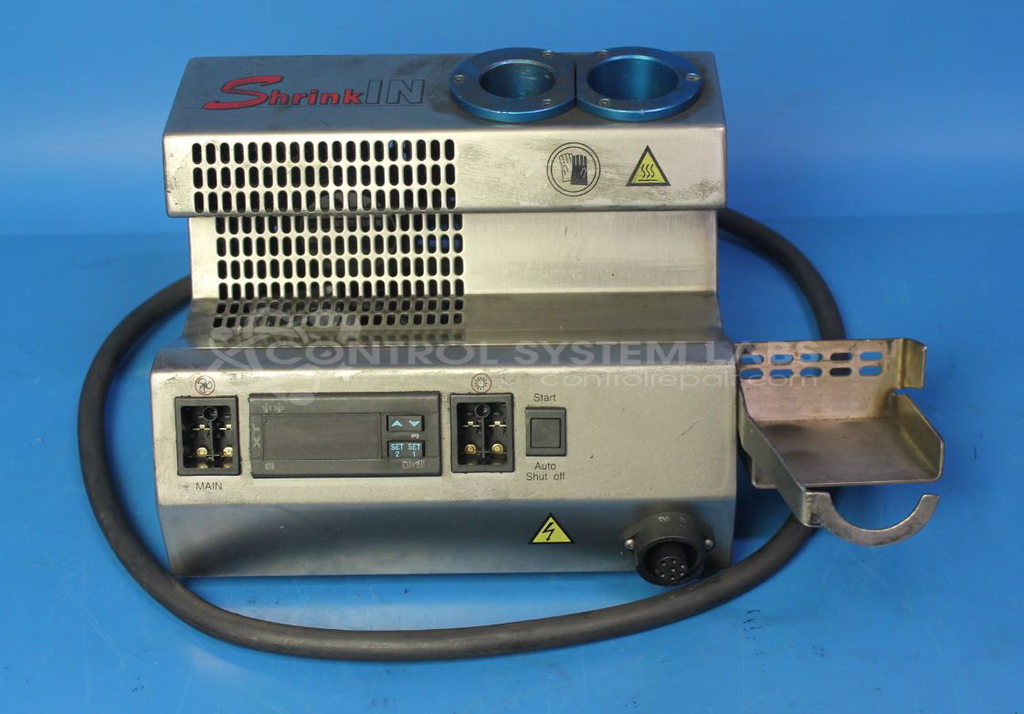
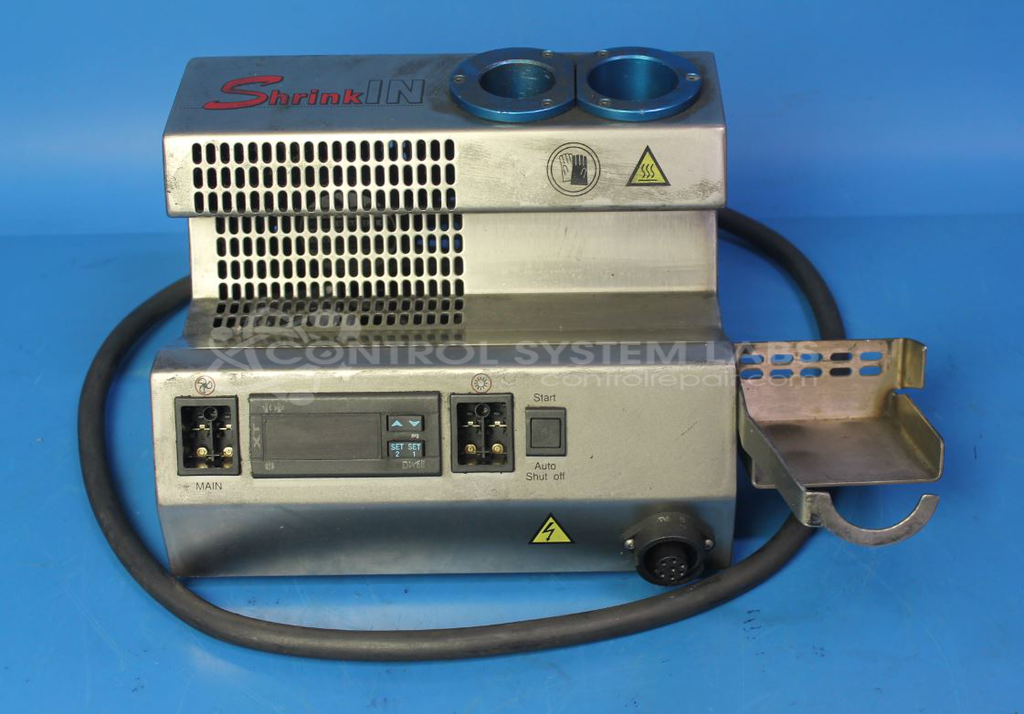
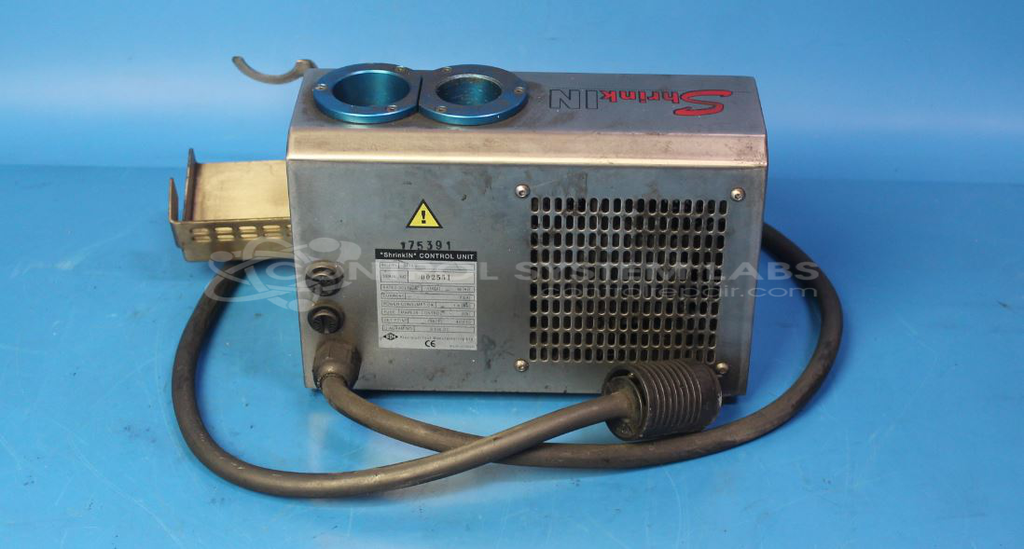
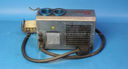
Product Overview: The ShrinkIN Control Unit (S175/2) by ETM Precision Tool Manufacturing is a temperature control system for industrial heat shrinking operations. It regulates heating elements used in precision tool assembly and manufacturing processes where controlled heat application is critical. The system features adjustable temperature settings up to 800°C, J-type thermocouple sensing, and includes a programmable timer function. It controls specialized heating wands with replaceable tips for heat shrink applications in tooling and manufacturing environments.
Category: Control Assembly
Manufacturer: ETM Precision Tool Manufacturing
Alternate Manufacturer Names: Precision Tool Manufacturing, ISCAR
Manufacturer Part Number: S175/2
Other Synonyms: Precision Tool Manufacturing, ISCAR
Common Failures
Common issues reported include parts adhering to the iron tip. This can be caused by the tip becoming stuck in the wand or wires being pulled from the wand assembly.
Repair Approach
Repairs may involve reattaching the heater probe and wand assembly, clearing obstructions from the tip, and repairing wiring within the wand. Temperature calibration is verified during the repair process.
Testing & Quality
After repairs are completed, units undergo functional testing, which includes operating the unit at elevated temperature to verify performance. All repaired units are tested before being returned to the customer.
Service and repair your broken ETM Precision Tool Manufacturing part
We can repair your ETM Precision Tool Manufacturing model S175/2 in our facility. Let our skilled technicians get your ETM Precision Tool Manufacturing back in operation quickly.
Step 1 - Click the green 'Repair Now' button above to add the part and then complete the RMA.
Step 2 - The RMA form will be sent to you via email. Print the RMA form and put it in a box with the item(s) for repair.
Step 3 - Ship or mail the box to the address listed on the RMA.
Once the user has seen at least one product this snippet will be visible.