



Repair
Call for price
Purchase
CSL Part Number: 74490
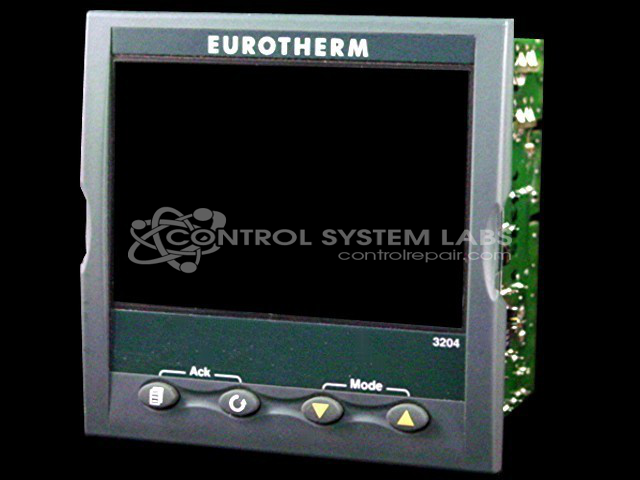
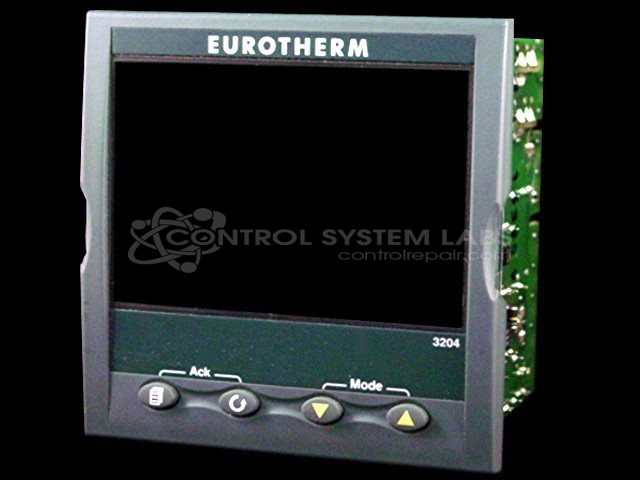
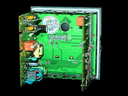
Product Overview: The Eurotherm 3204 is a 1/4 DIN-sized process controller designed for precision temperature and process variable control in industrial applications. Part of the 3200 series, it offers flexible power supply options (24VDC or 85-264VAC) and various output configurations including logic, relay, 0-20mA, and triac. The controller supports multiple thermocouple input types, PID heating and cooling control, alarm functions, and serial communications. Common applications include paper processing and other industrial temperature-critical processes requiring accurate setpoint control and programmable outputs.
Category: Temperature Control
Manufacturer: Eurotherm
Manufacturer Part Number: 3204
Series: 3200 Series Process Controller
The 3204 series of controllers offer precision control of process variables. Options include 24VDC of 85-284VAC power supply, Logic, Relay, 0-20mA, and Triac Outputs. Serial communications. Send in your unit for evaluation and a quote.
Common Failures
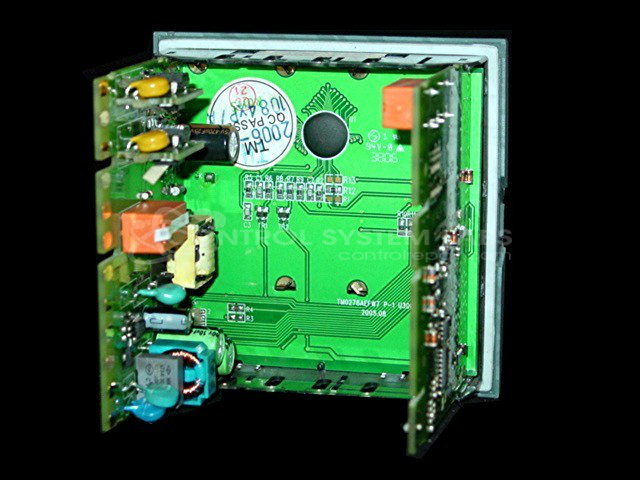
Common issues reported include the device not powering up and displaying EMOD error messages. These problems may be due to defective components that require replacement, resetting to factory settings, and calibration.
Repair Approach
The repair process involves replacing defective components and performing diagnostic testing. Restoration includes resetting the device to factory defaults and conducting calibration using specialized equipment. These steps are performed to address EMOD errors and power-up issues.
Testing & Quality
Following repairs, the device undergoes a burn-in test with a temperature fixture station to verify performance stability. Quality checks are performed to confirm that the equipment functions correctly.
Service and repair your broken Eurotherm part
We can repair your Eurotherm model 3204 in our facility. Let our skilled technicians get your Eurotherm back in operation quickly.
Step 1 - Click the green 'Repair Now' button above to add the part and then complete the RMA.
Step 2 - The RMA form will be sent to you via email. Print the RMA form and put it in a box with the item(s) for repair.
Step 3 - Ship or mail the box to the address listed on the RMA.
Once the user has seen at least one product this snippet will be visible.