



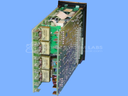
Repair
Repair Price: $ 416.00
Purchase
CSL Part Number: 70810
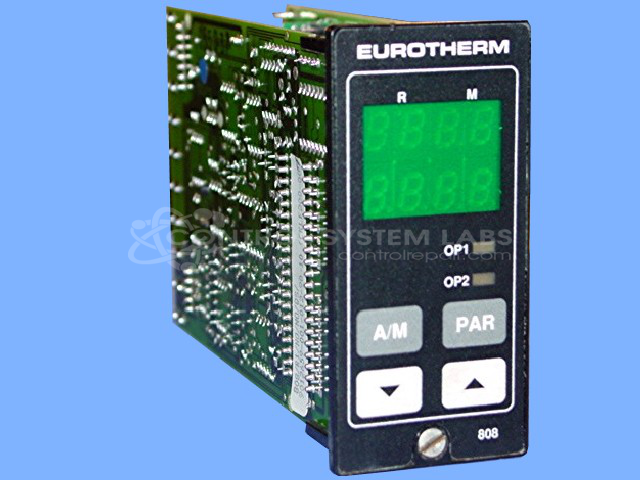
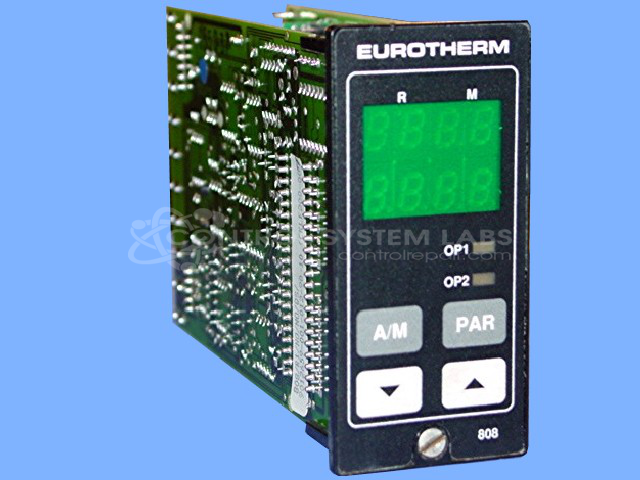
Product Overview: The Eurotherm 808/847 Series is a 1/8 DIN digital temperature controller used in industrial heating and process control applications. It accepts thermocouple or RTD inputs and provides control outputs for maintaining precise temperature setpoints. Available in numerous configurations, the unit features digital display, front panel programming, and alarm functions. Common applications include plastics processing, packaging machinery, and general industrial thermal control systems where compact DIN panel mounting is required.
Category: Temperature Control
Manufacturer: Eurotherm
Manufacturer Part Number: 808/R1/R1/0/0/0/0/QLS/
Series: 808 and 847 Series Digital Controller
The Eurotherm 808/847 Series comes in an assortment of configurations. Please submit your device using the exact part number or use this number if the exact number can not be found.
Common Failures
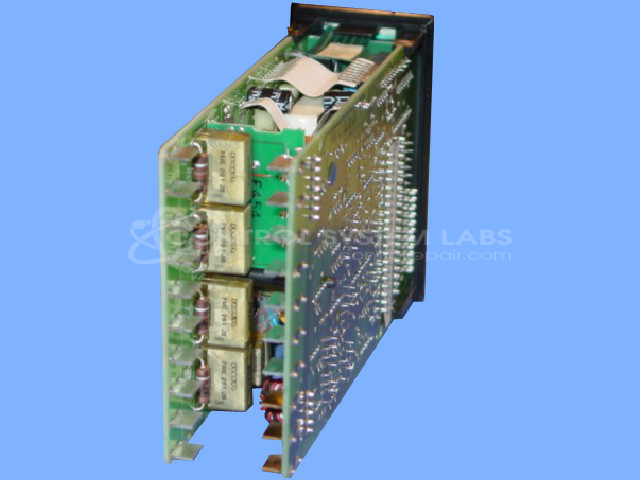
Common issues reported by customers include defective electrolytic capacitors and display damage. Capacitor failures can affect operational performance, and display damage can impact visibility and operation.
Repair Approach
Our repair process involves replacing defective components, such as capacitors and displays. We may also perform preventative replacement of additional capacitors to improve reliability. Thorough cleaning is conducted to support overall operational integrity.
Testing & Quality
Each repaired unit undergoes comprehensive burn-in testing and operational checks. Testing includes verification of front control functionality, temperature setting capabilities, and alarm and display functions. Units are configured to ensure parameters function within specifications.
Service and repair your broken Eurotherm part
We can repair your Eurotherm model 808/R1/R1/0/0/0/0/QLS/ in our facility. Let our skilled technicians get your Eurotherm back in operation quickly.
Step 1 - Click the green 'Repair Now' button above to add the part and then complete the RMA.
Step 2 - The RMA form will be sent to you via email. Print the RMA form and put it in a box with the item(s) for repair.
Step 3 - Ship or mail the box to the address listed on the RMA.
Once the user has seen at least one product this snippet will be visible.