



Repair
Repair Price: $ 316.00
Purchase
CSL Part Number: 85260
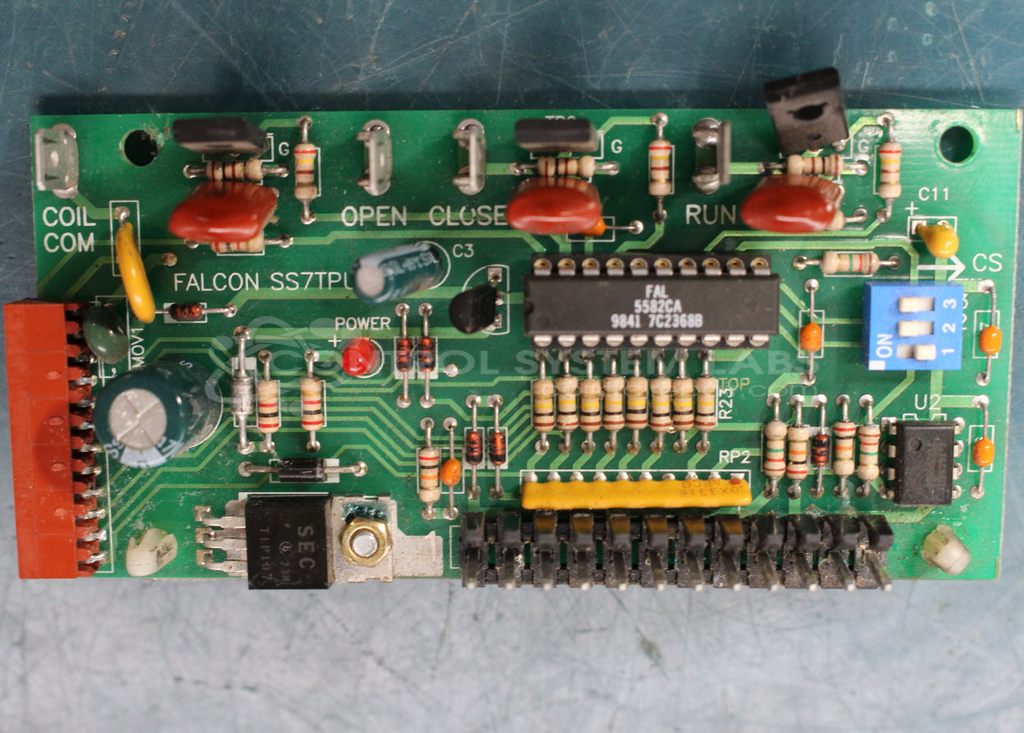
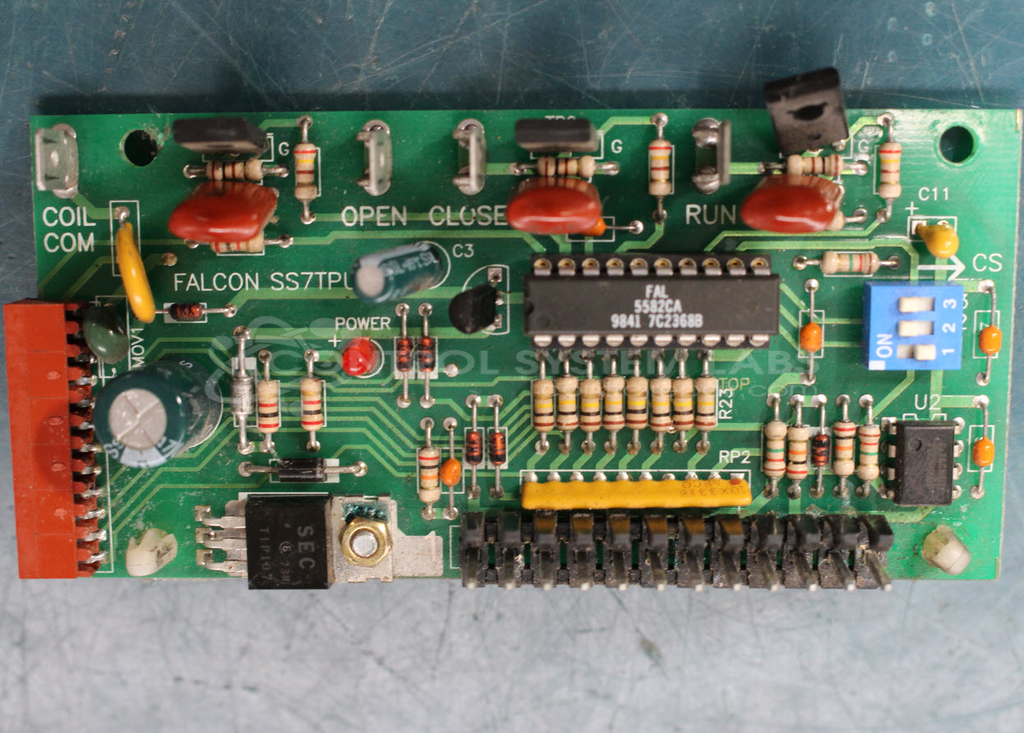
Product Overview: The Falcon SS7TPU is a gate control board designed for automatic gate opener systems, primarily used in residential and commercial gate operators such as Powermaster BSG models. It manages gate movement commands including open, close, and stop functions through relay and motor control circuitry. The board uses a custom FAL 5582CA integrated circuit for logic control, along with power regulation circuits featuring 79L05 voltage regulators, TRIACs, SCRs, and Darlington transistors for driving gate motors and handling switching operations.
Category: Control Board
Manufacturer: Falcon
Manufacturer Part Number: SS7TPU
Common Failures
Common failures include defective solder joints, corrosion on traces, and capacitor degradation. These issues may be related to the unit's electronic components not functioning as intended.
Repair Approach
The repair process typically involves replacing defective or aging components such as electrolytic capacitors, voltage regulators, diodes, and power transistors. Solder joints are reflowed to ensure reliable connectivity, and corroded traces are retouched and remasked. In cases where parts are obsolete, alternate components or preventive replacements may be used.
Testing & Quality
Repairs undergo component-level testing to verify that replaced parts function correctly. Quality checks ensure workmanship standards are met and that no residual flux or other contaminants remain on the board after repairs.
Service and repair your broken Falcon part
We can repair your Falcon model SS7TPU in our facility. Let our skilled technicians get your Falcon back in operation quickly.
Step 1 - Click the green 'Repair Now' button above to add the part and then complete the RMA.
Step 2 - The RMA form will be sent to you via email. Print the RMA form and put it in a box with the item(s) for repair.
Step 3 - Ship or mail the box to the address listed on the RMA.
Once the user has seen at least one product this snippet will be visible.