



Repair
Call for price
Purchase
CSL Part Number: 82058
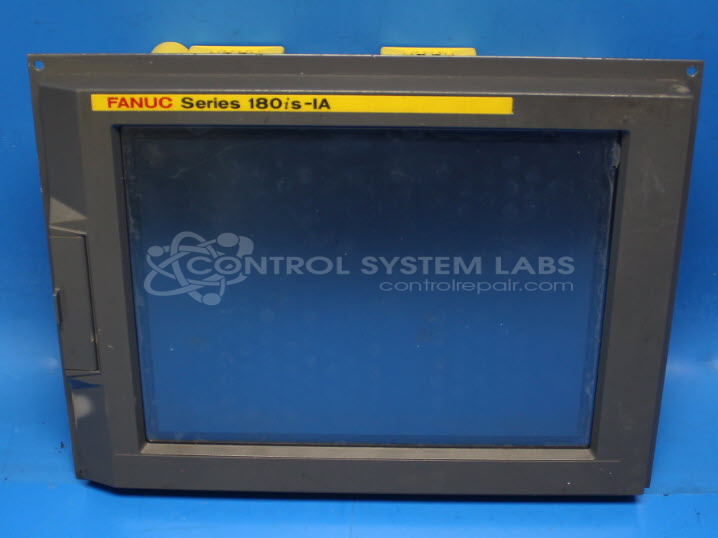
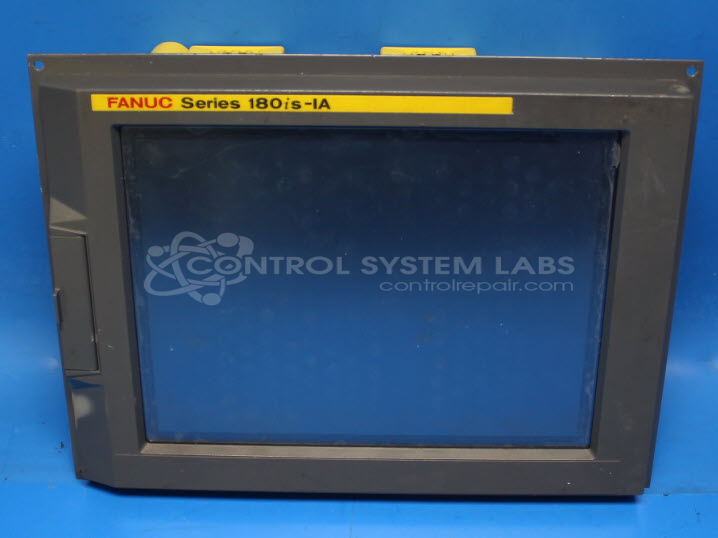
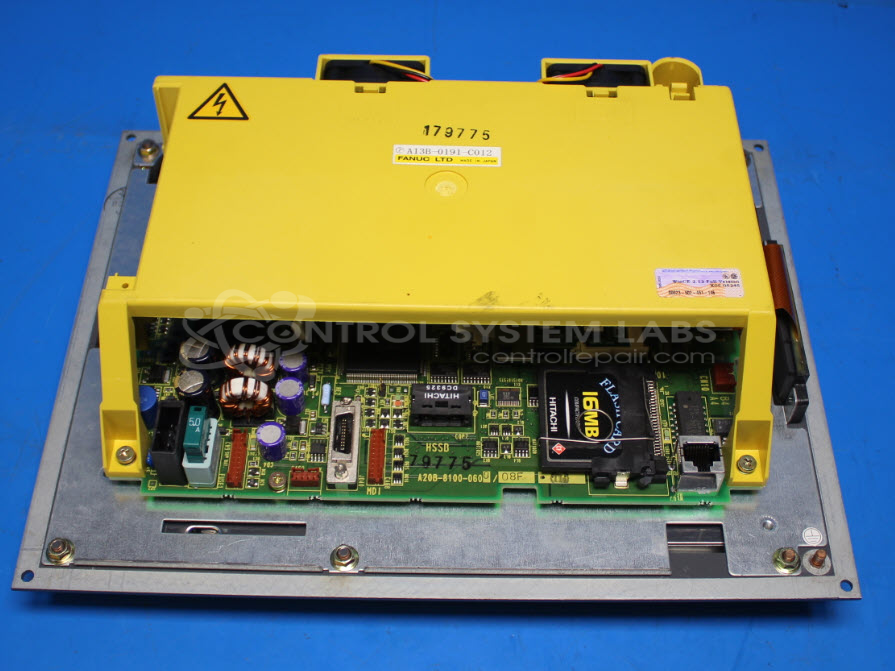
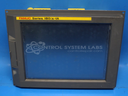
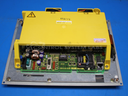
Product Overview: The A13B-0191-C012 is a 10.4-inch LCD touchscreen display unit manufactured by Fanuc for use in CNC machine tool operator interfaces and Factory Automation applications. It combines an LCD panel with integrated touch input and control electronics in a single assembly. This unit is typically found in Fanuc control systems where operators need to monitor machining parameters, program tool paths, and interact with the CNC controller. The display operates on 24VDC power and features proprietary circuitry for communication with Fanuc controllers.
Category: Operator / Monitor Workstation
Manufacturer: Fanuc
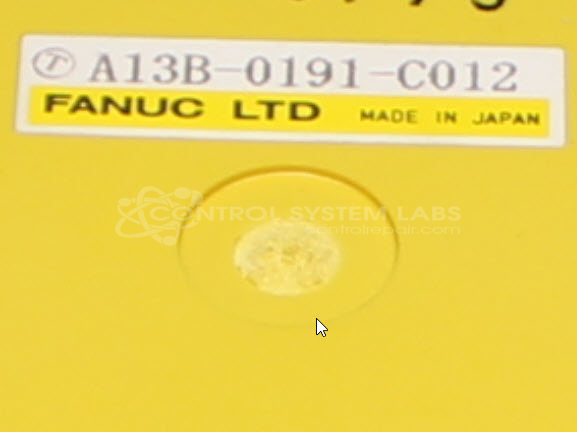
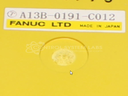
Manufacturer Part Number: A13B-0191-C012
Common Failures
Customers have reported issues where the screen boots up but is unresponsive to button presses. In some cases, the backlight may degrade over time, impacting visibility.
Repair Approach
Our team evaluated the unresponsiveness by cleaning and reseating internal cable connections. Issues related to the main board involve proprietary components, which can add complexity to repairs. When needed, CSL may utilize external resources to support the evaluation and repair process.
Testing & Quality
Units are evaluated through a structured process that may include power supply testing, current consumption measurement, backlight functionality assessment, and digital activity diagnostics. We conduct testing appropriate to the scope of work performed and provide findings to the customer once evaluation is complete.
Service and repair your broken Fanuc part
We can repair your Fanuc model A13B-0191-C012 in our facility. Let our skilled technicians get your Fanuc back in operation quickly.
Step 1 - Click the green 'Repair Now' button above to add the part and then complete the RMA.
Step 2 - The RMA form will be sent to you via email. Print the RMA form and put it in a box with the item(s) for repair.
Step 3 - Ship or mail the box to the address listed on the RMA.
Once the user has seen at least one product this snippet will be visible.