



Repair
Repair Price: $ 440.00
Purchase
CSL Part Number: 88407
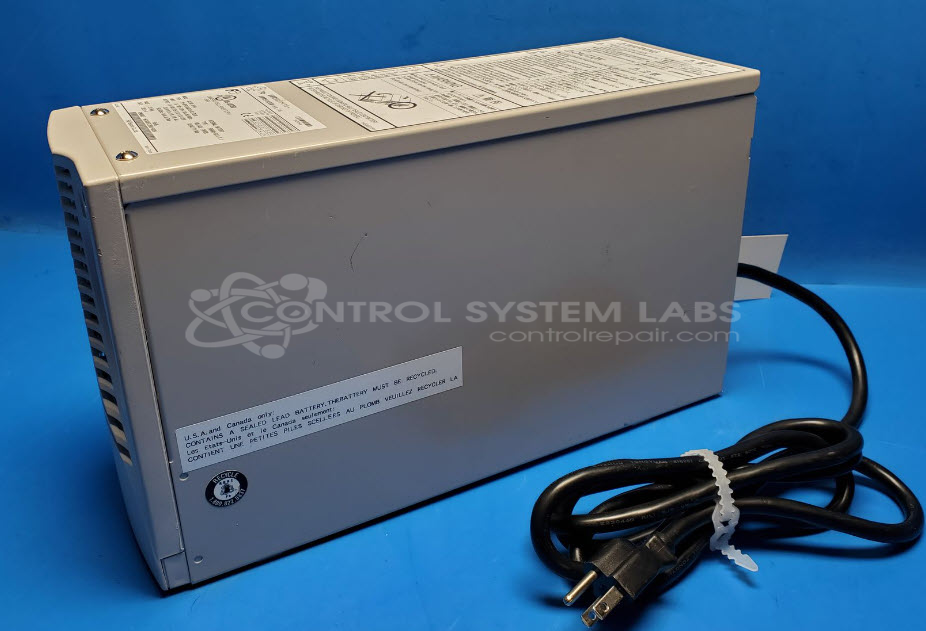
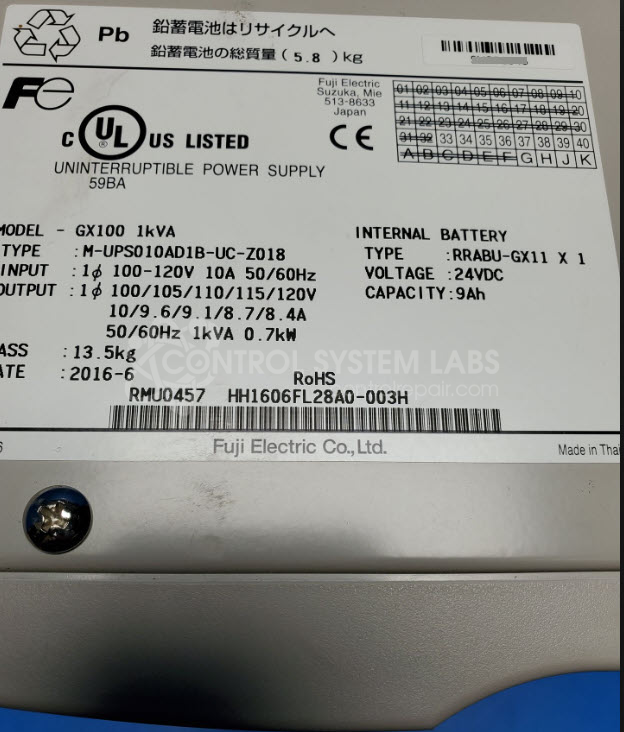
Product Overview: The Fuji Electric M-UPS010AD1B-UC (GX100 series) is a 1kVA line-interactive uninterruptible power supply designed to protect sensitive industrial equipment from power disturbances. It provides backup power during outages and conditions incoming AC power to prevent damage from surges, sags, and electrical noise. The unit uses two sealed 12VDC 9Ah lead-acid batteries to deliver uninterrupted power during transitions and outages. Common applications include industrial automation systems, control panels, PLCs, and other critical electronics requiring clean, continuous power.
Category: UPS
Manufacturer: Fuji Electric
Manufacturer Synonyms: Fuji
Manufacturer Part Number: M-UPS010AD1B-UC
Also Known As(AKA): GX100 1kVA
Common Failures
Common issues reported include batteries reaching the end of life, alarms failing to turn off even after replacing batteries, and false alarm indications for battery condition. Often, these issues are linked to battery performance, including dead batteries that cannot accept a charge or missing batteries leading to error conditions.
Repair Approach
Resolution typically involves diagnosing and replacing defective batteries. Repaired units undergo comprehensive testing to verify performance. In cases where repairs are not feasible or economical, units may be deemed Beyond Economic Repair (BER) and returned without repair.
Testing & Quality
Post-repair, products are subjected to testing, including resistive load tests, burn-in tests, and verification against manufacturer documentation. These tests confirm that the unit operates as expected and that alarms are correctly signaling battery health.
Service and repair your broken Fuji Electric part
We can repair your Fuji Electric model M-UPS010AD1B-UC in our facility. Let our skilled technicians get your Fuji Electric back in operation quickly.
Step 1 - Click the green 'Repair Now' button above to add the part and then complete the RMA.
Step 2 - The RMA form will be sent to you via email. Print the RMA form and put it in a box with the item(s) for repair.
Step 3 - Ship or mail the box to the address listed on the RMA.
Once the user has seen at least one product this snippet will be visible.