



Repair
Repair Price: $ 1,024.00
Purchase
CSL Part Number: 85088
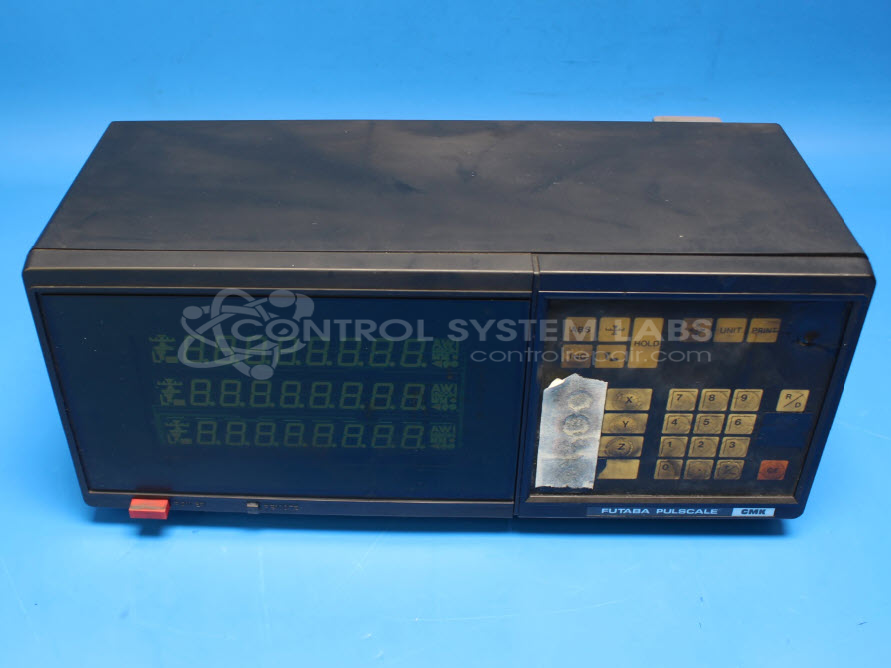
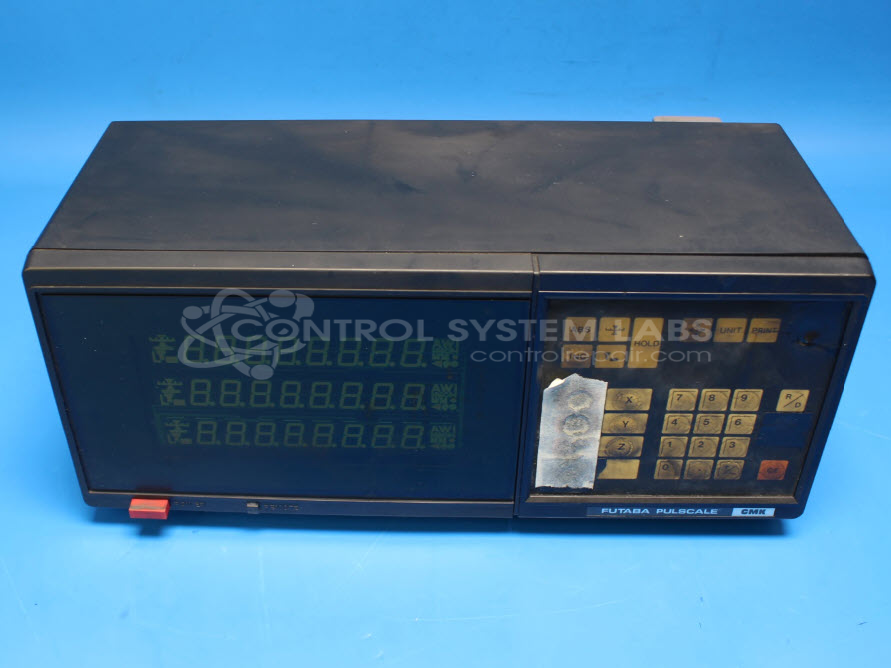
Product Overview: The Futaba Pulscale CMK 3-Axis Digital Readout (DRO) is a position measurement display system used in industrial machinery requiring precise multi-axis coordinate tracking. It interfaces with linear scales or encoders to provide real-time position feedback across three axes simultaneously. Commonly found on milling machines, lathes, grinding equipment, and coordinate measuring machines, it features numerical display, keypad input, and battery-backed memory for reference positions. The unit includes an integrated power supply and multiple input ports for connecting external position transducers.
Category: Operator & Control Panels
Manufacturer: Futaba
Manufacturer Part Number: CMK310
Common Failures
Customers have reported issues related to power supply faults, sometimes accompanied by noise during operation, particularly when multiple scales are connected. Error Code 42 has also been reported, which may indicate a need for calibration. Corrosion and component-level failures have been observed in some units.
Repair Approach
Repairs may involve the replacement of capacitors and other components associated with power supply function. We address noise and operational fluctuations where feasible. For units displaying Error Code 42, calibration or further evaluation may be required. In some cases, additional information or components from the customer, such as encoders or scales, may be needed for a complete evaluation.
Testing & Quality
Following repair, units undergo diagnostic testing to verify functionality. This includes operational testing and inspection of ports and keypads. Units are reviewed at multiple stages before being cleared for return to the customer.
Service and repair your broken Futaba part
We can repair your Futaba model CMK310 in our facility. Let our skilled technicians get your Futaba back in operation quickly.
Step 1 - Click the green 'Repair Now' button above to add the part and then complete the RMA.
Step 2 - The RMA form will be sent to you via email. Print the RMA form and put it in a box with the item(s) for repair.
Step 3 - Ship or mail the box to the address listed on the RMA.
Once the user has seen at least one product this snippet will be visible.