



Repair
Repair Price: $ 1,548.00
Purchase
CSL Part Number: 111595
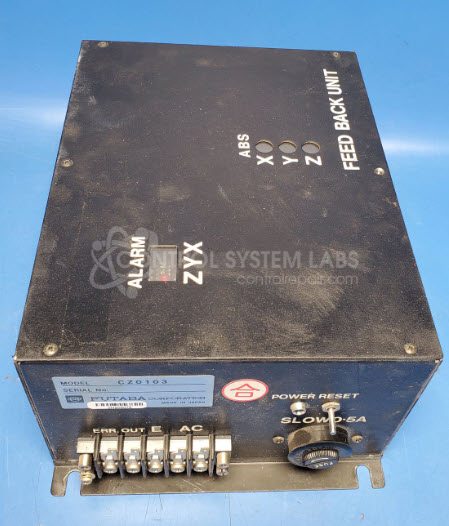
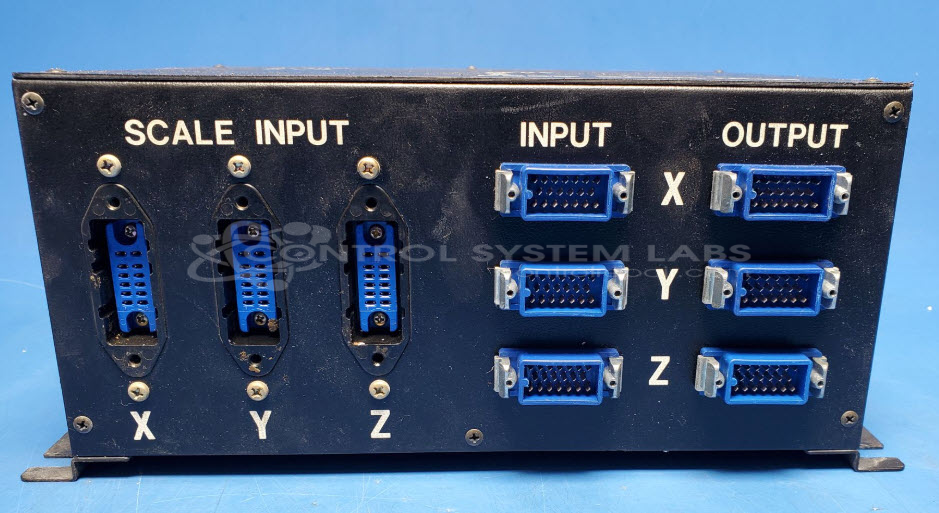
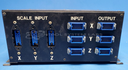
Product Overview: The Futaba CZ0103 is a feedback control unit designed for CNC machine tool applications. This multi-board control module manages axis positioning and motion control in machining centers, commonly found in Leblond Makino FNC106-A mills. It operates on 120 VAC input and provides regulated 5V and 15V DC outputs for control circuits. The unit features reset functionality, status LEDs, and alarm indicators for XYZ axes, serving as a critical interface between the machine's CNC controller and servo systems.
Category: Control Card Or Module
Manufacturer: Futaba
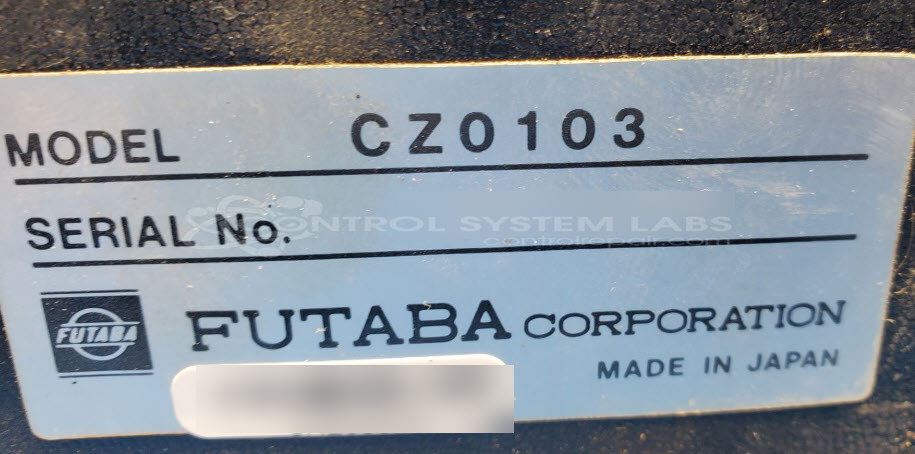
Manufacturer Part Number: CZ0103
Often found in a Leblond Makino FNC106-A mill
Common Failures
The unit was received with a reported issue of erratic machine operation across multiple axes. Evaluation identified defective capacitors within the unit. The faulty capacitors caused excessive power supply ripple, which affected the unit's operation.
Repair Approach
The repair involved replacing the faulty capacitors on the circuit boards and power supply. After component replacement, power supply ripple was reduced from an abnormal level of 1Vp-p to a normal level of 200mV.
Testing & Quality
Post-repair testing confirmed stable 5V and 15V outputs across both boards and verified that diagnostic LEDs functioned correctly. The reset feature successfully engaged the relay and deactivated alarm indicators for the XYZ axes. A burn-in test was conducted, and the unit was returned to the customer for final testing in their application.
Limited Repair
The Futaba part number is only available as a limited repair at our facility. Repairs to this item may be limited due to several reasons:
- Availability of parts
- Less than 100% test ability due to required support equipment
To have us attempt a repair on your Futaba part follow these steps:
Step 1 -
Click the Repair Now button above to add the part and complete the RMA form.
Step 2 -
Print the RMA form that is sent to your email, and put it in the box with the parts for repair.
Step 3 -
Mail the box to the address on the RMA.
After we receive your item, we will perform an inspection and an authorization to repair will be sent for your approval. Work will begin after your authorization is received.
Once the user has seen at least one product this snippet will be visible.