



Repair
Repair Price: $ 600.00
Purchase
CSL Part Number: 82283
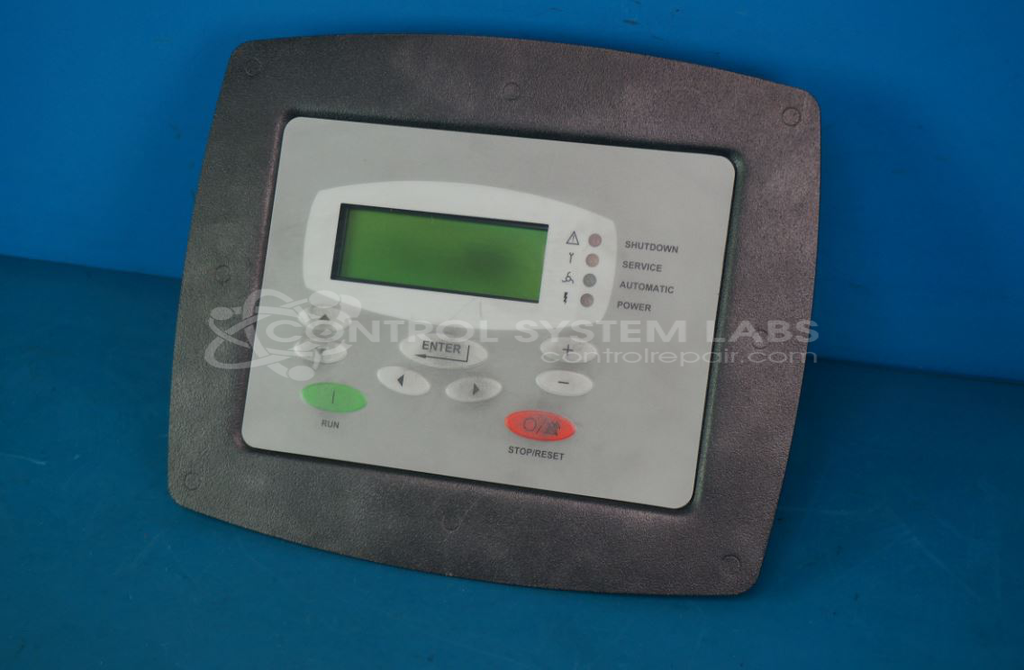
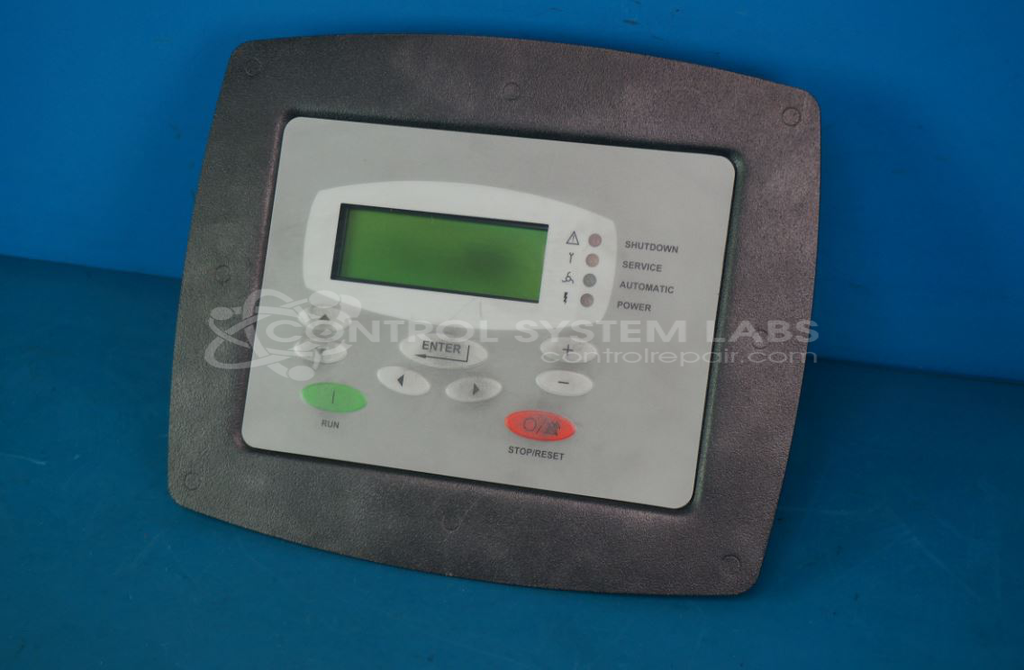
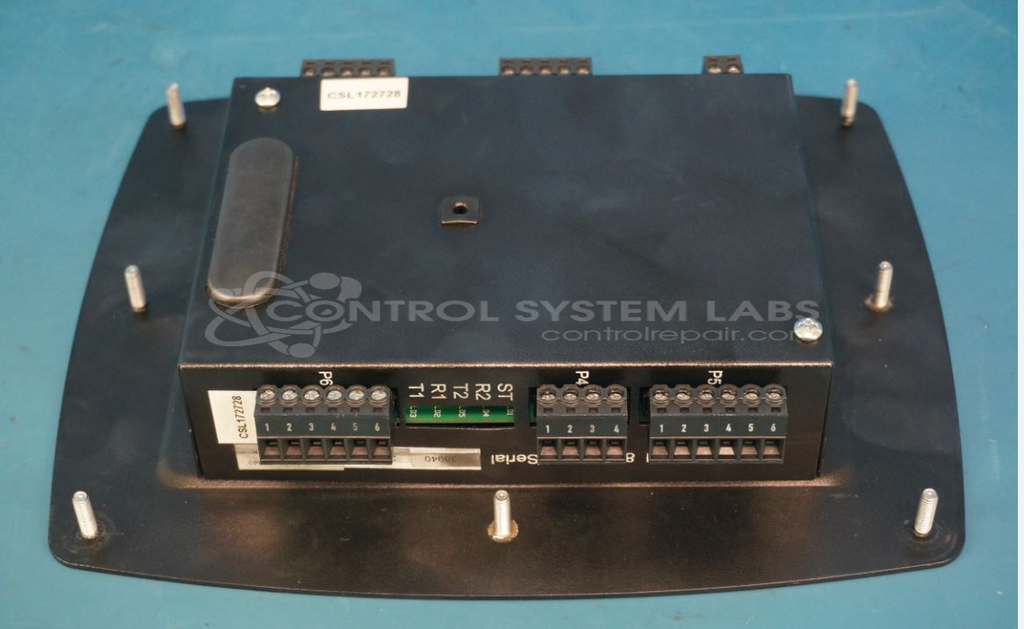
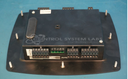
Product Overview: The AirSmart Controller Display is an operator interface module for Gardner Denver industrial air compressors. It combines a communication module with an integrated LCD display and membrane keypad, allowing operators to monitor compressor status, configure parameters, and manage digital inputs for auxiliary equipment such as cooling fans and thermal protection circuits. The display provides real-time system feedback while the keypad enables navigation through operating menus and alarm management. This controller is commonly found in paper mill operations and other industrial facilities requiring compressed air systems with sophisticated monitoring and control capabilities.
Category: Operator Interface
Manufacturer: Gardner Denver
Manufacturer Part Number: 89864799
Common Failures
Evaluation of units received has revealed various component-level issues, including defective connectors, resistors, diodes, screens, and keypads. Observed symptoms have included unreadable screens, digital input malfunctions, and controller display problems.
Repair Approach
Repairs may involve replacing defective components such as connectors, resistors, and screens. In some cases where digital input failures were noted, adjustments to parameter settings have been performed to resolve alarms. For screen issues, display replacement has been necessary.
Testing & Quality
Testing procedures include component-level tests and burn-in tests. Displays and buttons undergo functional verification. Burn-in tests are conducted for two hours. Repaired units complete Level 2 Testing to validate functionality of components, including digital inputs and screen displays.
Service and repair your broken Gardner Denver part
We can repair your Gardner Denver model 89864799 in our facility. Let our skilled technicians get your Gardner Denver back in operation quickly.
Step 1 - Click the green 'Repair Now' button above to add the part and then complete the RMA.
Step 2 - The RMA form will be sent to you via email. Print the RMA form and put it in a box with the item(s) for repair.
Step 3 - Ship or mail the box to the address listed on the RMA.
Once the user has seen at least one product this snippet will be visible.