



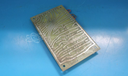
Repair
Repair Price: $ 356.00
Purchase
CSL Part Number: 84014
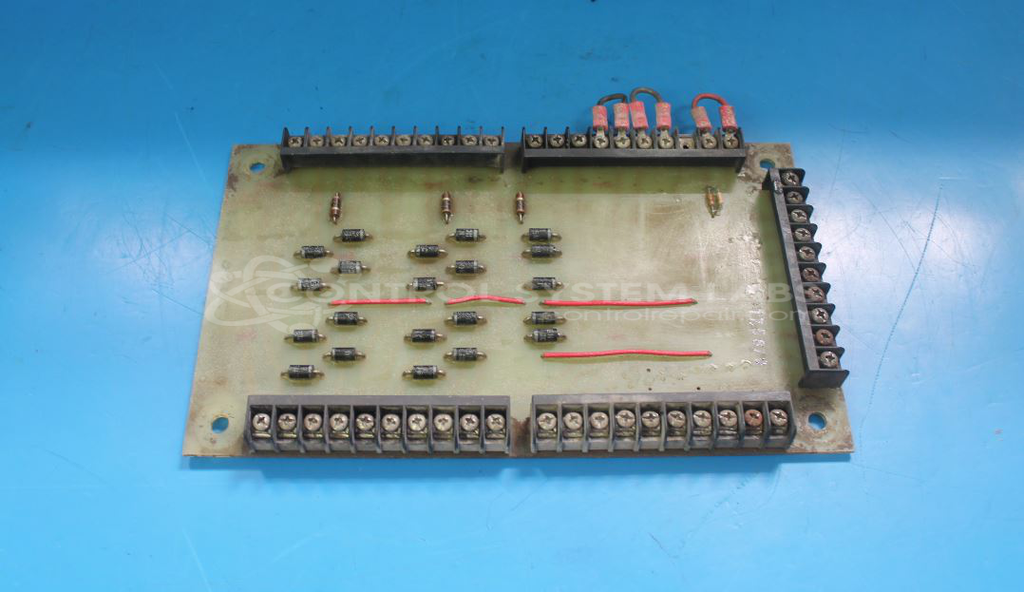
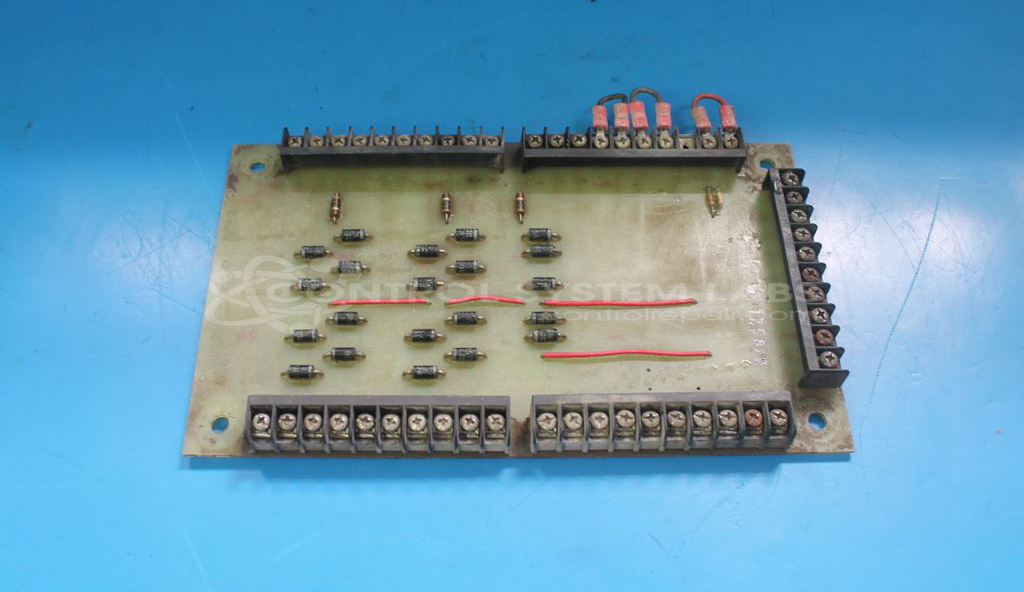
Product Overview: The Genie 13211 is a control board designed for Genie aerial work platforms, most commonly found in Z-30/20 and Z-30/20HD boom lifts. It manages critical functions including brake release and other operational controls for these man lifts. The board features barrier block connectors with screw terminals and typically operates in harsh industrial environments where exposure to moisture and contaminants is common. It contains power regulation circuitry with metal film resistors and rectifier diodes that handle control signals for platform safety systems.
Category: Control Board
Manufacturer: Genie
Manufacturer Part Number: 13211
Common Failures
Common issues reported with Genie control boards and booms include brakes not releasing, component failures, and circuit damage. These failures are often related to corrosion under terminals leading to intermittent connections, or defective components such as resistors and diodes.
Repair Approach
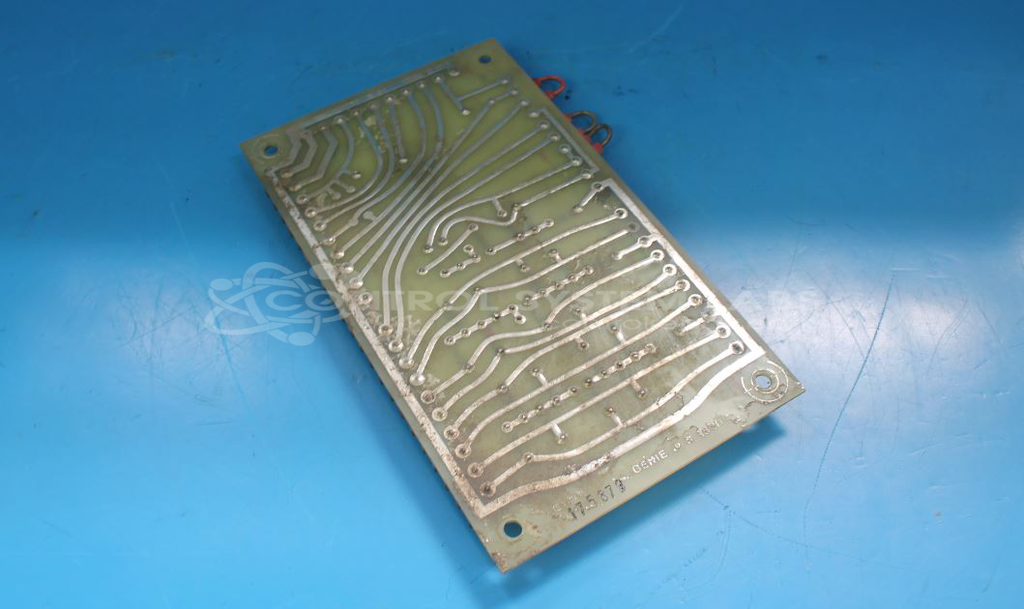
The repair process typically involves thorough cleaning, which may include the use of an aqueous cleaner and drying process. Additional operations may include resoldering connections, replacing damaged components such as resistors and diodes, and repairing corroded traces. A conformal coating may be reapplied to help protect against future corrosion.
Testing & Quality
Following repair, items undergo component-level testing to verify functionality. While burn-in testing is not typically possible for these units, all individual components are tested to confirm proper operation.
Service and repair your broken Genie part
We can repair your Genie model 13211 in our facility. Let our skilled technicians get your Genie back in operation quickly.
Step 1 - Click the green 'Repair Now' button above to add the part and then complete the RMA.
Step 2 - The RMA form will be sent to you via email. Print the RMA form and put it in a box with the item(s) for repair.
Step 3 - Ship or mail the box to the address listed on the RMA.
Once the user has seen at least one product this snippet will be visible.