




Repair
Repair Price: $ 1,656.00
Purchase
CSL Part Number: 29194
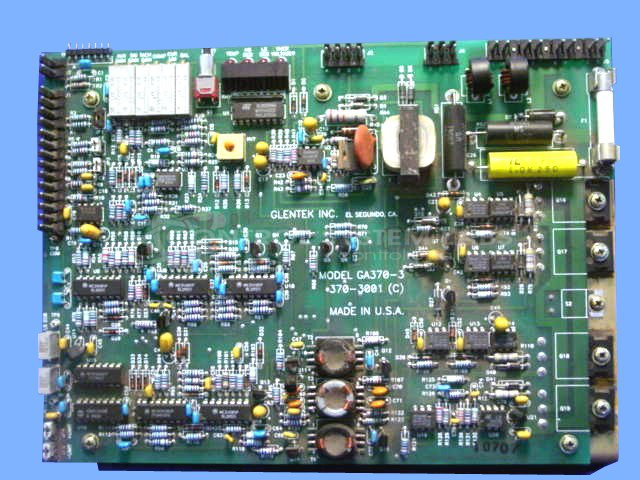
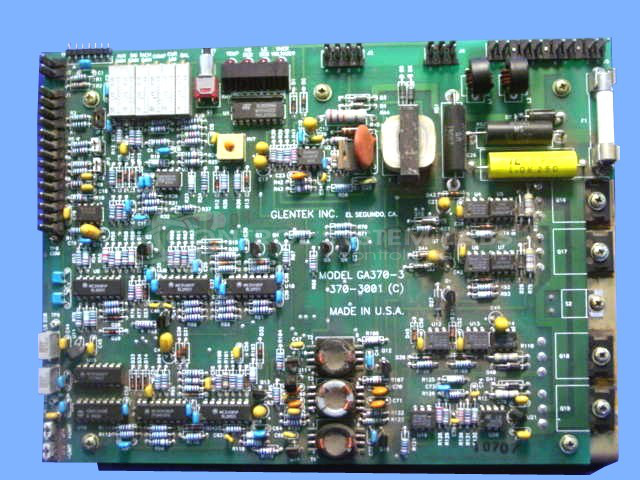
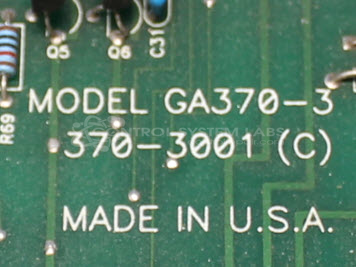
Product Overview: The Glentek GA370-3 is a servo drive amplifier axis card used to control servo motor speed, torque, and position in industrial motion control systems. This card-level component features adjustable potentiometers for tuning performance parameters and multiple diagnostic LED indicators including an ECB fault light. It is typically found in paper manufacturing equipment and other automated machinery requiring precise axis control. The GA370-3 operates with DC power supplies and connects directly to servo motors for closed-loop motion applications.
Category: Servo Controls
Manufacturer: Glentek
Manufacturer Synonyms: GTK
Manufacturer Part Number: GA370-3
We repair this in our own facility. There is no factory repair available.
Common Failures
Some units may experience issues where indicator lights on the bottom board remain lit without expected operation. Occasional external handling can cause component leads to short, resulting in faults. Some customers have reported faults occurring after previously successful repairs.
Repair Approach
Repairs may involve adjusting internal settings to match operational benchmarks. If physical damage or shorting is detected, corrective measures are taken to realign and secure components. We evaluate each unit individually and provide a quotation before any repair work begins.
Testing & Quality
Repaired units undergo testing to verify performance. In some cases, no faults are detected during testing. Consistent monitoring and adjustment of calibration settings may be required for optimal functionality.
Service and repair your broken Glentek part
We can repair your Glentek model GA370-3 in our facility. Let our skilled technicians get your Glentek back in operation quickly.
Step 1 - Click the green 'Repair Now' button above to add the part and then complete the RMA.
Step 2 - The RMA form will be sent to you via email. Print the RMA form and put it in a box with the item(s) for repair.
Step 3 - Ship or mail the box to the address listed on the RMA.
Once the user has seen at least one product this snippet will be visible.