




Repair
Call for price
Purchase
CSL Part Number: 118847
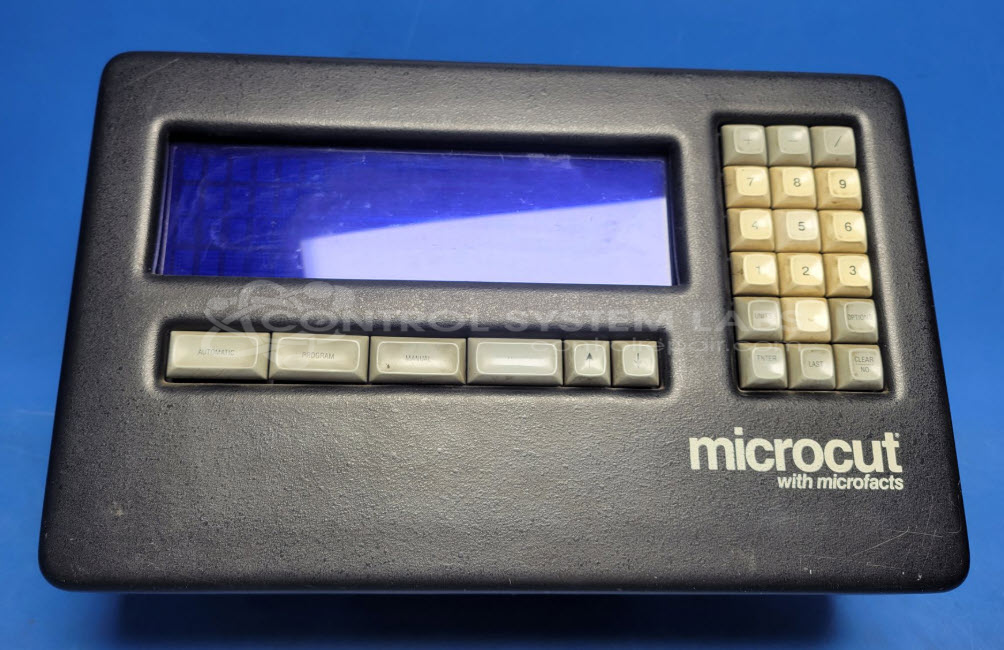
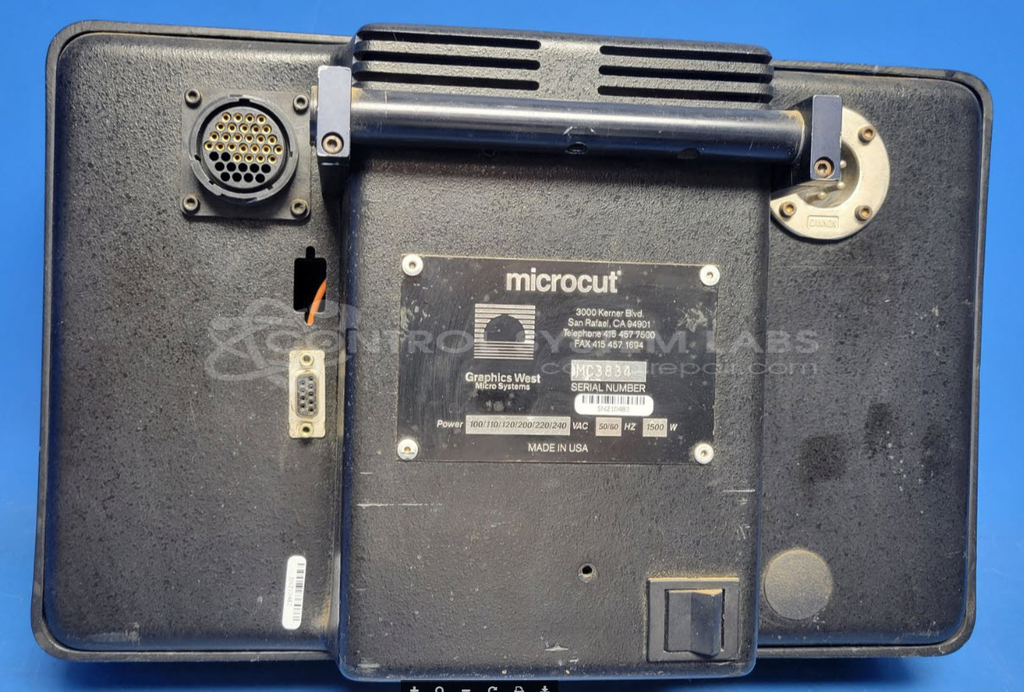
Product Overview: The Microcut Operator Control Unit is a specialized operator interface designed by Graphics West Microsystems for industrial control applications. It features an integrated display screen, control buttons, and onboard memory including NVRAM and EPROM for configuration storage and real-time clock functionality. The unit operates on multi-voltage DC power (5V, 12V) and connects to machinery via cannon-style connectors. It provides machine testing capabilities, settings configuration, and operational control for automated equipment in manufacturing or industrial processing environments.
Category: Operator Interface
Manufacturer: Graphics West Microsystems
Manufacturer Part Number: Microcut
Please include problem description and wiring diagrams when sending in
Common Failures
This product commonly experiences failures related to capacitors in the power supply. Additionally, issues with connectors and memory components are observed.
Repair Approach
Repairs often involve replacing defective capacitors and connectors, cleaning corroded components, and addressing missing hardware such as screws and nuts. Memory chips may be replaced as needed to ensure data integrity. Real-time clock and NVRAM components are also replaced when necessary.
Testing & Quality
Post-repair, the unit undergoes diagnostic testing to confirm functionality. This includes measuring voltage outputs and confirming correct operation of controls and settings. The unit is booted to confirm progression through setup menus, and a burn-in test is conducted over two hours to verify stability. All repaired units are checked to confirm they meet operational standards.
Limited Repair
The Graphics West Microsystems part number is only available as a limited repair at our facility. Repairs to this item may be limited due to several reasons:
- Availability of parts
- Less than 100% test ability due to required support equipment
To have us attempt a repair on your Graphics West Microsystems part follow these steps:
Step 1 -
Click the Repair Now button above to add the part and complete the RMA form.
Step 2 -
Print the RMA form that is sent to your email, and put it in the box with the parts for repair.
Step 3 -
Mail the box to the address on the RMA.
After we receive your item, we will perform an inspection and an authorization to repair will be sent for your approval. Work will begin after your authorization is received.
Once the user has seen at least one product this snippet will be visible.