



Repair
Repair Price: $ 2,508.00
Purchase
CSL Part Number: 87512
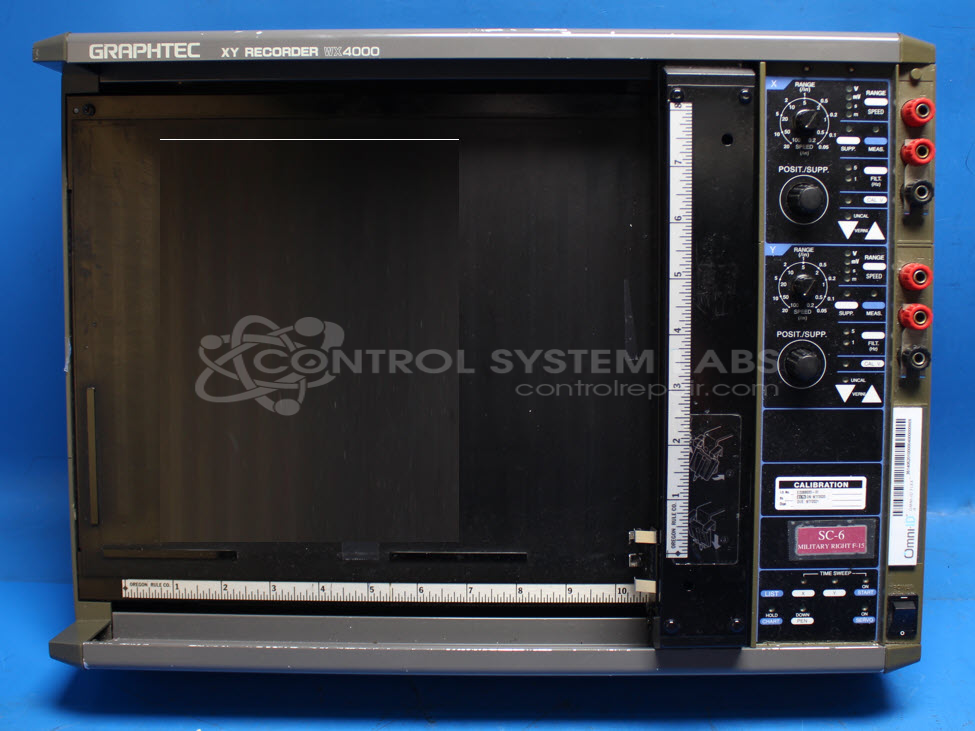
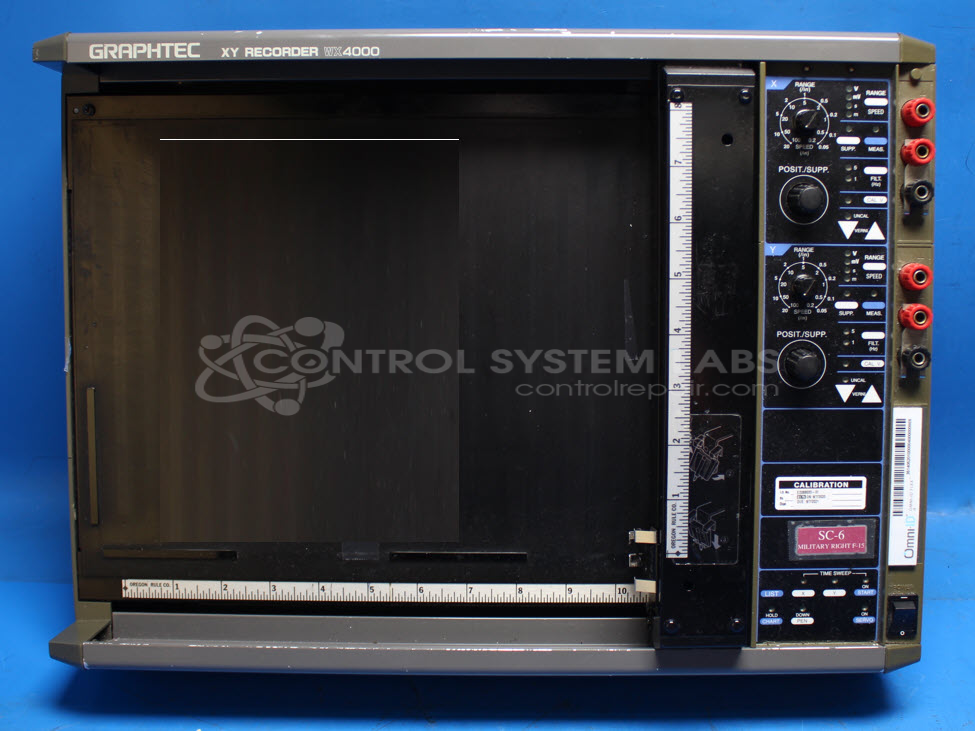
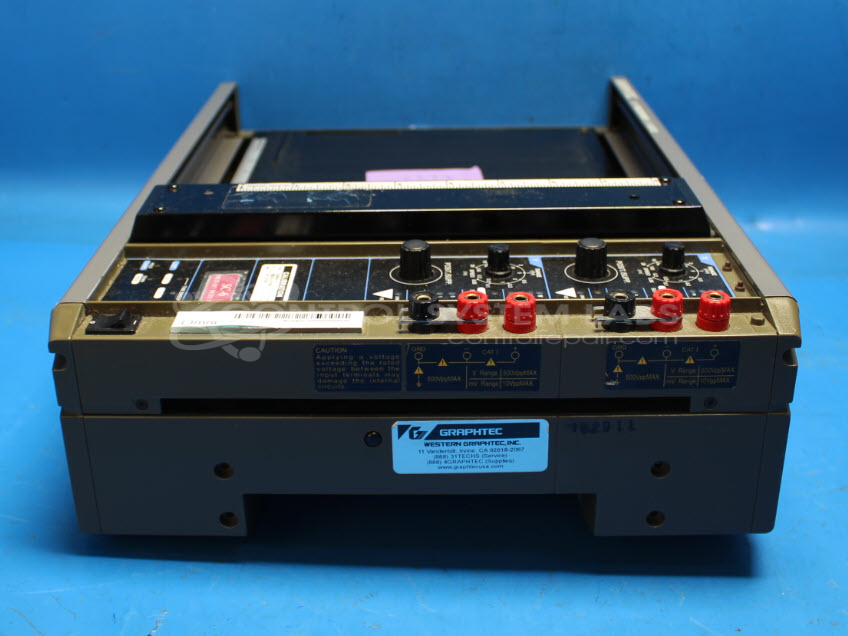
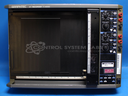
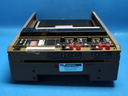
Product Overview: The Graphtec WX4000 is an XY plotter-style chart recorder that accepts analog voltage inputs (typically 0-10V) and plots data on paper using motor-driven pen positioning. It features dual-axis (X and Y) recording with manual and automatic time sweep modes, calibration capabilities, and adjustable voltage ranges (commonly 1 volt per inch). The unit employs timing belts, stepper motors with encoders, and a pen holder mechanism to produce graphical representations of analog signals. It is used in industrial process monitoring, quality control testing, and data acquisition applications where permanent visual records of voltage signals over time or in relation to each other are required.
Category: Chart Recorder / Data Logger
Manufacturer: Graphtec
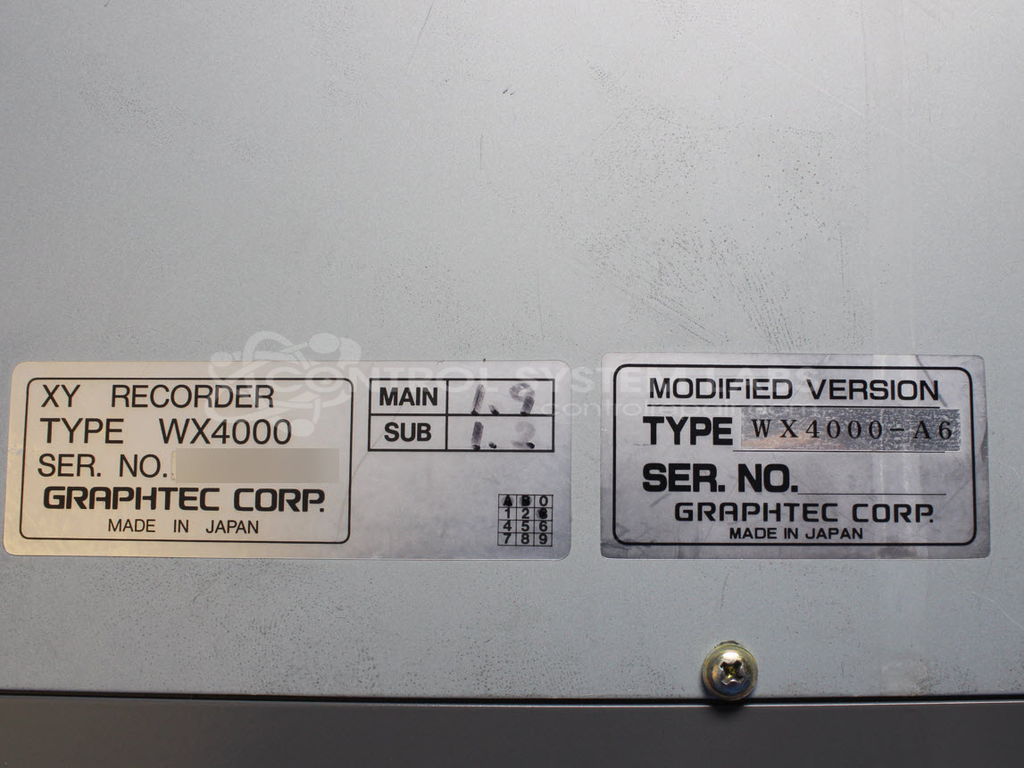
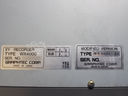
Manufacturer Part Number: WX4000-A6
Series: WX4000 XY Plotter
Also Known As(AKA): WX4000
Common Failures
Frequently reported issues include solder joint concerns, pen holder wear, and physical damage from shipping. Common symptoms are chart buttons not holding position, axes not maintaining origin position, drifting inputs, and buzzing noises during operation.
Repair Approach
Repairs often involve resoldering connections on single-sided boards to address solder joint concerns. Mechanical adjustments, such as aligning the x-axis, replacing worn belts, and addressing pen holder issues, are also common. Diagnostic testing is used to identify and address various issues like drifting zero points and alignment problems.
Testing & Quality
Testing is conducted post-repair to verify product functionality, including burn-in tests and linearity verification. Items are checked against specifications to maintain quality standards. If issues cannot be resolved, units are returned unrepaired with findings documented.
Service and repair your broken Graphtec part
We can repair your Graphtec model WX4000-A6 in our facility. Let our skilled technicians get your Graphtec back in operation quickly.
Step 1 - Click the green 'Repair Now' button above to add the part and then complete the RMA.
Step 2 - The RMA form will be sent to you via email. Print the RMA form and put it in a box with the item(s) for repair.
Step 3 - Ship or mail the box to the address listed on the RMA.
Once the user has seen at least one product this snippet will be visible.