



Repair
Repair Price: $ 1,588.00
Purchase
CSL Part Number: 114789
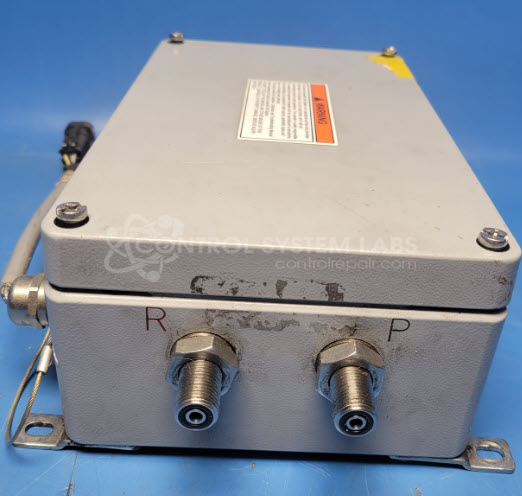
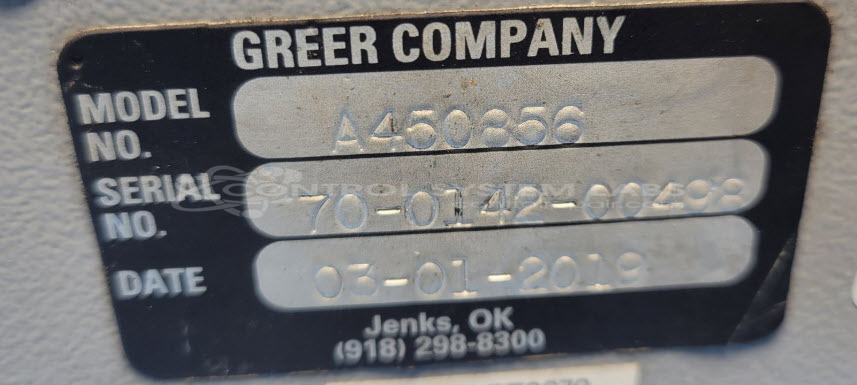
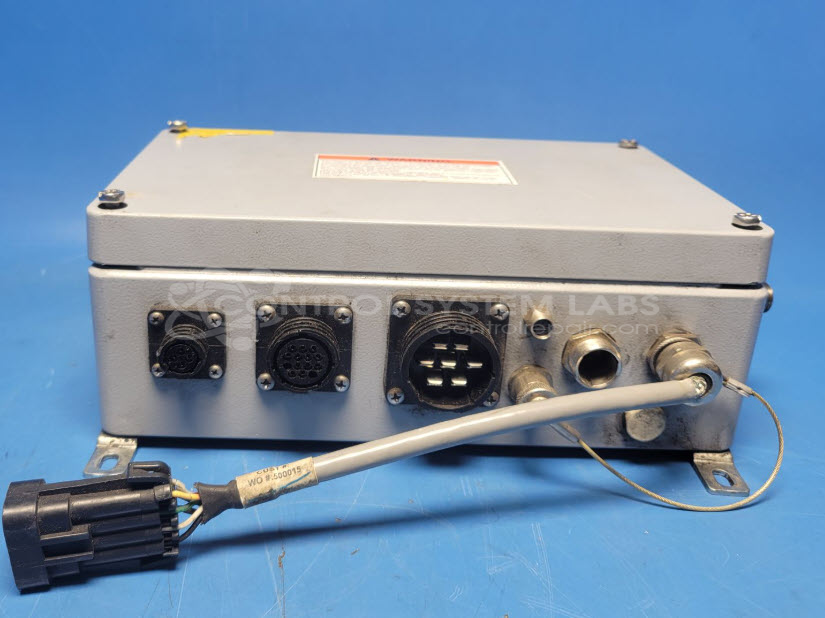
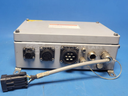
Product Overview: The Greer A450856 is a crane control unit from Greer Company's Crane series, designed to manage and coordinate crane operations. It interfaces with various crane subsystems including reeling drum systems and operator displays, using serial communication protocols. The unit features Metri-Pak connectors for field wiring and requires specific cabling (such as the MG5 computer cable assembly) to connect to peripheral devices like display panels. Common applications include overhead cranes and material handling equipment where precise load management and operational control are critical.
Category: Crane Control & LMI Systems
Manufacturer: Greer Company
Manufacturer Synonyms: TWG GC
Manufacturer Part Number: A450856
Series: Greer Crane
Please send in your MG586 pendant with cables to aid in the repair of this Crane Control Unit.
Common Failures
These crane control units may experience communication issues or complete non-functionality. Problems can include defective connectors, wiring configurations, and communication components or cables.
Repair Approach
Repairs may involve the replacement of defective components such as ferrite beads and cable assemblies. Rewiring and configuration adjustments are evaluated as needed to address power and display issues.
Testing & Quality
Following repair, units are tested to verify functionality. Testing may include power-on verification, communication activity checks, and burn-in procedures to confirm operational performance.
Service and repair your broken Greer Company part
We can repair your Greer Company model A450856 in our facility. Let our skilled technicians get your Greer Company back in operation quickly.
Step 1 - Click the green 'Repair Now' button above to add the part and then complete the RMA.
Step 2 - The RMA form will be sent to you via email. Print the RMA form and put it in a box with the item(s) for repair.
Step 3 - Ship or mail the box to the address listed on the RMA.
Once the user has seen at least one product this snippet will be visible.