



Repair
Repair Price: $ 1,996.00
Purchase
CSL Part Number: 81915
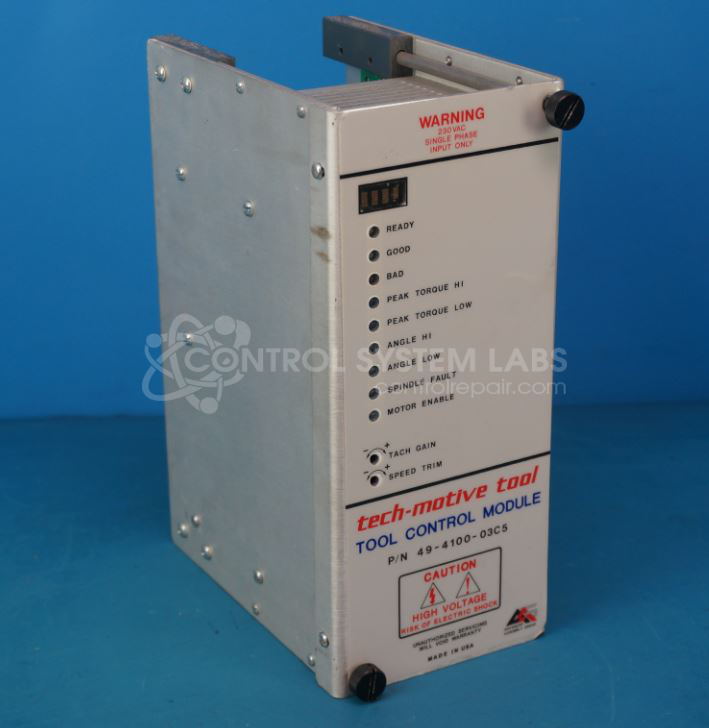
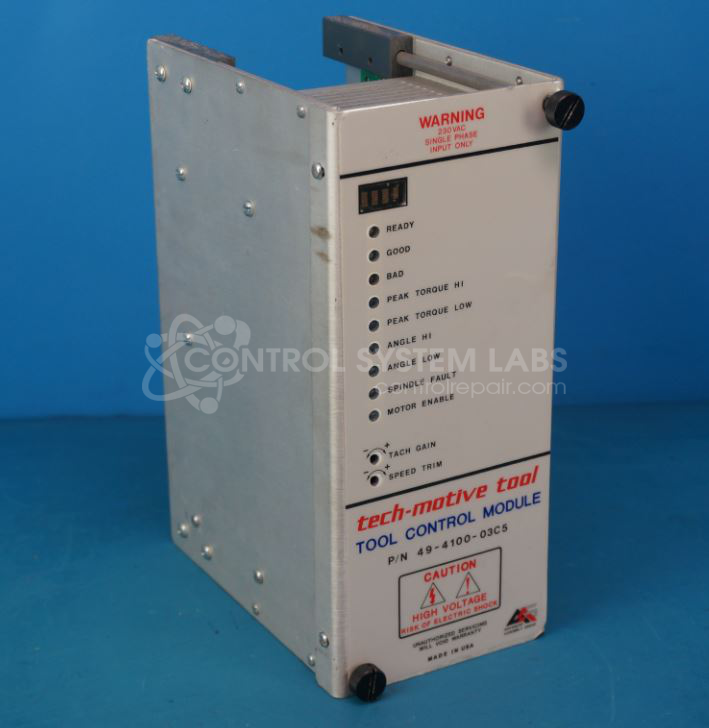
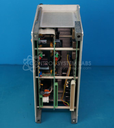
Product Overview: The CS4000 27A Tool Control Module is a communication and control interface for the CS4000 Mini Controller system with Ethernet capability. Manufactured by GSE Tech-Motive Tool (also known as Advanced Assembly Group), it operates on 230 volts, 10 amps, single phase, 50/60 Hz power. This module manages tool operation and provides RS-232 diagnostic communication in automated assembly and fastening systems commonly found in manufacturing environments requiring precise torque control and process verification.
Category: Control Module
Manufacturer: GSE Tech-Motive Tool
Alternate Manufacturer Names: Advanced Assembly Group, AAG
Manufacturer Part Number: 49-4100-03C5
Other Synonyms: Advanced Assembly Group, AAG
This is for the Tool Control Module for the CS4000 Mini Controller with Ethernet
Common Failures
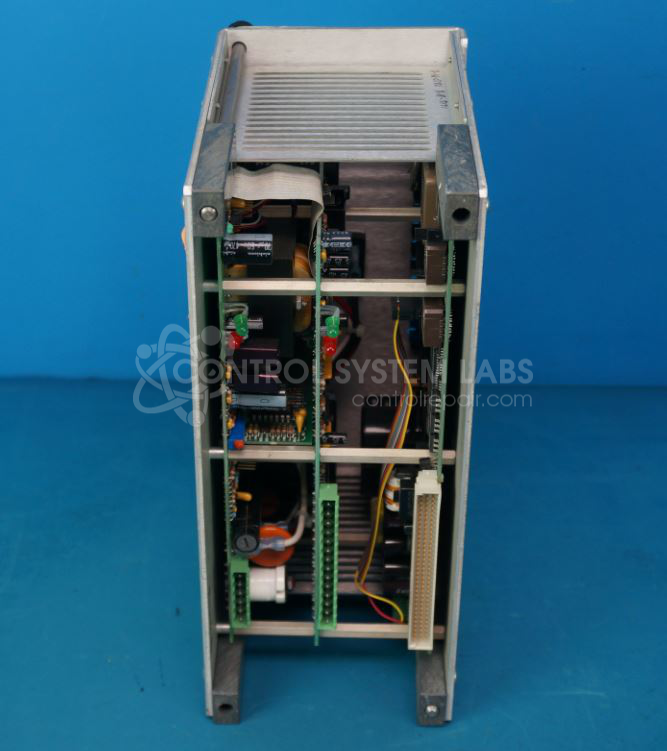
This product may fail to power up when installed. Evaluation may reveal defective components such as a shorted A/C bridge, damaged metal oxide varistor (MOV), or blown fuse.
Repair Approach
Once evaluated, typical repairs may include replacing the A/C bridge, MOV, and fuse as needed. Electrolytic capacitors on the power supply are also replaced to support reliable operation.
Testing & Quality
Following repair, the unit is tested for communication through the diagnostic RS-232 port and operated in a test fixture to verify functionality before return.
Service and repair your broken GSE Tech-Motive Tool part
We can repair your GSE Tech-Motive Tool model 49-4100-03C5 in our facility. Let our skilled technicians get your GSE Tech-Motive Tool back in operation quickly.
Step 1 - Click the green 'Repair Now' button above to add the part and then complete the RMA.
Step 2 - The RMA form will be sent to you via email. Print the RMA form and put it in a box with the item(s) for repair.
Step 3 - Ship or mail the box to the address listed on the RMA.
Once the user has seen at least one product this snippet will be visible.