




Repair
Repair Price: $ 554.00
Purchase
CSL Part Number: 88613
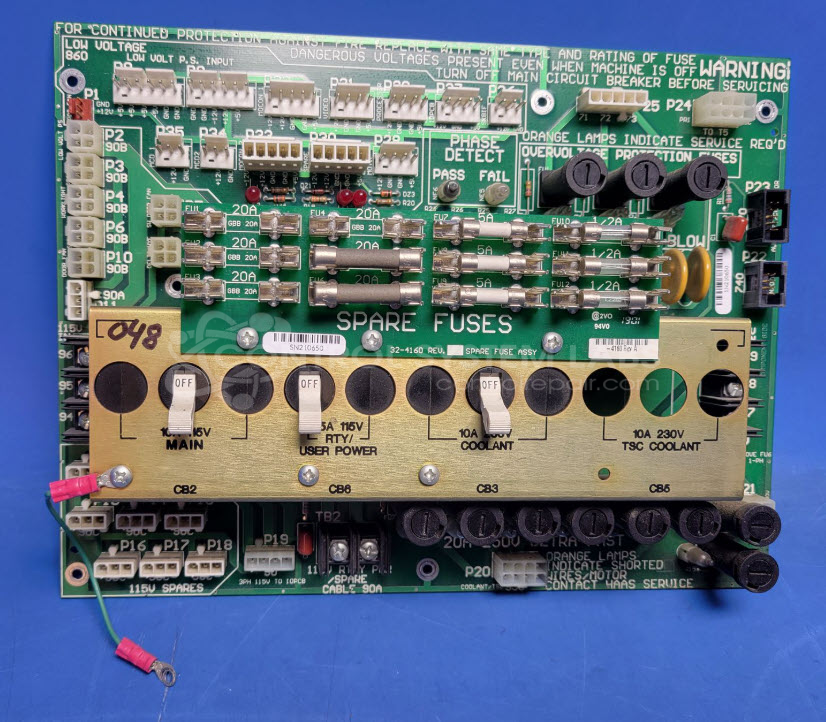
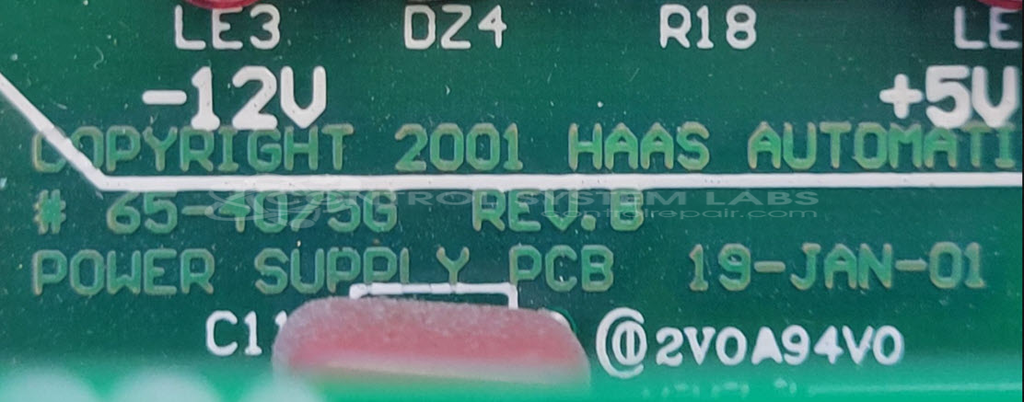
Product Overview: The Haas 65-4075G is a power supply board used in Haas CNC machine tools. It distributes multiple voltage levels to various machine subsystems, including coolant control circuits, operator panel indicators, and auxiliary functions. The board features multiple fused outputs accessible via panel-mounted connectors, typically operating on 115 VAC and 230 VAC input. It includes neon indicator lamps for status monitoring and provides switched power distribution for machine accessories and control circuits in Haas vertical and horizontal machining centers.
Category: Power Supply
Manufacturer: Haas Automation Inc.
Manufacturer Part Number: 65-4075G
Also Known As(AKA): -4076H
Please include wiring diagrams for the machine the item is from when sending in.
Common Failures
The most common issue reported with this product is the coolant output malfunctioning. This problem is typically found to be due to defective components that may require replacement.
Repair Approach
To resolve the coolant output issue, the faulty board may be replaced with a functioning one to restore functionality. Additionally, any scorched or non-functional components, such as fuse holders and neon lamps, may be cleaned or replaced as necessary.
Testing & Quality
Thorough diagnostic testing is conducted to ensure all components, including connectors, switches, and fuses, operate correctly. The unit undergoes multiple levels of testing, including DMM voltage checks and final co-checks, to confirm the repair. Burn-in tests without load are also performed to validate the unit's overall performance.
Repair your broken Haas Automation Inc. part
We can repair your Haas Automation Inc. model 65-4075G .
Please note: our repair turnaround time may be longer than our standard lead times for this item.
Step 1 -
Click the green button above, "Repair Now," and add to your RMA.
Step 2 -
Print the RMA form that is emailed to you, and put it in a box with the parts for repair.
Step 3 -
Mail the box to the address on the RMA.
You will be sent an authorization for repair via email. Your approval is needed before any work is started.
Once the user has seen at least one product this snippet will be visible.