



Repair
Repair Price: $ 1,000.00
Purchase
CSL Part Number: 88093
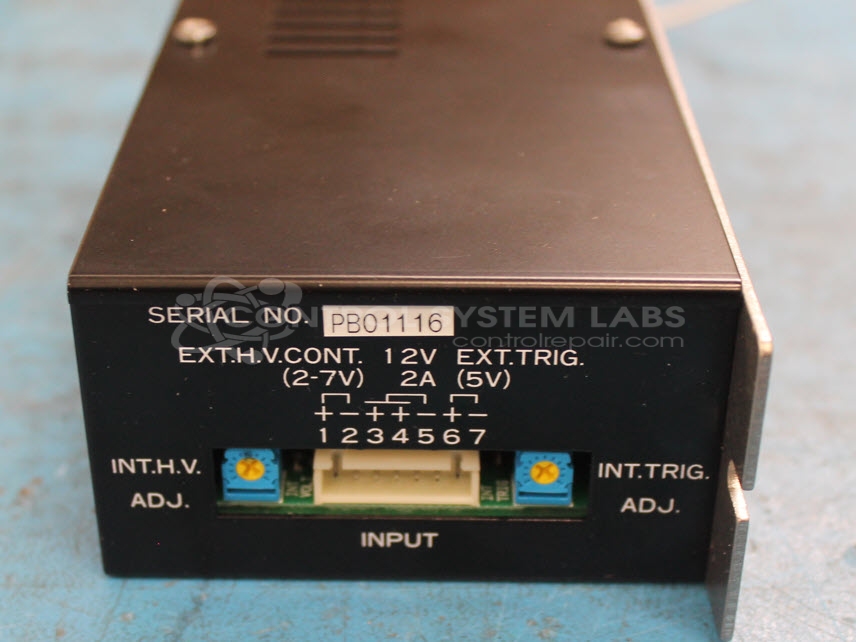
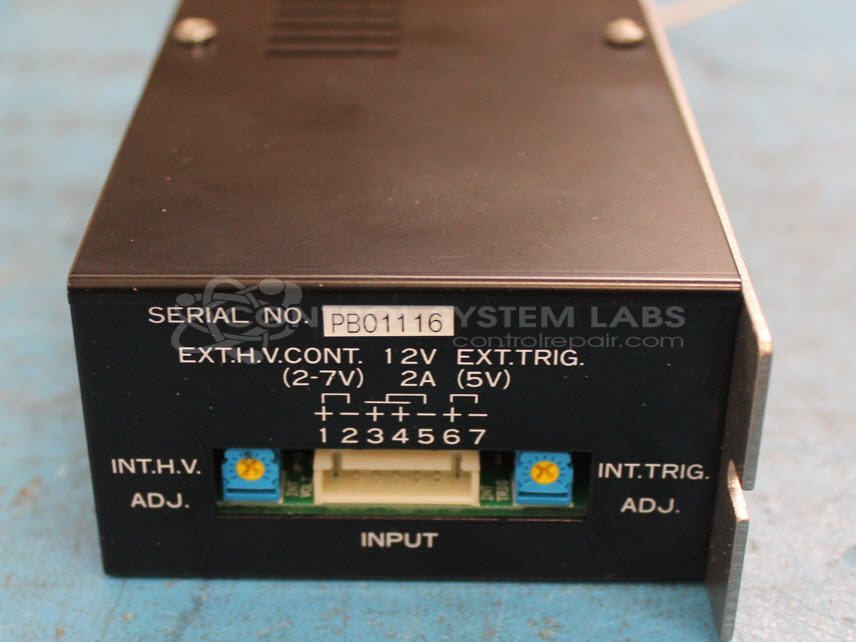
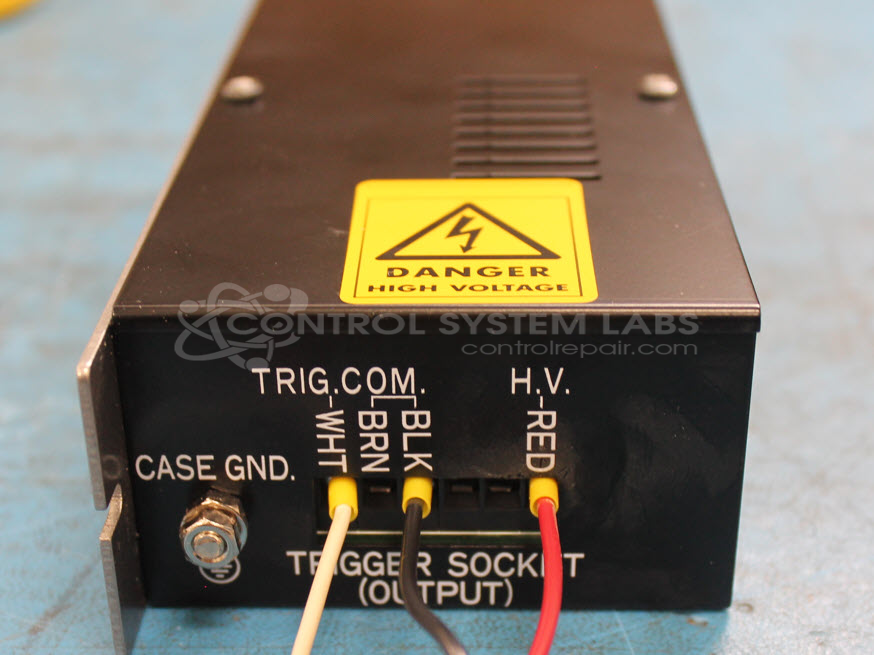
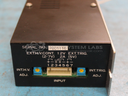
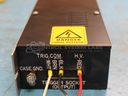
Product Overview: The Hamamatsu C5728-5 is a specialized high-voltage DC power supply designed to charge and trigger xenon flash lamps and similar strobe devices. It delivers an adjustable output from approximately 280V to 1015V DC with up to 10W average power, typically used in optical inspection systems, fluorescence detection equipment, and industrial imaging applications. The unit features both internal and external trigger modes, internal or external HV control, and separate trigger output capability for synchronized pulsing. It operates from a 12VDC input and uses a high-frequency transformer to generate the required voltages.
Category: Power Supply
Manufacturer: Hamamatsu
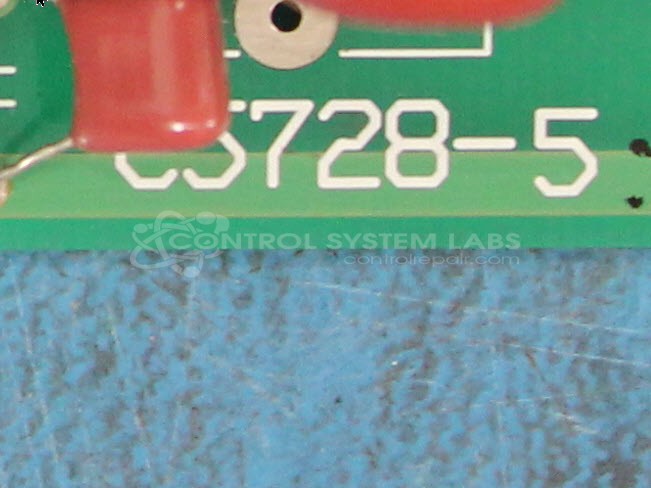
Manufacturer Part Number: C5728-5
Common Failures
Units received for evaluation have presented with a variety of issues, including power supply failures, physical damage, and low output. Common findings during evaluation have included damaged diodes and capacitors, as well as issues with trigger outputs. In some cases, components were found to be incorrectly installed, possibly from previous repair attempts.
Repair Approach
Repairs have included replacement of defective components such as resistors, diodes, and regulators. Circuit board trace repairs were performed where needed. Capacitors were replaced as part of the repair process. Some units required repair work on trigger output circuitry.
Testing & Quality
Diagnostic testing was conducted to verify power supply functionality and output integrity. Units underwent burn-in testing with resistive loads, and voltages were tested using precision multimeters. Following repair, units were tested according to CSL procedures to confirm functionality.
Service and repair your broken Hamamatsu part
We can repair your Hamamatsu model C5728-5 in our facility. Let our skilled technicians get your Hamamatsu back in operation quickly.
Step 1 - Click the green 'Repair Now' button above to add the part and then complete the RMA.
Step 2 - The RMA form will be sent to you via email. Print the RMA form and put it in a box with the item(s) for repair.
Step 3 - Ship or mail the box to the address listed on the RMA.
Once the user has seen at least one product this snippet will be visible.