



Repair
Repair Price: $ 964.00
Purchase
CSL Part Number: 34539
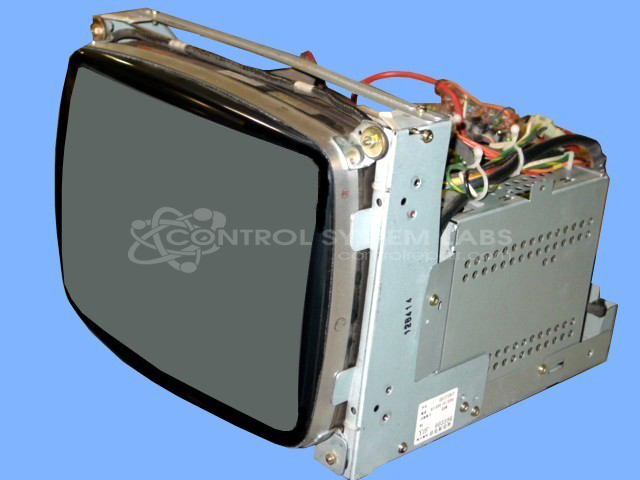
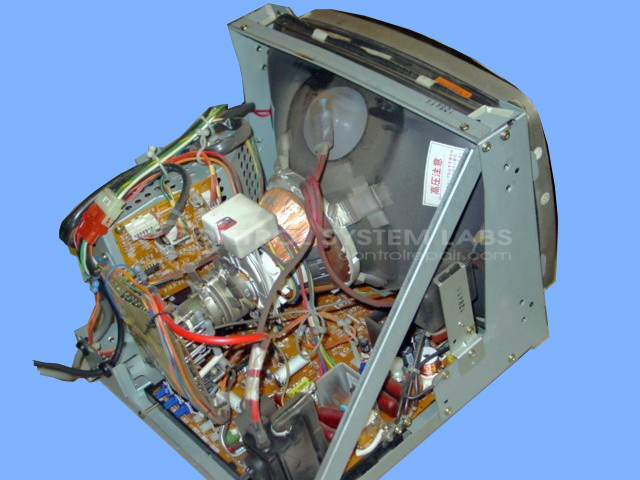
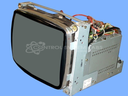
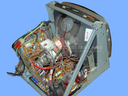
Product Overview: The Hitachi CD1272D1T is a 12-inch industrial CRT color monitor designed for machine control, process monitoring, and factory automation systems. It features analog video input and is commonly found in older CNC machines, industrial HMIs, and production line equipment. The unit uses a cathode ray tube display with discrete video output transistors for color signal amplification. Power is supplied through a switching regulator circuit. This monitor was widely deployed in manufacturing environments requiring reliable visual feedback before the transition to LCD technology.
Category: CRT Monitors
Manufacturer: Hitachi
Manufacturer Part Number: CD1272D1T
email for details on LCD replacements.
Common Failures
Common issues reported include the screen not turning on, poor video display, and weak video output colors. Potential contributing factors may include capacitors, transistors, power supply components, and aging picture tubes.
Repair Approach
Repairs may involve replacing faulty components such as capacitors and transistors, resoldering connections, and securing mounts. When a picture tube shows signs of aging, adjustments can be made to optimize performance. Environmental debris is removed, and mechanical issues are addressed when feasible. If the picture tube or yoke is defective, an upgrade to an LCD may be considered.
Testing & Quality
All repaired units undergo testing, which may include color tracking and burn-in tests. Repairs are intended to restore operational functionality. Full color calibration or performance restoration may be limited by the age of the unit and parts availability. We will provide a quotation and discuss findings once the unit has been evaluated.
Service and repair your broken Hitachi part
We can repair your Hitachi model CD1272D1T in our facility. Let our skilled technicians get your Hitachi back in operation quickly.
Step 1 - Click the green 'Repair Now' button above to add the part and then complete the RMA.
Step 2 - The RMA form will be sent to you via email. Print the RMA form and put it in a box with the item(s) for repair.
Step 3 - Ship or mail the box to the address listed on the RMA.
Once the user has seen at least one product this snippet will be visible.