




Repair
Repair Price: $ 880.00
Purchase
CSL Part Number: 117205
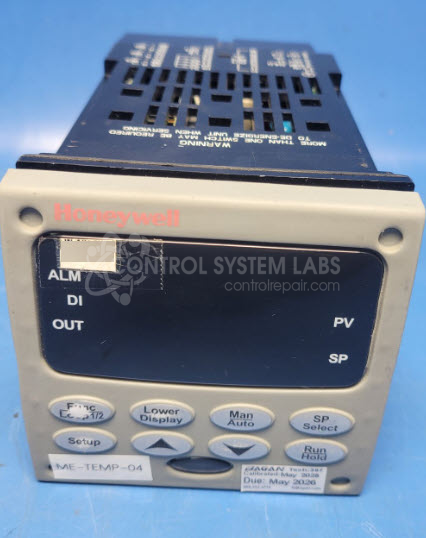
Product Overview: The Honeywell DC3500-CE is a UDC3500 series digital temperature controller used for monitoring and regulating process temperatures in industrial applications. It features a digital display for setpoint and process value indication, along with configurable control outputs for heating or cooling equipment. This model is commonly found in paper mills, manufacturing facilities, and other process control environments where precise temperature management is critical. The controller accepts standard thermocouple or RTD inputs and provides relay or analog outputs for actuating valves, heaters, or other final control elements.
Category: Temperature Control
Manufacturer: Honeywell
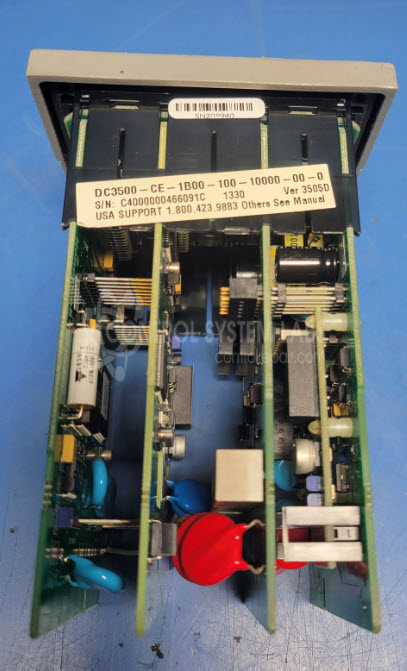
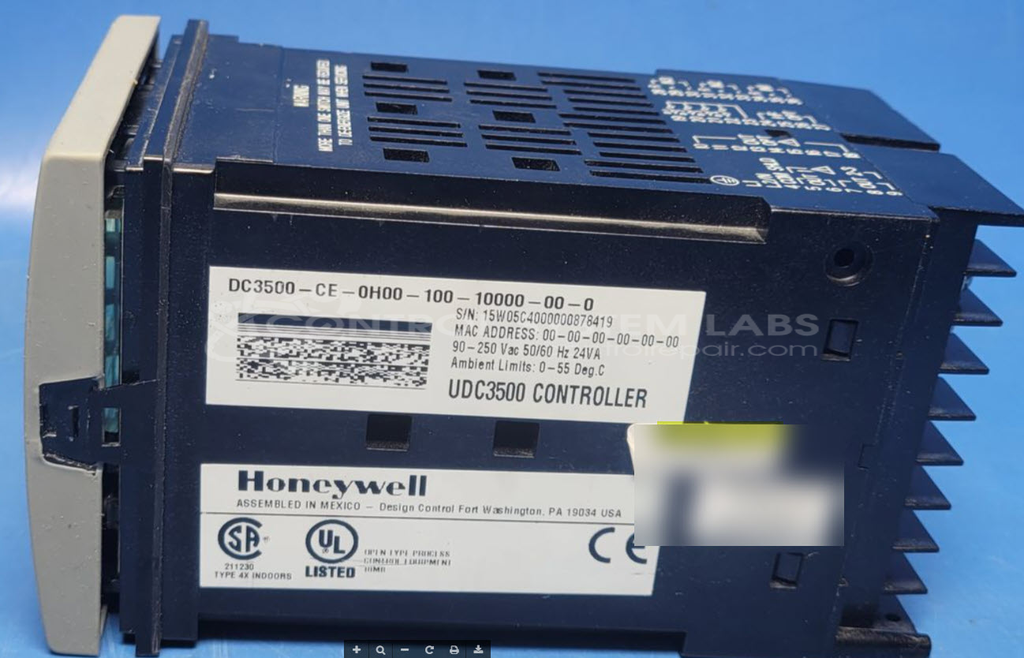
Manufacturer Part Number: DC3500-CE-1B00-100-10000-00-0
Please include a wiring diagram and information on how this is used in your system.
Common Failures
The most frequently reported issue with this Honeywell temperature controller is a non-functional display. Customers have noted that the display does not power on, which may indicate a failure in the device's power supply circuit.
Repair Approach
To address the display issue, diagnostic testing is essential. Our technicians evaluate the power supply board and related components. In some cases, replacing certain capacitors on the power supply board may resolve the problem.
Testing & Quality
After repairs, thorough diagnostic testing is performed to verify that all power levels are correct and that the display is operational. Testing involves verifying the presence of voltage across various components on the power supply and display board. Follow-up testing by our certified technicians confirms repair outcomes.
Service and repair your broken Honeywell part
We can repair your Honeywell model DC3500-CE-1B00-100-10000-00-0 in our facility. Let our skilled technicians get your Honeywell back in operation quickly.
Step 1 - Click the green 'Repair Now' button above to add the part and then complete the RMA.
Step 2 - The RMA form will be sent to you via email. Print the RMA form and put it in a box with the item(s) for repair.
Step 3 - Ship or mail the box to the address listed on the RMA.
Once the user has seen at least one product this snippet will be visible.