



Repair
Repair Price: $ 2,280.00
Purchase
CSL Part Number: 36983
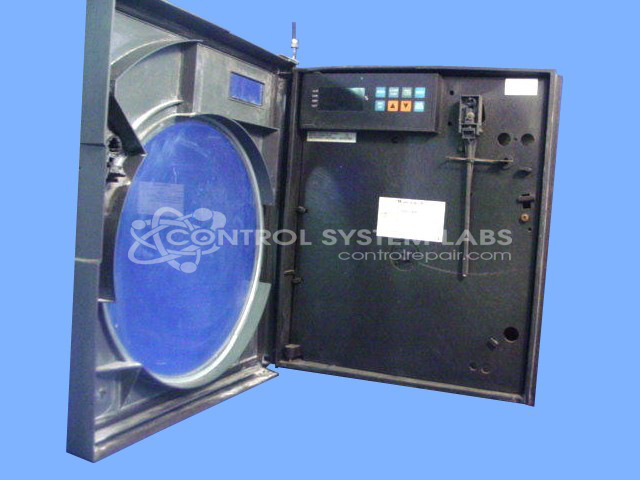
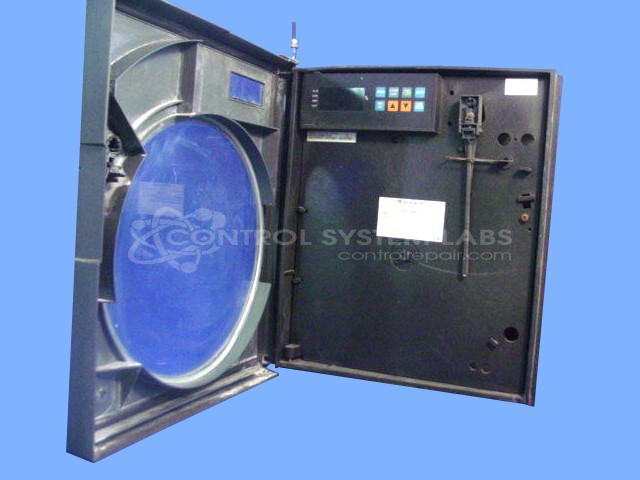
Product Overview: The Honeywell DR45AT is a single-pen circular chart recorder from the DR4500A series. It continuously records process variables on rotating circular charts for monitoring and documentation purposes. Commonly used in industrial facilities to track temperature, pressure, flow, pH, and other process measurements. Features configurable inputs including thermocouple and 4-20mA signals, dual inputs for monitoring multiple parameters, and 4-20mA retransmission outputs. The circular chart format provides visual trending data over 24-hour or 7-day periods.
Category: Chart Recorder / Data Logger
Manufacturer: Honeywell
Manufacturer Part Number: DR45AT
Series: DR4500A Chart Recorder
Common Failures
This product has experienced issues with screen flickering and malfunctioning input toggles. In some cases, components on the output board have been found defective.
Repair Approach
Repairs have involved replacing defective components such as capacitors and MOSFETs. Preventative replacements of capacitors have also been carried out in certain cases. A support stand was reattached to prevent rattling, and components on the output board were replaced as needed.
Testing & Quality
Post-repair testing includes verifying calibration for various inputs and outputs, running burn-in tests with and without load, and ensuring functionality through video verification. Testing procedures are performed to confirm repair quality.
Service and repair your broken Honeywell part
We can repair your Honeywell model DR45AT in our facility. Let our skilled technicians get your Honeywell back in operation quickly.
Step 1 - Click the green 'Repair Now' button above to add the part and then complete the RMA.
Step 2 - The RMA form will be sent to you via email. Print the RMA form and put it in a box with the item(s) for repair.
Step 3 - Ship or mail the box to the address listed on the RMA.
Once the user has seen at least one product this snippet will be visible.