



Repair
Repair Price: $ 440.00
Purchase
CSL Part Number: 81109
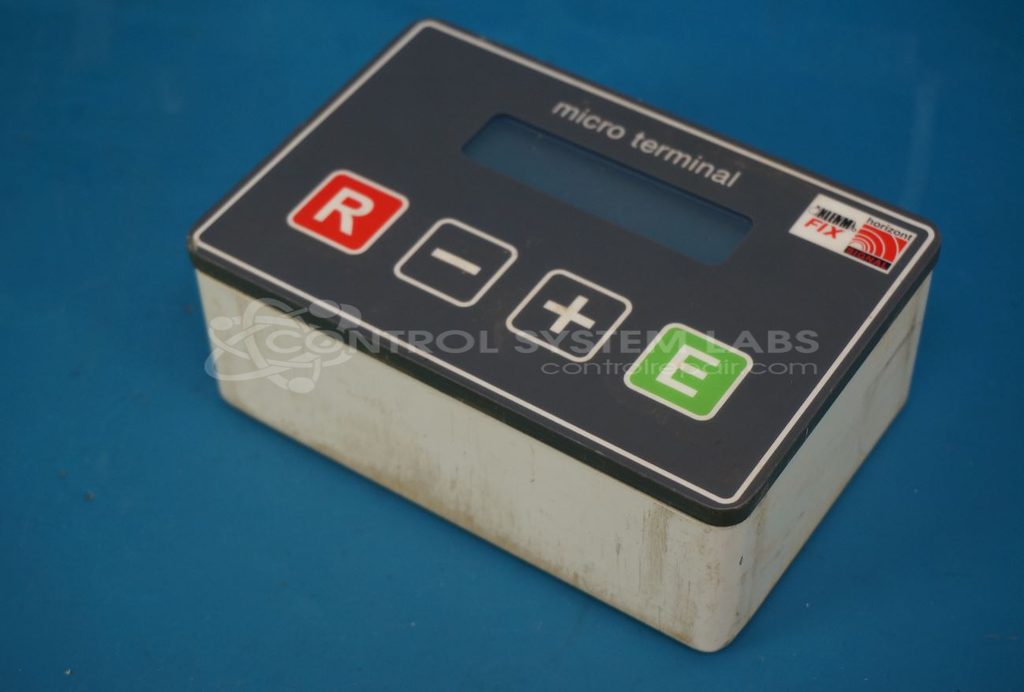
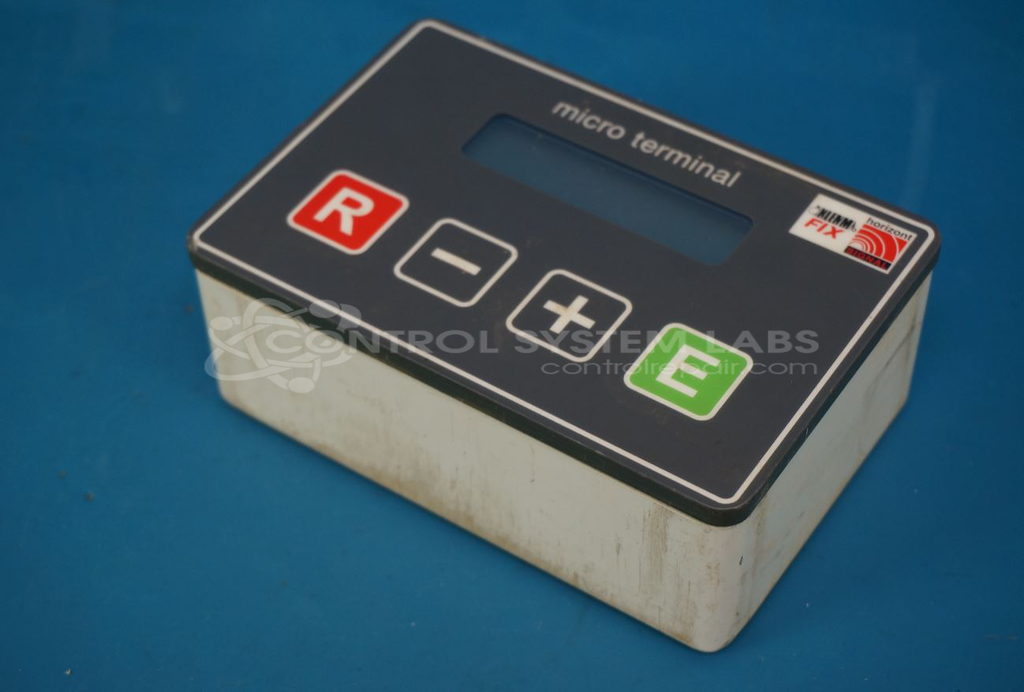
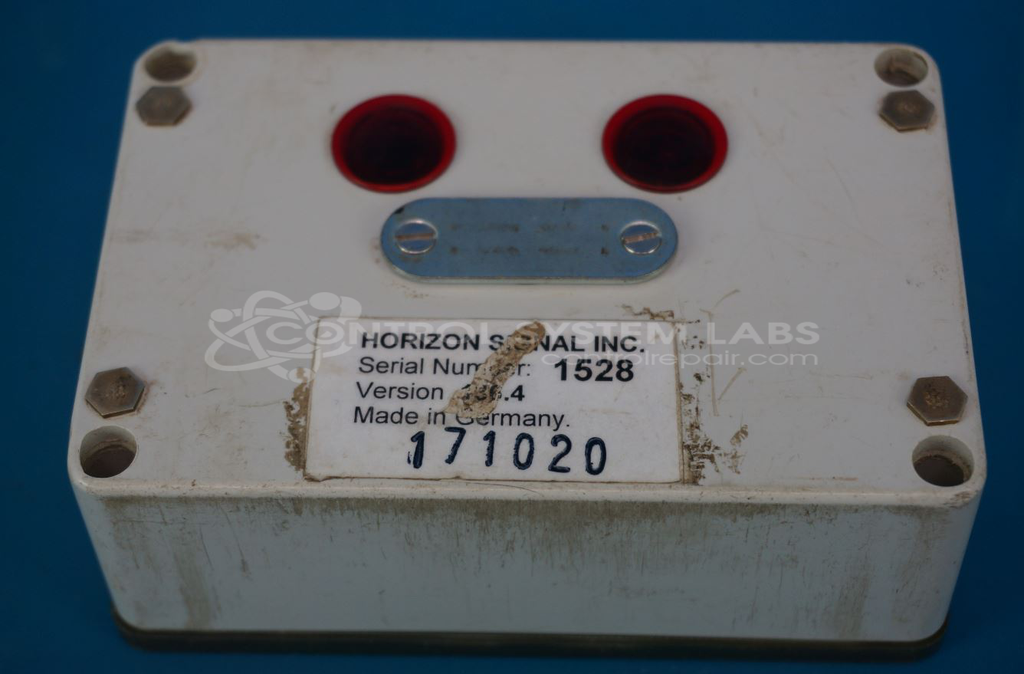
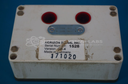
Product Overview: The Horizon Signal KLEMM FIX (also known as model 143) is a portable traffic signal controller timing sync unit designed to coordinate and synchronize temporary traffic control systems. It interfaces with portable traffic signal bases to manage signal timing and phasing at construction zones, work sites, and temporary traffic management locations. This operator interface unit runs on firmware version 136.4 and provides programmable control functions for managing multiple signal heads in coordinated operations.
Category: Operator Interface
Manufacturer: Horizon Signal
Manufacturer Part Number: KLEMM FIX
Also Known As(AKA): 143
Common Failures
A common issue with this product is a loose EPROM chip, which can affect the device's ability to maintain proper signal and functionality.
Repair Approach
The repair involves reseating the EPROM chip and securing it with an adhesive to prevent future displacement. The unit undergoes cleaning to ensure all standard procedures are met.
Testing & Quality
After repair, the unit is powered up to confirm it moves into program mode correctly. A burn-in test is conducted for two hours to ensure stability. Final communications testing should be performed by the customer in their application.
Service and repair your broken Horizon Signal part
We can repair your Horizon Signal model KLEMM FIX in our facility. Let our skilled technicians get your Horizon Signal back in operation quickly.
Step 1 - Click the green 'Repair Now' button above to add the part and then complete the RMA.
Step 2 - The RMA form will be sent to you via email. Print the RMA form and put it in a box with the item(s) for repair.
Step 3 - Ship or mail the box to the address listed on the RMA.
Once the user has seen at least one product this snippet will be visible.