



Repair
Repair Price: $ 2,580.00
Purchase
CSL Part Number: 24908
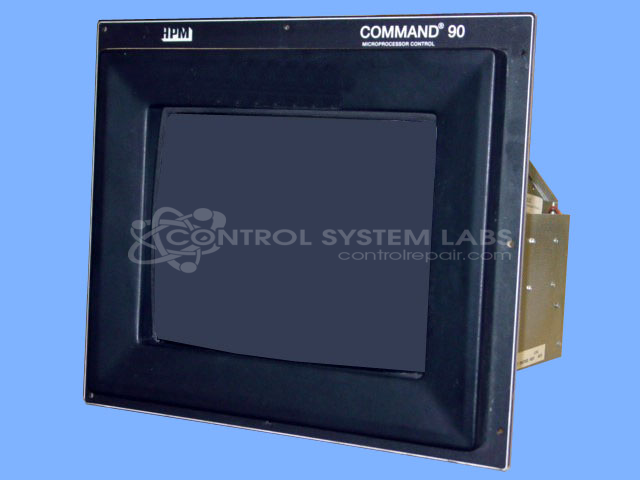
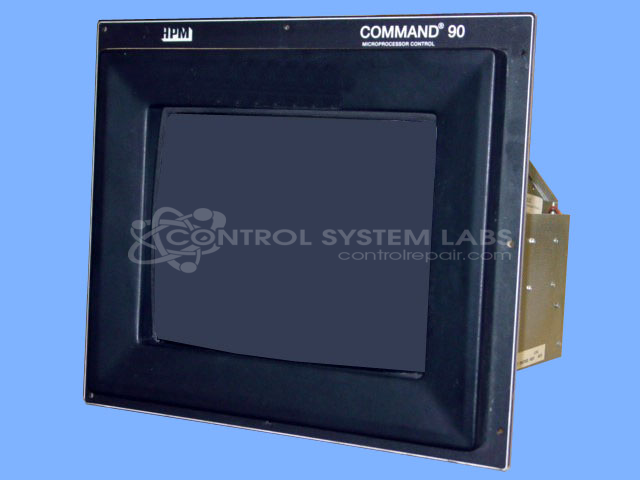
Product Overview: The Command 90 Touchscreen Color Monitor is an LCD display designed for HPM Command 90 injection molding control systems. It serves as a drop-in replacement for original CRT monitors in these systems, providing operators with a modern touchscreen interface for machine control and parameter adjustment. The unit is commonly found on HPM injection molding machines where it displays process data, alarm information, and control menus. This LCD replacement offers improved reliability and readability compared to aging CRT technology while maintaining compatibility with existing Command 90 control architecture.
Category: Monitors
Manufacturer: HPM
Manufacturer Synonyms: HYDRAULIC PRESS MANUFACTURING, Yizumi
Manufacturer Part Number: 38-Y30IMG-01
Series: Command 90 Injection Molding Control
Also Known As(AKA): KME
Common Failures
Some older models may exhibit a symptom where the display appears grainy and information is hard to read. This issue is often associated with the degradation of internal components.
Repair Approach
In certain cases, original parts required for repair may no longer be available. When key components have deteriorated, we can evaluate the unit and discuss available options, which may include replacement with a modern LCD alternative for improved performance and reliability.
Service and repair your broken HPM part
We can repair your HPM model 38-Y30IMG-01 in our facility. Let our skilled technicians get your HPM back in operation quickly.
Step 1 - Click the green 'Repair Now' button above to add the part and then complete the RMA.
Step 2 - The RMA form will be sent to you via email. Print the RMA form and put it in a box with the item(s) for repair.
Step 3 - Ship or mail the box to the address listed on the RMA.
Once the user has seen at least one product this snippet will be visible.